What is Postmark?
Postmark is an email delivery service that helps developers send transactional email, such as password resets and receipts, quickly and reliably through an API or SMTP. It has been sending email since 2010 and is now owned by ActiveCampaign, which bought it from Wildbit in 2022. The service keeps transactional and promotional mail on separate infrastructure so bulk sends do not slow down critical messages.
Postmark keeps its scope narrow on purpose. It does not offer a drag-and-drop newsletter builder or marketing automation. Instead, it focuses on delivery speed, clear logs and helpful support. Teams get templates, webhooks, inbound email processing and a newer Bulk API for larger broadcast sends. Official libraries cover Node.js, Python, Ruby, Rails, PHP and .NET.
Postmark at a glance
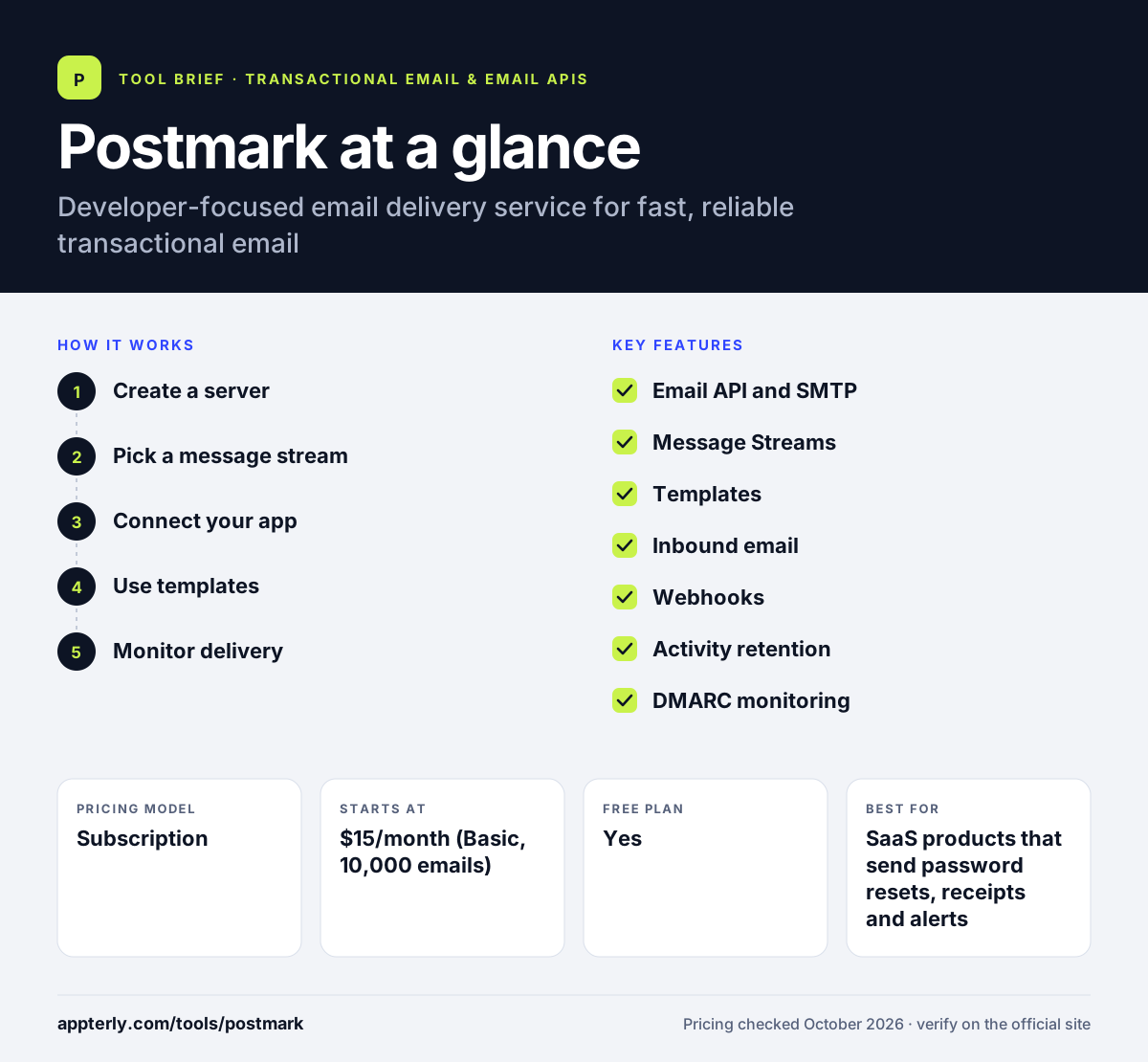
How does Postmark work?
- Create a server
Set up a server in your account and verify the domain you will send from.
- Pick a message stream
Send critical app email through a transactional stream and newsletters through a separate broadcast stream.
- Connect your app
Send through the REST API using an official library or point your app at Postmark's SMTP service.
- Use templates
Store email templates in Postmark and pass in variables when each message is sent.
- Monitor delivery
Search activity logs, review bounces and receive events through webhooks.
Postmark key features
Email API and SMTP
Send messages with a simple REST API or standard SMTP, with official libraries for major languages.
Message Streams
Transactional and broadcast email run on separate infrastructure to protect delivery of important messages.
Templates
Responsive templates that work across major email clients and accept variables at send time.
Inbound email
Process incoming email in your app, available from the Pro plan.
Webhooks
Get notified of deliveries, bounces, opens, clicks and spam complaints.
Activity retention
Keep 45 days of message history by default, extendable up to 365 days.
DMARC monitoring
An optional add-on that reports on authentication for your sending domains.
Why use Postmark?
- Separate streams keep marketing sends from slowing down password resets and receipts.
- Support by email, chat or call is included without an extra fee.
- A permanent free tier of 100 emails a month allows testing before paying.
- Detailed logs make it easy to see what happened to any single message.
- Migration guides help teams move from SendGrid, Mailgun, Amazon SES and others.
Who is Postmark best for?
A good fit for
- SaaS products that send password resets, receipts and alerts
- Developers who want a simple API with good documentation
- Startups that care more about delivery speed than marketing features
- Agencies managing email for several client apps
Less suited to
- Marketers who want a visual newsletter builder and automation
- Very low-budget senders, since paid plans start at 10,000 emails
- Teams that need a dedicated IP at low volume, as IPs are aimed at 300,000+ emails a month
Postmark pricing
| Pricing model | Subscription |
|---|---|
| Free plan | Yes |
| Free trial | Free trial, no credit card required (length not stated) |
| Starting price | $15/month (Basic, 10,000 emails) |
Pro at $16.50/month adds inbound processing and longer retention, and Platform at $18/month removes domain and user limits. Prices rise with monthly volume, and overages cost $1.20 to $1.80 per 1,000 emails depending on tier.
Prices checked October 2026. Vendors change plans often, so confirm on the official Postmark pricing page before you buy.
Postmark pros and cons
Pros
- Strong focus on fast transactional delivery
- Clean API and official libraries
- Human support included on every plan
- Clear separation of transactional and broadcast mail
Cons
- No visual campaign builder or marketing automation
- Inbound email requires Pro or higher
- Dedicated IPs and DMARC monitoring cost extra
Postmark integrations and platforms
Works with
Available on
Postmark alternatives
See the full shortlist in Best Transactional Email Services.
Postmark FAQ
Is Postmark free?
Postmark has a free tier that includes 100 emails a month and does not expire, but overages are not allowed. It suits testing, checking deliverability and small side projects. Paid plans start at $15 a month for 10,000 emails, and you can start a free trial without a credit card.
What is Postmark used for?
Postmark is used to send transactional email from apps and websites, such as account confirmations, password resets, invoices and notifications. It can also send broadcast messages like newsletters through a separate stream. Developers connect it through its API or SMTP and use logs and webhooks to track every message.
Is Postmark good for beginners?
Postmark is beginner friendly for developers. Its API is small and well documented, setup guides walk through domain verification and official libraries cover common languages. Non-technical users may find it limited, because it has no drag-and-drop newsletter editor or automation builder. Those users usually prefer a marketing email platform. Developers usually have a first message sending within minutes of creating an account.
Postmark vs SendGrid: what's the difference?
Postmark focuses on transactional email with separate streams, detailed logs and included support. SendGrid, part of Twilio, covers very large sending volumes and adds a full Marketing Campaigns product with a visual editor and automation. Postmark is often chosen for simplicity and support, while SendGrid suits teams that want both transactional and marketing tools from one vendor.
Who owns Postmark?
Postmark is owned by ActiveCampaign, the marketing automation company based in Chicago. ActiveCampaign announced the purchase of Postmark and DMARC Digests from Wildbit in May 2022. Postmark still runs as its own product with its own website, pricing and support team.
Sources
This overview is based on Postmark's official website and documentation, checked October 2026.