What is Amazon SES?
Amazon SES (Simple Email Service) is a cloud email service from Amazon Web Services that developers build into their applications to send and receive email at scale. Companies use it for transactional messages such as receipts and password resets, and for marketing emails and newsletters. It runs on a pay-as-you-go model, so you are billed for the emails and data you actually use, with no minimum monthly fee on the basic option.
Amazon SES is infrastructure rather than a finished marketing app, so you either code against it or connect it to software that uses it. It offers shared, dedicated and bring-your-own IP options, sender statistics, the Virtual Deliverability Manager for inbox placement insights, and Mail Manager for handling incoming mail with security and archiving. It works with AWS SDKs for languages such as Python, Java, PHP, .NET and JavaScript.
Amazon SES at a glance
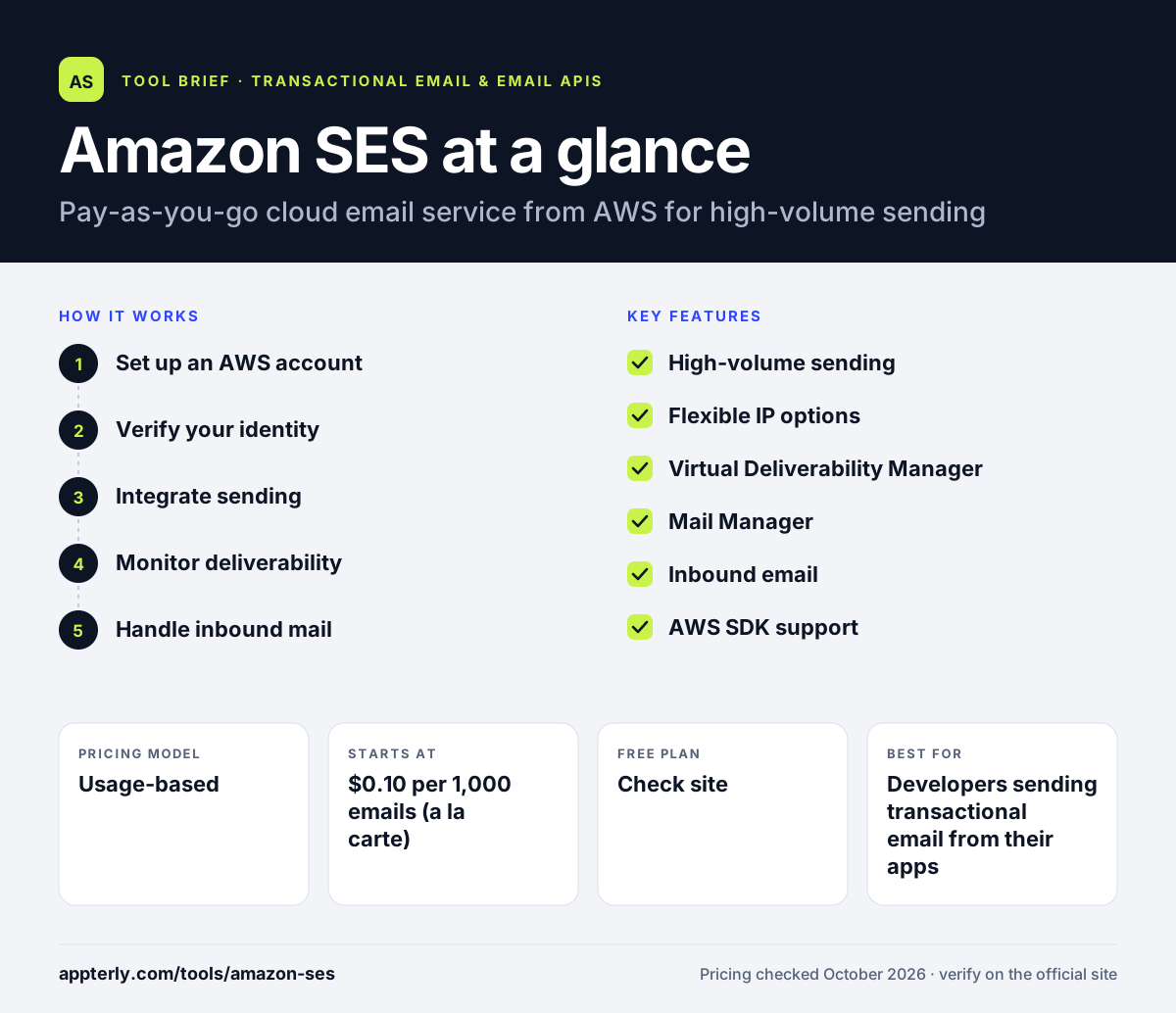
How does Amazon SES work?
- Set up an AWS account
Open Amazon SES in the AWS console in the region you want to send from.
- Verify your identity
Verify your sending domain or email address and configure DNS records for authentication.
- Integrate sending
Send from your application through the SES API, an AWS SDK or SMTP, or connect a tool built on SES.
- Monitor deliverability
Track sending statistics, bounces and complaints, and add Virtual Deliverability Manager for deeper insight.
- Handle inbound mail
Optionally receive and process incoming email with Mail Manager rules, add-ons and archiving.
Amazon SES key features
High-volume sending
Send transactional, marketing and bulk email at very large scale from your own applications.
Flexible IP options
Use shared IPs, standard or managed dedicated IPs, or bring your own IP range.
Virtual Deliverability Manager
Get insights and recommendations to improve inbox placement, billed per email.
Mail Manager
Process, filter, route and archive incoming email with optional security add-ons.
Inbound email
Receive email and pass it to your application for processing.
AWS SDK support
Use official AWS SDKs and tools for common programming languages.
Why use Amazon SES?
- Pay-per-email pricing is among the lowest available for high-volume sending.
- It scales from a few messages to many millions per month on the same service.
- It fits naturally into apps already running on AWS.
- Detailed IP and deliverability options give technical teams fine control.
- Many third-party newsletter tools can use it as their sending engine.
Who is Amazon SES best for?
A good fit for
- Developers sending transactional email from their apps
- SaaS and ecommerce companies already using AWS
- High-volume senders that want low per-email costs
- Teams pairing a self-hosted newsletter tool with a cheap sending service
Less suited to
- Marketers who want a drag-and-drop editor and campaign interface
- Non-technical users who cannot configure DNS, APIs or AWS
- Teams that want hands-on deliverability support without paid add-ons
Amazon SES pricing
| Pricing model | Usage-based |
|---|---|
| Free plan | Not confirmed |
| Free trial | New AWS accounts get up to $200 in Free Tier credits |
| Starting price | $0.10 per 1,000 emails (a la carte) |
Attachments cost $0.12 per GB and dedicated IPs start at $24.95 per IP per month. Optional plans and add-ons such as Virtual Deliverability Manager and Mail Manager are billed separately.
Prices checked October 2026. Vendors change plans often, so confirm on the official Amazon SES pricing page before you buy.
Amazon SES pros and cons
Pros
- Very low cost per email
- Scales to very high volumes
- Deep integration with AWS services
- Wide range of IP and deliverability options
Cons
- No built-in visual campaign builder for marketers
- Setup requires technical knowledge of AWS and DNS
- Pricing for add-ons and plans can be complex
Amazon SES integrations and platforms
Works with
Available on
Amazon SES alternatives
See the full shortlist in Best Transactional Email Services.
Amazon SES FAQ
Is Amazon SES free?
Amazon SES is not permanently free, but new AWS accounts can receive up to $200 in AWS Free Tier credits that apply to eligible services, including SES. After that, the a la carte rate is $0.10 per 1,000 outbound emails, plus charges for attachments, dedicated IPs and optional add-ons.
What is Amazon SES used for?
Amazon SES is used to send email from applications, such as order confirmations, shipping notices, password resets and account alerts. Companies also use it for newsletters and marketing campaigns, often through tools built on top of SES. It can receive incoming email as well, and route it into applications.
Amazon SES vs SendGrid: what's the difference?
Both are email sending services for developers. Amazon SES is usually cheaper per email and fits best inside AWS, but it offers less of a ready-made marketing interface. SendGrid packages sending with more dashboards and marketing tools on monthly plans. Amazon SES suits cost-focused technical teams.
Is Amazon SES good for beginners?
Amazon SES is not ideal for beginners without technical skills. You need to verify domains, configure DNS records, work in the AWS console and connect through an API, SDK or SMTP. Beginners who want a simple interface often pair SES with an app such as Sendy or choose a hosted email platform.
Can I use Amazon SES for newsletters?
Yes. Amazon SES can send newsletters and marketing emails, and many organizations use it for bulk sending. Because SES has no campaign editor of its own, people usually connect it to newsletter software, such as a self-hosted app, that manages lists, templates and unsubscribes while SES handles delivery.
Sources
This overview is based on Amazon SES's official website and documentation, checked October 2026.