What is Mailgun?
Mailgun is a transactional email service and API that developers use to send, receive and track email from their applications. It was founded in 2010 to offer a developer-friendly, API-based alternative to older email services, took part in Y Combinator in 2011, and has been owned by the cloud communications company Sinch since 2021. It runs data centers in the US and the EU.
The core product, Mailgun Send, provides an email API, SMTP relay, templates, tracking, webhooks and inbound routing. Related products cover the rest of the email workflow: Mailgun Validate cleans lists and checks addresses, Mailgun Optimize helps with deliverability and inbox placement, and Mailgun Inspect previews and tests emails before sending using tools from Email on Acid. Plans scale from a free tier to enterprise volumes.
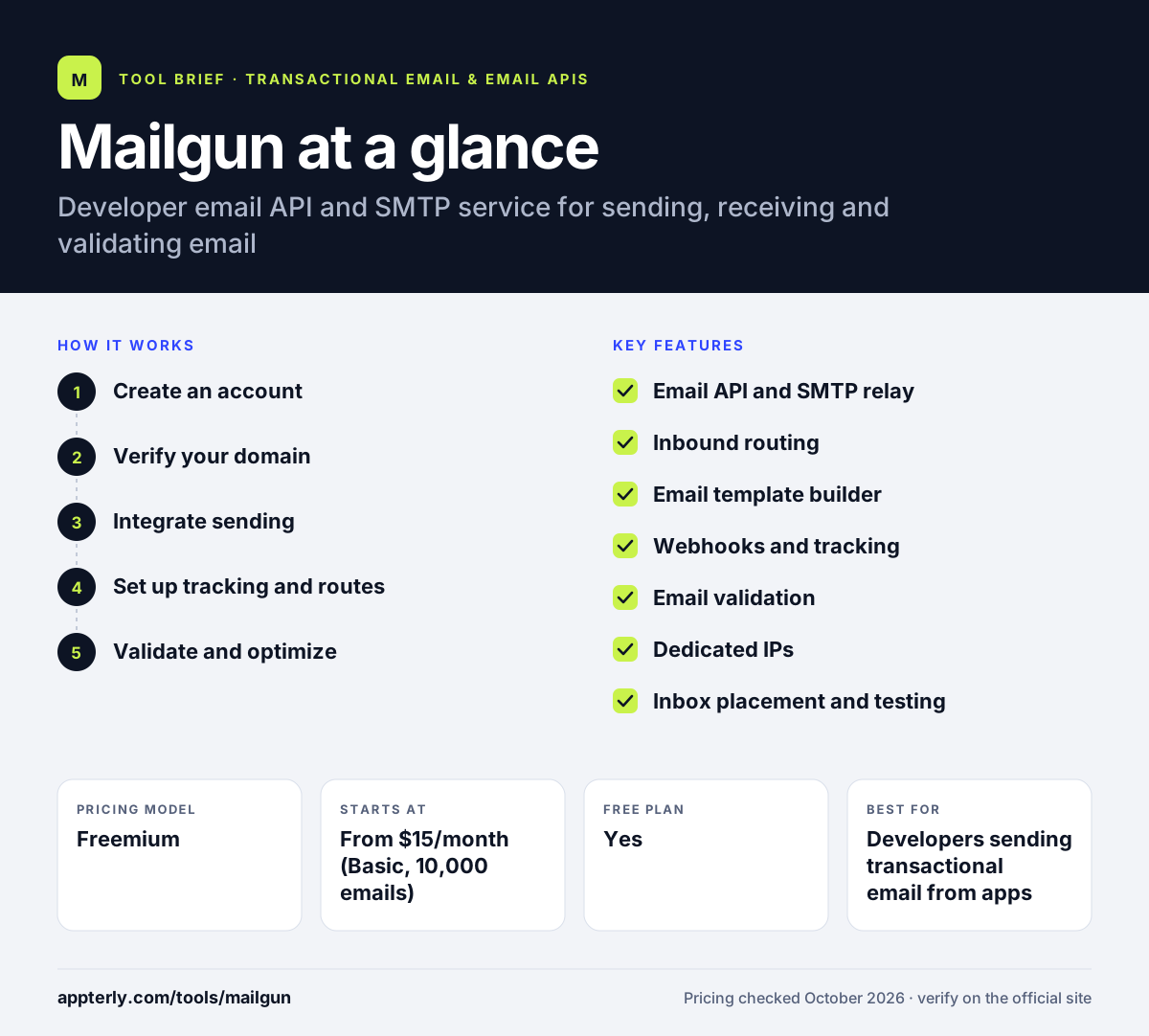
Mailgun at a glance
How does Mailgun work?
- Create an account
Start on the free plan or a paid trial and add your sending domain.
- Verify your domain
Add DNS records so Mailgun can authenticate and send on your behalf.
- Integrate sending
Send email through the REST API, an SDK or the SMTP relay from your app.
- Set up tracking and routes
Use webhooks for events and inbound routes to receive and forward incoming email.
- Validate and optimize
Clean lists with Validate and monitor inbox placement and logs to improve delivery.
Mailgun key features
Email API and SMTP relay
Send transactional and bulk email through a REST API or standard SMTP.
Inbound routing
Receive incoming email and route or parse it for your application.
Email template builder
Create and manage templates through an editor or the API.
Webhooks and tracking
Track opens, clicks and delivery events and push them to your systems.
Email validation
Check single addresses by API or clean whole lists with bulk validation.
Dedicated IPs
Get a dedicated IP on higher plans and IP pools on Scale, with extra IPs available.
Inbox placement and testing
Optimize and Inspect help measure deliverability and preview emails before sending.
Why use Mailgun?
- The API and SDKs are designed for developers, which speeds up integration.
- Higher plans keep logs longer, which helps with debugging delivery problems.
- Validation and deliverability tools are available from the same vendor.
- Paid plans can be tried free for a month before you commit.
- US and EU data centers help with data residency needs.
Who is Mailgun best for?
A good fit for
- Developers sending transactional email from apps
- SaaS companies with growing sending volumes
- Teams that need inbound email parsing
- Businesses that want validation and deliverability tools in one place
Less suited to
- Marketers who want a drag-and-drop campaign builder
- Very low-budget senders who outgrow the 100-per-day free limit
- Non-technical users without developer support
Mailgun pricing
| Pricing model | Freemium |
|---|---|
| Free plan | Yes |
| Free trial | 1 free month on Foundation and Scale |
| Starting price | From $15/month (Basic, 10,000 emails) |
The free plan allows 100 emails per day. Foundation costs $35/month for 50,000 emails and Scale $90/month for 100,000, with overages per 1,000 emails and longer log retention on higher plans.
Prices checked October 2026. Vendors change plans often, so confirm on the official Mailgun pricing page before you buy.
Mailgun pros and cons
Pros
- Developer-friendly API and SMTP
- Strong inbound routing and webhooks
- Validation and deliverability products available
- US and EU data regions
Cons
- Free plan is limited to 100 emails per day
- Short log retention on lower plans
- Validation and extra IPs add to the cost
Mailgun integrations and platforms
Available on
Mailgun alternatives
See the full shortlist in Best Transactional Email Services.
Mailgun FAQ
Is Mailgun free?
Mailgun has a free plan that lets you send up to 100 emails per day with one custom domain, the API, SMTP relay, tracking and webhooks. It is mainly meant for testing. Paid plans start at $15 per month for 10,000 emails, and Foundation and Scale include a free first month.
What is Mailgun used for?
Mailgun is used by developers to send transactional email from apps, such as sign-up confirmations, password resets and receipts. It also handles bulk sending, receives and routes incoming email, validates addresses and helps teams improve deliverability. Mailgun is usually connected through its API, SDKs or SMTP relay.
Mailgun vs SendGrid: what's the difference?
Both are email APIs for developers. Mailgun is known for strong inbound routing, log access and validation tools, and it belongs to Sinch alongside Mailjet. SendGrid pairs its email API with a more marketing-focused product. The right choice depends on volume, budget and whether you need marketing campaign tools.
Who owns Mailgun?
Mailgun is owned by Sinch, a cloud communications company, which acquired it in 2021. Mailgun was founded in 2010, joined Y Combinator in 2011, was acquired by Rackspace in 2012 and later spun out in 2017. Sinch also owns the email brands Mailjet and Email on Acid.
Is Mailgun good for beginners?
Mailgun is aimed at developers, so beginners without coding experience may find it hard to set up. You need to verify a domain with DNS records and connect through an API or SMTP. Developers new to email sending, however, will find clear documentation, SDKs and a free plan for testing.
Sources
This overview is based on Mailgun's official website and documentation, checked October 2026.