What is Microsoft Designer?
Microsoft Designer is an AI-powered graphic design app that turns a short text description into images, social media posts, invitations, greeting cards and other visuals. It also edits photos, with tools to remove or blur backgrounds, erase objects and upscale images. Designer is free to use with a Microsoft account and runs on the web and on iOS and Android.
Microsoft Designer is also built into other Microsoft products. Its features appear in Word and PowerPoint through Copilot, in the Microsoft 365 Copilot app, and in the Photos app on Windows. Free accounts get a monthly set of AI credits, while Microsoft 365 Personal, Family and Premium subscribers get more credits. The license covers personal, non-commercial use.
Microsoft Designer at a glance
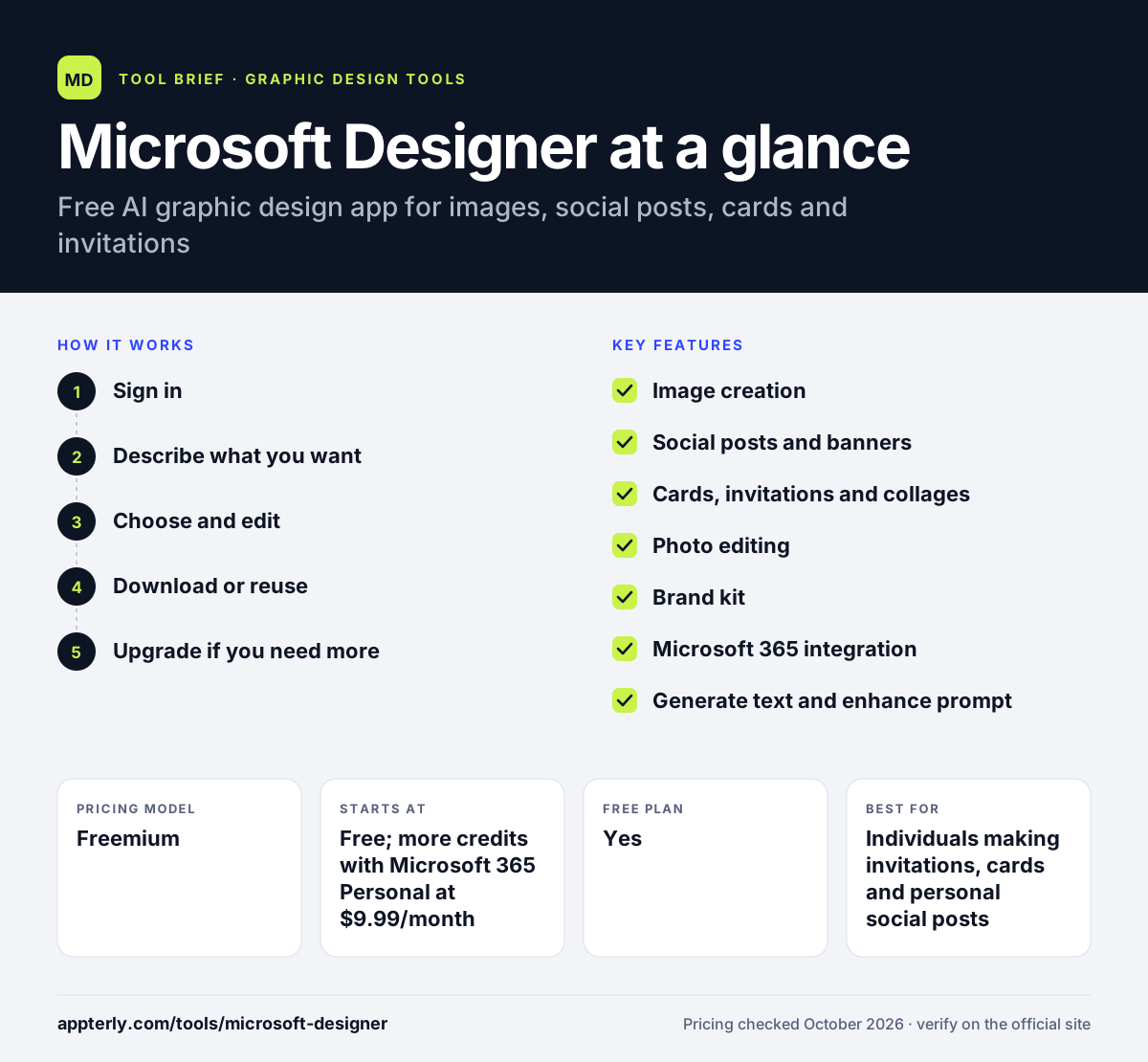
How does Microsoft Designer work?
- Sign in
Open Designer on the web or mobile app with a personal Microsoft account.
- Describe what you want
Pick a format such as an image, social post or invitation and type a prompt, optionally using Enhance prompt.
- Choose and edit
Select a generated option, then change text, crop, resize, erase objects or adjust the background.
- Download or reuse
Save the design, share it or bring it into Word and PowerPoint.
- Upgrade if you need more
If you run out of monthly credits, a Microsoft 365 Personal, Family or Premium subscription raises the allowance, and also unlocks Designer features in desktop Word and PowerPoint.
Microsoft Designer key features
Image creation
Generate images, stickers and monograms from a text prompt.
Social posts and banners
Create designs sized for specific social platforms or custom banner dimensions.
Cards, invitations and collages
Build animated greeting cards, invitation options and collages of up to 10 photos.
Photo editing
Remove or blur backgrounds, use generative erase and upscale images up to 4K.
Brand kit
Save a logo, fonts, colors and brand voice; one brand kit can be saved at a time.
Microsoft 365 integration
Designer features work inside Word, PowerPoint, the Microsoft 365 Copilot app and Windows Photos.
Generate text and enhance prompt
Write or rewrite text on a design and turn a short idea into a more detailed prompt for better results.
Frames and restyle
Add AI-generated frames around a photo and restyle images in new looks, with some options limited to paid tiers.
Why use Microsoft Designer?
- Free to start with monthly AI credits.
- Very little design skill is needed to get a usable result.
- Works inside Microsoft apps many people already use.
- Combines image generation and quick photo fixes in one place.
- Designs and uploads are stored in your Microsoft account, so they sync across the web app, mobile apps and Microsoft 365 apps.
Who is Microsoft Designer best for?
A good fit for
- Individuals making invitations, cards and personal social posts
- Microsoft 365 Personal and Family subscribers
- Students and home users who want quick AI visuals
- Office users who want images for Word documents and PowerPoint slides
Less suited to
- Businesses needing commercial use rights, since the license is personal and non-commercial
- Teams that need shared brand libraries and collaboration
- Designers who want precise layout and vector control
Microsoft Designer pricing
| Pricing model | Freemium |
|---|---|
| Free plan | Yes |
| Free trial | Not confirmed |
| Starting price | Free; more credits with Microsoft 365 Personal at $9.99/month |
Each AI action uses one credit and free accounts get a fresh allowance monthly. Microsoft 365 Personal ($9.99/month), Family ($12.99/month) and Premium ($19.99/month) give the account owner up to 4x more credits.
Prices checked October 2026. Vendors change plans often, so confirm on the official Microsoft Designer pricing page before you buy.
Microsoft Designer pros and cons
Pros
- Free tier with monthly credits
- Very simple prompt-based workflow
- Built into familiar Microsoft apps
Cons
- Licensed for personal, non-commercial use
- Only one brand kit can be saved
- Deleted designs cannot be recovered
Microsoft Designer integrations and platforms
Works with
Available on
Microsoft Designer alternatives
See the full shortlist in Best Graphic Design Tools for Marketers.
Microsoft Designer FAQ
Is Microsoft Designer free?
Yes. Microsoft Designer is free with a Microsoft account, and free users receive a set of AI credits each month. Each AI action uses one credit. Subscribers to Microsoft 365 Personal, Family or Premium get up to four times more credits for the account owner.
What is Microsoft Designer used for?
Microsoft Designer is used to create AI images, social media posts, invitations, greeting cards, banners and collages from a text prompt. It also handles quick photo edits such as removing backgrounds, erasing objects and upscaling images, and its features appear inside Word, PowerPoint and Windows Photos.
Can I use Microsoft Designer for commercial purposes?
Microsoft's FAQ states that Designer is licensed for personal, non-commercial use with a Microsoft account. Businesses that need images and graphics for marketing or client work should review Microsoft's terms or choose a design tool that clearly grants commercial rights.
Microsoft Designer vs Canva: what's the difference?
Microsoft Designer is prompt-first: you describe a design and AI generates options, with credits limiting AI use. Canva is template-first, with a much larger editor, team features, brand kits and commercial use on its plans. Designer suits quick personal projects, while Canva suits ongoing business design.
Is Microsoft Designer available on mobile?
Yes. Microsoft Designer has apps for iOS and Android, and it is also available through the Create section of the Microsoft 365 Copilot app on mobile. Feature availability can vary by device, language and region.
Sources
This overview is based on Microsoft Designer's official website and documentation, checked October 2026.