What is Figma?
Figma is a collaborative design platform where teams design interfaces, build prototypes and hand work off to developers in the same shared files. It runs in the browser and in desktop and mobile apps, so several people can edit a file at the same time. Figma was founded in 2012 by Dylan Field and Evan Wallace and is now a public company.
Beyond the core design editor, Figma has grown into a family of products. FigJam is a whiteboard, Dev Mode turns designs into code specs, Figma Slides handles presentations and Figma Sites publishes websites. Newer tools include Figma Make for prompt-to-code prototypes, Figma Draw for illustration, Figma Buzz for on-brand marketing assets and Figma Weave for AI image, video and audio workflows.
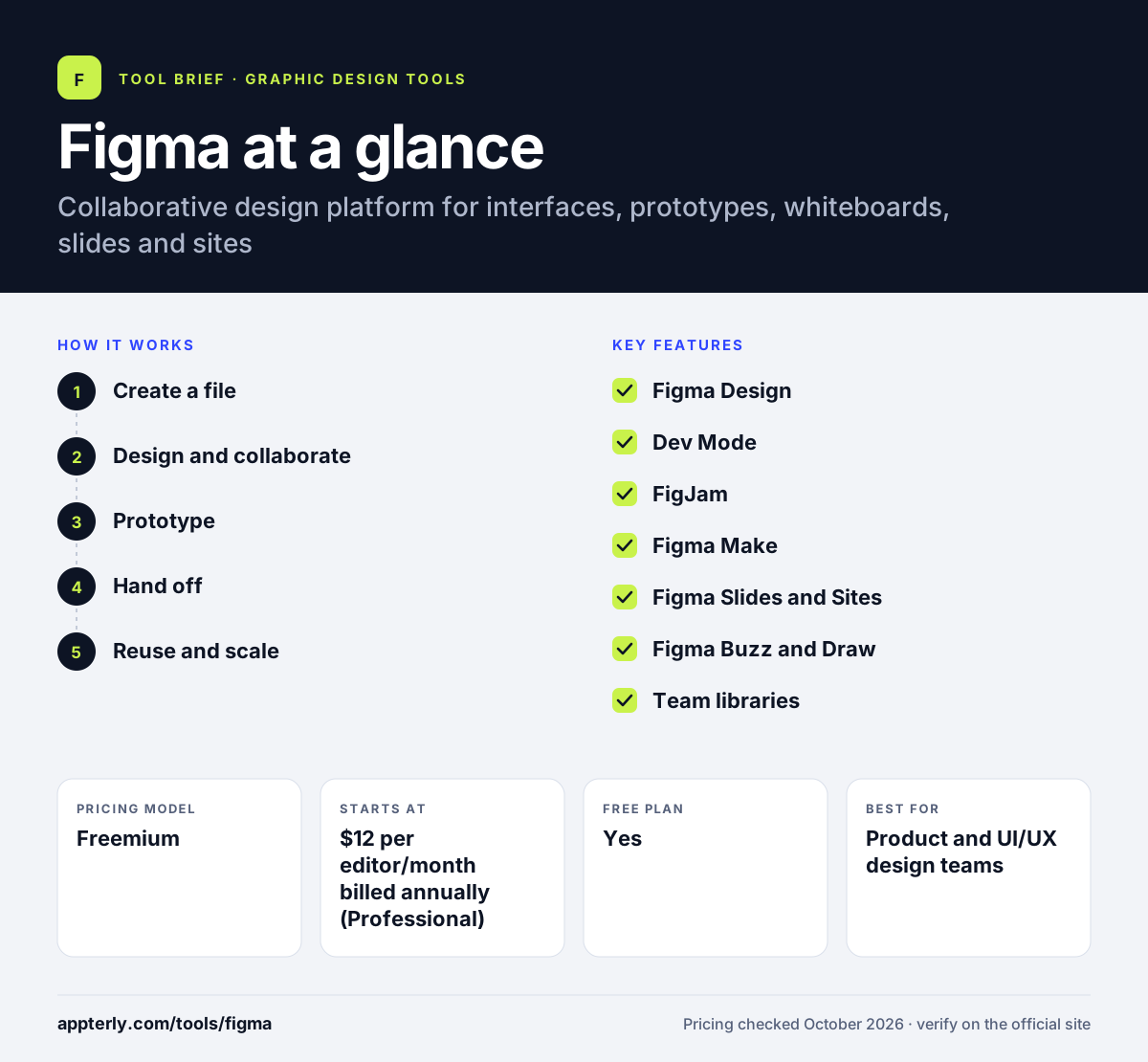
Figma at a glance
How does Figma work?
- Create a file
Open Figma in the browser or desktop app and start a design, FigJam board, slide deck or site.
- Design and collaborate
Build layouts with frames, components and auto layout while teammates edit and comment live.
- Prototype
Link screens with interactions, or describe an idea to Figma Make and get a working prototype.
- Hand off
Developers use Dev Mode to inspect measurements, assets and code snippets from the final design.
- Reuse and scale
Publish components and styles to a team library so every new file starts from the same design system, and updates flow to all files that use them.
Figma key features
Figma Design
Vector-based editor for UI, web and app design with components, variables and prototyping.
Dev Mode
A developer view that translates designs into specs and code details for building.
FigJam
An online whiteboard for brainstorming, diagrams and workshops.
Figma Make
Generates interactive prototypes and code from text prompts, using your design context.
Figma Slides and Sites
Build presentations together and publish responsive websites straight from Figma.
Figma Buzz and Draw
Create on-brand marketing assets at scale and draw vector illustrations.
Team libraries
Share components and styles across files so design systems stay consistent.
Community resources
Templates, plugins, UI kits, icons and widgets shared by other users.
Why use Figma?
- Real-time collaboration removes the need to pass files back and forth.
- Design, whiteboarding, slides and handoff live in one workspace.
- A free Starter plan lets individuals start without paying.
- Seat types let teams pay less for people who only need FigJam or Dev Mode.
- A large community supplies plugins, kits and templates.
- AI features such as Figma Make and the Figma agent work with the context already in your files, so prototypes and code reflect real designs.
Who is Figma best for?
A good fit for
- Product and UI/UX design teams
- Startups building apps and websites
- Agencies working with clients on shared files
- Developers who need clear design handoff
- Marketing teams producing branded assets with Figma Buzz
Less suited to
- Quick social media graphics, where template tools are faster
- Photo editing and print-heavy work
- Teams wanting simple flat pricing, since seat types and AI credits add complexity
Figma pricing
| Pricing model | Freemium |
|---|---|
| Free plan | Yes |
| Free trial | Not confirmed |
| Starting price | $12 per editor/month billed annually (Professional) |
Professional is $15 per editor per month on monthly billing, and Organization is $45 per editor per month billed annually. Paid plans offer Full, Dev and Collab seats at different prices, each with a monthly allowance of AI credits.
Prices checked October 2026. Vendors change plans often, so confirm on the official Figma pricing page before you buy.
Figma pros and cons
Pros
- Best-in-class live collaboration
- Wide product family covering design to handoff
- Generous free plan for individuals
- Huge plugin and template community
Cons
- Seat types and credits make pricing harder to predict
- Steeper learning curve than template-based design tools
- Free plan limits shared editing to 3 files
Figma integrations and platforms
Available on
Figma alternatives
See the full shortlist in Best Graphic Design Tools for Marketers.
Figma FAQ
Is Figma free?
Yes. Figma has a free Starter plan for individuals with unlimited drafts and unlimited viewers. Shared team editing is limited to three files with up to three pages each. Paid plans start at $12 per editor per month on annual billing for Professional, or $15 on monthly billing.
What is Figma used for?
Figma is used to design user interfaces for apps and websites, build clickable prototypes and hand designs to developers. Teams also use Figma for whiteboarding in FigJam, presentations in Figma Slides, publishing websites with Figma Sites and creating AI-assisted prototypes with Figma Make.
Is Figma good for beginners?
Figma is approachable because it runs in a browser and offers free templates and UI kits. Basic layouts are easy to learn, but components, auto layout and prototyping take practice. Beginners who only need social graphics may find a template-first tool quicker to pick up.
Figma vs Canva: what's the difference?
Figma is built for product teams designing interfaces, prototypes and design systems, with developer handoff tools. Canva is built for quick marketing graphics, documents and social posts from templates. Designers and developers usually prefer Figma, while marketers creating everyday visuals often find Canva faster.
What are Figma seats?
On paid Figma plans each user gets a seat type. A Full seat covers every product, including Figma Design and Dev Mode. A Dev seat covers Dev Mode, Slides and FigJam. A Collab seat covers Slides and FigJam. Viewers who only view and comment are free.
Sources
This overview is based on Figma's official website and documentation, checked October 2026.