What is Kittl?
Kittl is an AI-first online design platform for creating logos, merch designs, product mockups and marketing visuals on an infinite canvas. It combines a design editor, a large library of templates and fonts, and AI tools for images, vectors and video. Kittl started as Heritage Designer, a project from the team behind the font shop Heritage Type Co., and took its current name in 2022.
The platform is popular with print-on-demand sellers, small businesses, agencies and designers. Its AI tools draw on models from companies such as OpenAI, Google, Ideogram, Recraft and Black Forest Labs. Workflows and a creative agent can turn one brief into a set of ready-to-use assets, and Kittl Brand Studio helps keep ads and social posts on brand.
Kittl at a glance
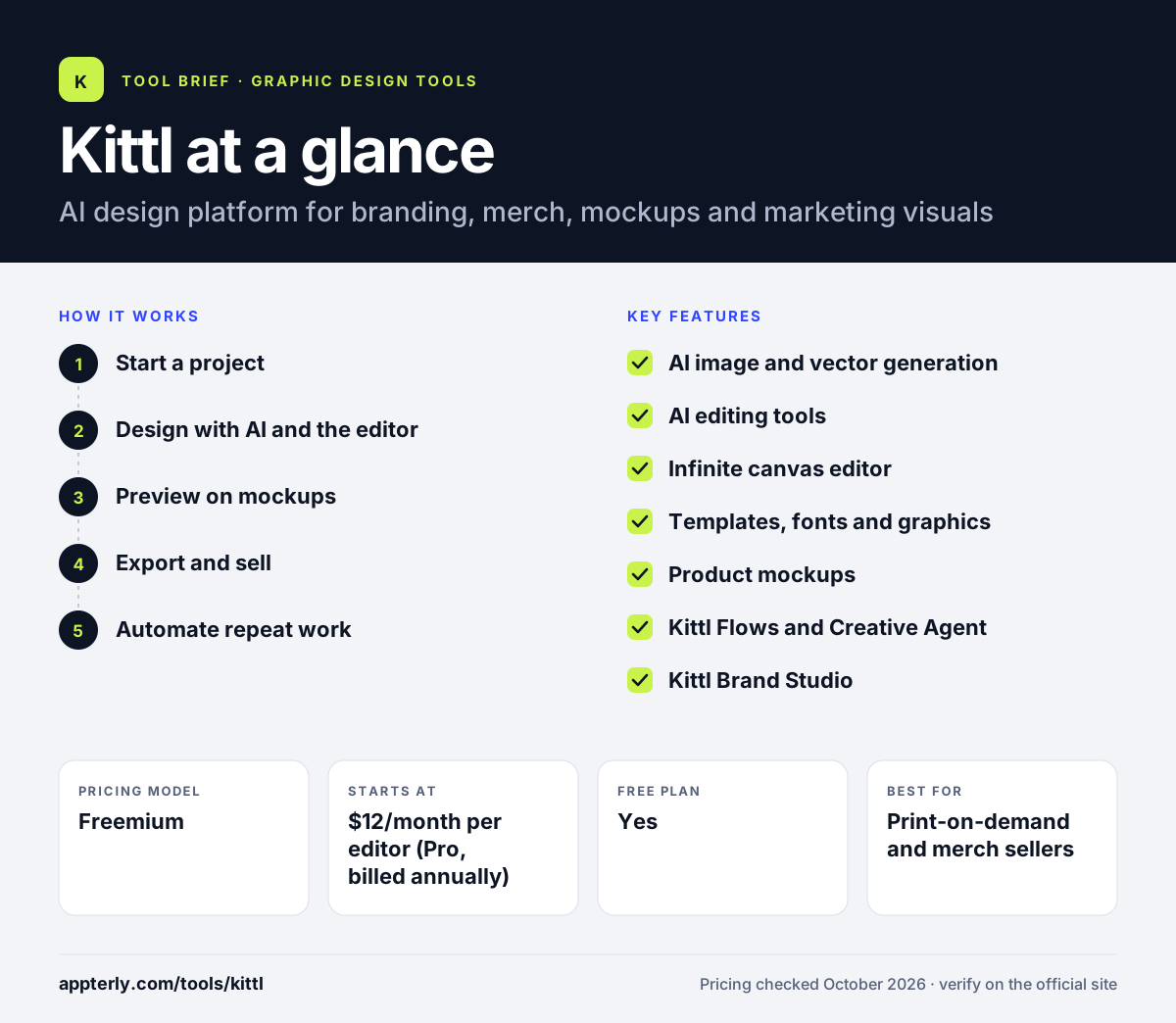
How does Kittl work?
- Start a project
Open a blank canvas or choose a template for a logo, t-shirt, poster or social post.
- Design with AI and the editor
Generate images or vectors from a prompt, then refine with text effects, fonts and graphics.
- Preview on mockups
Place the design on product mockups to see how it looks on merch or packaging.
- Export and sell
Download high-resolution or vector files on paid plans and use them in your store or campaigns.
- Automate repeat work
Use Kittl Flows or the Creative Agent to turn one brief into several finished assets, such as a set of merch designs or social ads in matching styles.
Kittl key features
AI image and vector generation
Create images, vector graphics and short videos from prompts using several AI models.
AI editing tools
Remove backgrounds, upscale images and convert raster images to vectors.
Infinite canvas editor
Work on many designs side by side with real-time collaboration and text effects.
Templates, fonts and graphics
A large library of assets across many niches, with premium items on paid plans.
Product mockups
Show designs on apparel and other products before publishing.
Kittl Flows and Creative Agent
Preset AI workflows and a chat-based agent that build sets of marketing or merch assets.
Kittl Brand Studio
Produce ads, posts and campaigns that follow brand guidelines.
Kittl MCP
Lets you work with Kittl from inside a compatible AI agent, sending design requests without opening the editor.
Why use Kittl?
- Combines AI generation and a full design editor in one tool.
- Strong typography and text effects, rooted in its font-design origins.
- Mockups make it easy to preview merch before listing it.
- Paid plans include a commercial license for up to 500,000 copies.
- Team viewers are free, so only editors add cost.
- A free team viewer role lets clients and teammates review designs without paying for a seat, which keeps costs down for small agencies.
Who is Kittl best for?
A good fit for
- Print-on-demand and merch sellers
- Small businesses creating branding and social content
- Freelance designers who want fast AI-assisted drafts
- Agencies producing many branded assets
- Etsy and Shopify sellers creating product artwork
Less suited to
- Commercial users on the free plan, which is for personal use only
- UI and app design work
- Heavy AI users who want unlimited generations without token limits
Kittl pricing
| Pricing model | Freemium |
|---|---|
| Free plan | Yes |
| Free trial | Not confirmed |
| Starting price | $12/month per editor (Pro, billed annually) |
Expert ($26/month) adds 200 daily AI tokens and Kittl Flows, and Max ($48/month) raises daily tokens to 600, all billed annually. Business plans with an enhanced license are priced on request.
Prices checked October 2026. Vendors change plans often, so confirm on the official Kittl pricing page before you buy.
Kittl pros and cons
Pros
- Excellent typography and text effects
- Many AI models in one subscription
- Built-in mockups for merch
- Commercial license on paid plans
Cons
- Free plan bars commercial use
- AI use is capped by daily and monthly tokens
- Monthly-billed prices are not shown on the pricing page
Kittl integrations and platforms
Available on
Kittl alternatives
See the full shortlist in Best Graphic Design Tools for Marketers.
Kittl FAQ
Is Kittl free?
Kittl has a free plan with curated templates and tools and limited previews of most Pro features. It is for personal use only and includes no commercial rights. Paid plans start at $12 a month per editor for Pro, billed annually, which adds premium assets, vector exports and a commercial license.
What is Kittl used for?
Kittl is used to design logos, t-shirts and other merch, posters, product mockups and social media graphics. Many print-on-demand sellers use Kittl to generate designs with AI, add typography and preview the result on product mockups before uploading it to their stores.
Can I sell designs made with Kittl?
Yes, on paid plans. Pro and Expert include a commercial license that covers up to 500,000 copies of a product, and Business plans offer an enhanced license for larger volumes. Designs made on the free plan cannot be used commercially.
Kittl vs Canva: what's the difference?
Canva covers a wide range of everyday business graphics and documents. Kittl focuses on branding, typography, merch and mockups, with stronger text effects and AI models aimed at product and print-on-demand design. Sellers making merch often prefer Kittl, while general marketing teams may find Canva broader.
Is Kittl good for beginners?
Yes. Kittl offers templates and AI generation, so beginners can create usable designs quickly without drawing skills. The infinite canvas and text effects take a little exploring, but the learning curve is gentler than professional tools like Illustrator.
Sources
This overview is based on Kittl's official website and documentation, checked October 2026.