What is Canva?
Canva is an online design platform that lets anyone create social posts, ads, presentations, documents and videos from drag-and-drop templates. It launched in 2013 and is used by individuals, small businesses, schools and large companies. Its Magic Studio AI tools add image generation, AI writing and automatic resizing to the editor.
Canva Magic Media turns text prompts into images, graphics and short videos, while Magic Design builds layouts from a description. Other AI tools include Magic Write, Magic Edit, Magic Grab and Background Remover. Canva runs in the browser and on Windows, Mac, iOS, Android and Chromebook, and paid plans add brand kits, a content planner and premium stock.
Canva at a glance
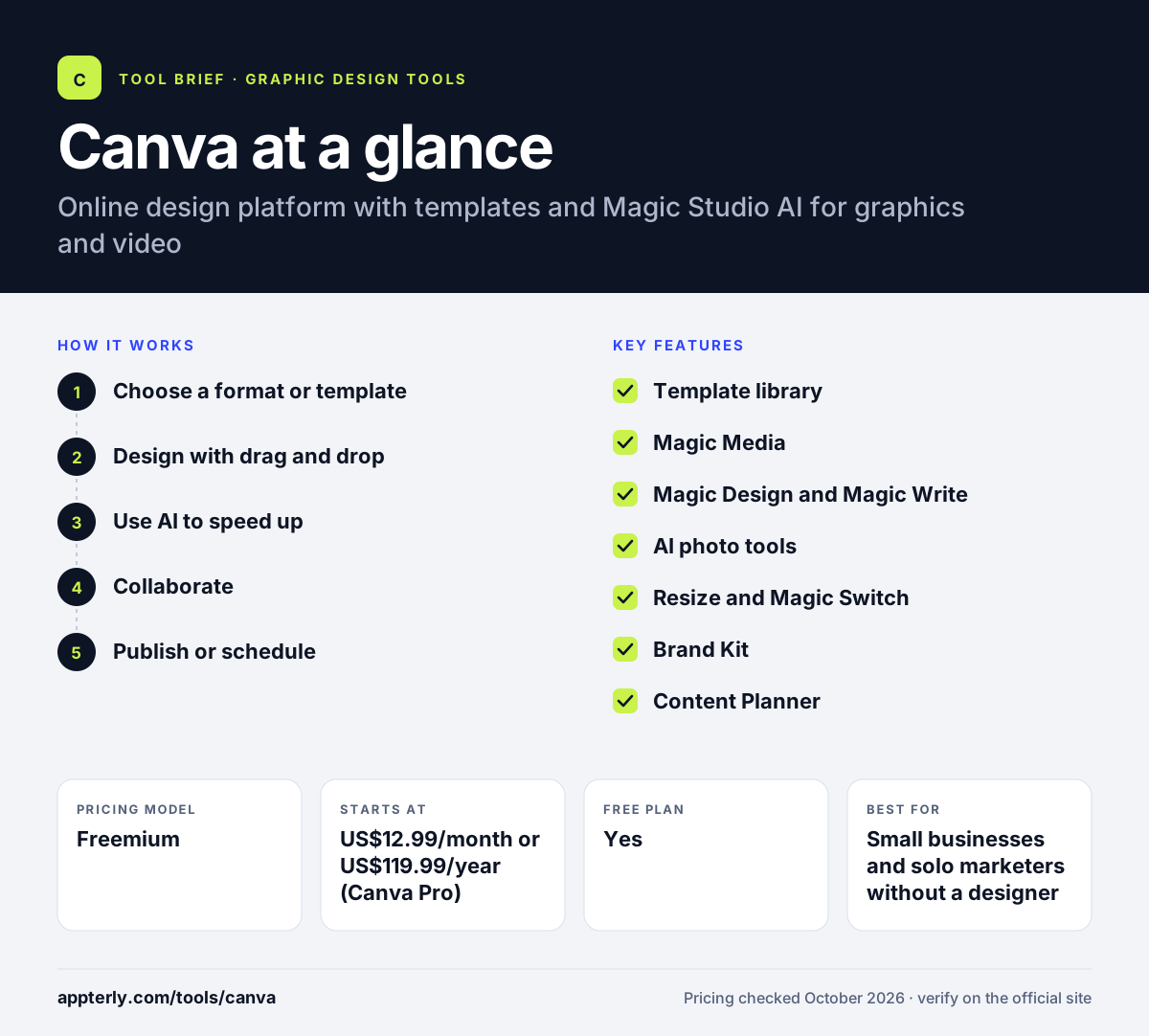
How does Canva work?
- Choose a format or template
Pick a size such as an Instagram post or slide deck, or start from a template.
- Design with drag and drop
Add text, photos, elements and brand colors, or generate visuals with Magic Media.
- Use AI to speed up
Resize designs for other channels, rewrite copy with Magic Write, or edit images with Magic Edit.
- Collaborate
Invite teammates to comment, edit and approve designs in real time.
- Publish or schedule
Download files, share links or schedule social posts with the Content Planner.
Canva key features
Template library
Large collection of templates for social, ads, print, presentations and video.
Magic Media
Generates images and graphics from text prompts and short videos powered by Runway.
Magic Design and Magic Write
Builds layouts from a description and drafts or rewrites text.
AI photo tools
Magic Edit, Magic Grab, Magic Expand, Magic Eraser and Background Remover.
Resize and Magic Switch
Converts designs into other sizes, formats and languages.
Brand Kit
Stores logos, fonts and colors and supports branded templates on paid plans.
Content Planner
Schedules social posts from inside Canva.
Apps Marketplace
Adds tools for AI generation, QR codes, embeds and file management.
Why use Canva?
- Non-designers can produce professional ad and social creatives quickly.
- AI tools such as Magic Media cut the need for stock photos.
- Resizing turns one design into many channel formats.
- Real-time collaboration simplifies feedback and approvals.
- The free plan is enough for many simple projects.
Who is Canva best for?
A good fit for
- Small businesses and solo marketers without a designer
- Social media managers producing content every day
- Agencies creating ad creative and social assets for several clients
- Educators and students making presentations and class materials
Less suited to
- Professional designers who need precise vector or print control
- Heavy AI users on the free plan, which has limited AI usage
- Brands that want designs that never resemble common templates
Canva pricing
| Pricing model | Freemium |
|---|---|
| Free plan | Yes |
| Free trial | Free trial on Canva Pro (length not stated) |
| Starting price | US$12.99/month or US$119.99/year (Canva Pro) |
Canva Pro adds premium content, Brand Kit, Magic Resize, Background Remover and more AI usage, such as 250 Magic Write uses a month instead of 25. Team and enterprise plans add collaboration controls and admin features.
Prices checked October 2026. Vendors change plans often, so confirm on the official Canva pricing page before you buy.
Canva pros and cons
Pros
- Very easy to learn, even for first-time designers
- A huge template and stock library
- A broad set of built-in Magic Studio AI tools
- Works on web, desktop and mobile with synced designs
Cons
- Many AI and brand features require a paid plan
- Template-based designs can look similar to other brands
- Prices vary by region and have changed often
Canva integrations and platforms
Works with
Available on
Canva alternatives
See the full shortlist in Best Graphic Design Tools for Marketers.
Canva FAQ
Is Canva free?
Yes. Canva has a free plan with templates, a design editor and limited AI tools, such as 25 Magic Write uses. Canva Pro costs US$12.99 per month or US$119.99 per year on the official Pro page and adds premium content, Brand Kit, Magic Resize and more AI usage.
What is Canva Magic Media?
Magic Media is Canva's AI generator that creates images and graphics from text prompts and short videos powered by Runway. It sits inside the Canva editor, so generated visuals can go straight into a social post, ad or presentation. Free accounts get limited use, and paid plans raise the limits.
Is Canva good for beginners?
Yes. Canva is one of the easiest design tools to learn. You pick a template, swap text and images with drag and drop, and download or share the result. AI tools like Magic Design and Magic Resize help beginners get polished results without design training.
Canva vs Adobe Express: what's the difference?
Both are template-based design tools for non-designers. Canva offers a larger app marketplace, Magic Studio AI tools and strong team collaboration. Adobe Express includes Firefly AI, Adobe Stock and close links to Photoshop. Canva suits most small teams, while Adobe Express suits teams already using Adobe.
Can I use Canva for ads?
Yes. Canva includes templates sized for social and display ads, and its AI tools can generate images, rewrite ad copy and resize one creative into many formats. Brand Kit keeps colors and fonts consistent across campaigns, and teammates can review and approve ads before launch.
Sources
This overview is based on Canva's official website and documentation, checked October 2026.