What is Taplink?
Taplink is a link-in-bio builder that lets you create a mobile-friendly landing page and share it through the single link in your Instagram or TikTok profile. Beyond a list of buttons, a Taplink page can hold text, images, video, price lists, maps, messenger links, lead forms and payment buttons, so it works like a small website built for phones.
The service offers a permanently free Basic plan and two paid tiers, Pro and Business, sold in blocks of three, six or twelve months with bigger discounts for longer terms. The Business tier turns Taplink into a light sales tool, adding internal pages, digital product sales, payment acceptance, application forms, a built-in CRM, automated emails and a custom domain.
Taplink at a glance
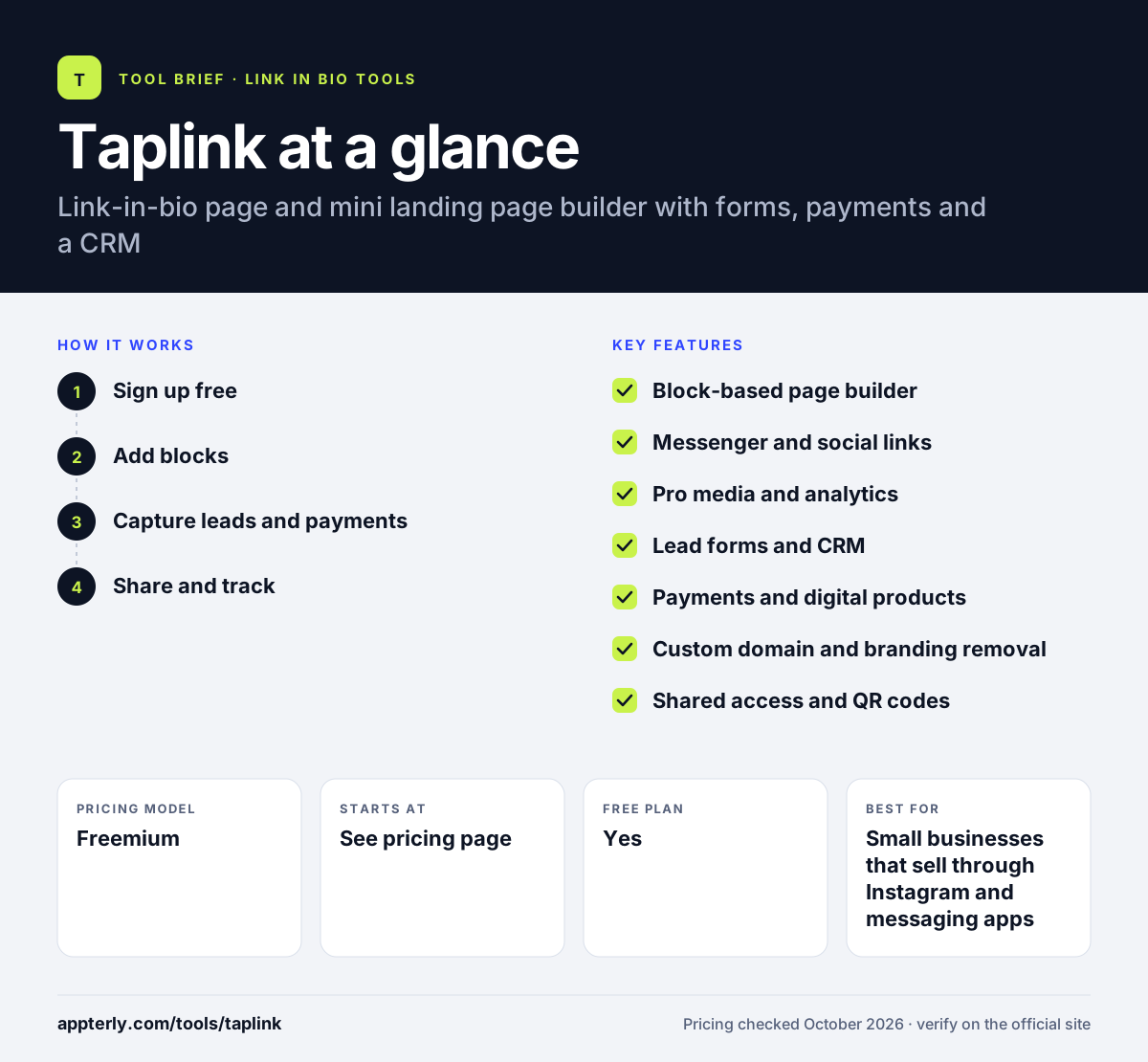
How does Taplink work?
- Sign up free
Create an account on a phone or computer and start with the free Basic plan and a pre-designed theme.
- Add blocks
Build the page from blocks such as links, text, messenger buttons, maps, images, video and price lists.
- Capture leads and payments
On Business, add application forms and payment buttons, and collect leads in the built-in CRM or export them.
- Share and track
Paste the link into your bio or share a QR code, then review page views and, on paid tiers, click analytics.
Taplink key features
Block-based page builder
Combine links, text, custom blocks and media to make a richer page than a standard link list.
Messenger and social links
Smart links open chats in popular messaging apps, SMS or social networks with one tap.
Pro media and analytics
Pro adds images, video, music, price lists, custom HTML, scheduled blocks, social pixels and click analytics.
Lead forms and CRM
Business includes application forms, a built-in CRM, lead notifications and export to popular CRMs.
Payments and digital products
Business plans can accept payments and sell digital products directly from the page.
Custom domain and branding removal
Business lets you connect your own domain with SSL and remove Taplink branding.
Shared access and QR codes
Even the free plan supports shared access for teammates and QR codes for offline promotion.
Why use Taplink?
- You can launch a useful bio page for free and upgrade only when you need more.
- Messenger buttons make it easy for customers to start a chat and order.
- Business tools combine landing page, forms, payments and CRM in one place.
- Long-term billing discounts lower the cost for committed users.
- Pages are designed for mobile visitors coming from social apps.
Who is Taplink best for?
A good fit for
- Small businesses that sell through Instagram and messaging apps
- Service providers collecting bookings or applications
- Creators selling simple digital products
- Freelancers who need a mini landing page without a website
Less suited to
- Users who want month-to-month billing, since paid plans need at least three months
- Businesses needing a full ecommerce store with inventory
- Teams running several Instagram profiles on one plan
Taplink pricing
| Pricing model | Freemium |
|---|---|
| Free plan | Yes |
| Free trial | Not confirmed |
| Starting price | See the official pricing page |
Basic is free forever. Pro and Business prices are shown inside the app rather than on the public pricing page; paid plans start at three months, with discounts for six and twelve months, and one plan covers one Instagram profile.
Prices checked October 2026. Vendors change plans often, so confirm on the official Taplink pricing page before you buy.
Taplink pros and cons
Pros
- Permanently free Basic plan
- Business tier adds payments, forms and a CRM
- Strong messenger link support
- Discounts for longer billing terms
Cons
- Paid plans require a minimum three-month commitment
- Public pricing page does not show exact plan prices
- One plan applies to one profile
Taplink integrations and platforms
Available on
Taplink alternatives
See the full shortlist in Best Link in Bio Tools.
Taplink FAQ
Is Taplink free?
Yes. Taplink has a Basic plan that is free with no time limit. It includes themes, unlimited links, text blocks, messenger and social links, maps, page view statistics, shared access and QR codes. Media, analytics, payments and CRM tools require the paid Pro or Business plans.
What is Taplink used for?
Taplink is used to build a mobile landing page for the link in an Instagram or TikTok bio. Small businesses and creators use it to point followers to messengers, show price lists and media, collect applications, accept payments and manage leads, without building a full website.
Taplink vs Linktree: what's the difference?
Both create link-in-bio pages with free plans. Linktree focuses on a clean list of links and creator commerce features with monthly billing. Taplink leans toward small business sales, with messenger buttons, application forms, payments and a built-in CRM on its Business plan, billed in three, six or twelve-month terms.
How does Taplink billing work?
Taplink's paid Pro and Business plans are bought for a minimum of three months. Paying for six or twelve months upfront unlocks larger discounts, described as 30% and 50%. You can upgrade or downgrade at any time, paying only the difference on upgrades, and paid plans can be moved to another account.
Can I accept payments with Taplink?
Yes. On the Business plan, Taplink lets you accept payments and sell digital products directly from your page through popular payment systems. Business also adds payment notifications, lead-capture forms and a CRM, which helps small sellers handle orders without a separate store.
Sources
This overview is based on Taplink's official website and documentation, checked October 2026.