What is Bio.link?
Bio.link is a link-in-bio service that gathers all of a person's links and social profiles onto one simple page they can share anywhere. Users pick a username and a theme, or design their own look, then add as many links as they need. The page is meant to be set up in under a minute, and the official site describes the core service as free forever.
Bio.link keeps its focus narrow. Pages are built to load quickly, and an optional follow feature lets visitors join an email list with one click so the owner can send them updates later. The service is used by artists, writers, musicians, podcasters, YouTubers, gamers, developers, hobbyists and brands. Mobile apps for iOS and Android make it possible to edit a page from a phone. It is a light, no-cost option.
Bio.link at a glance
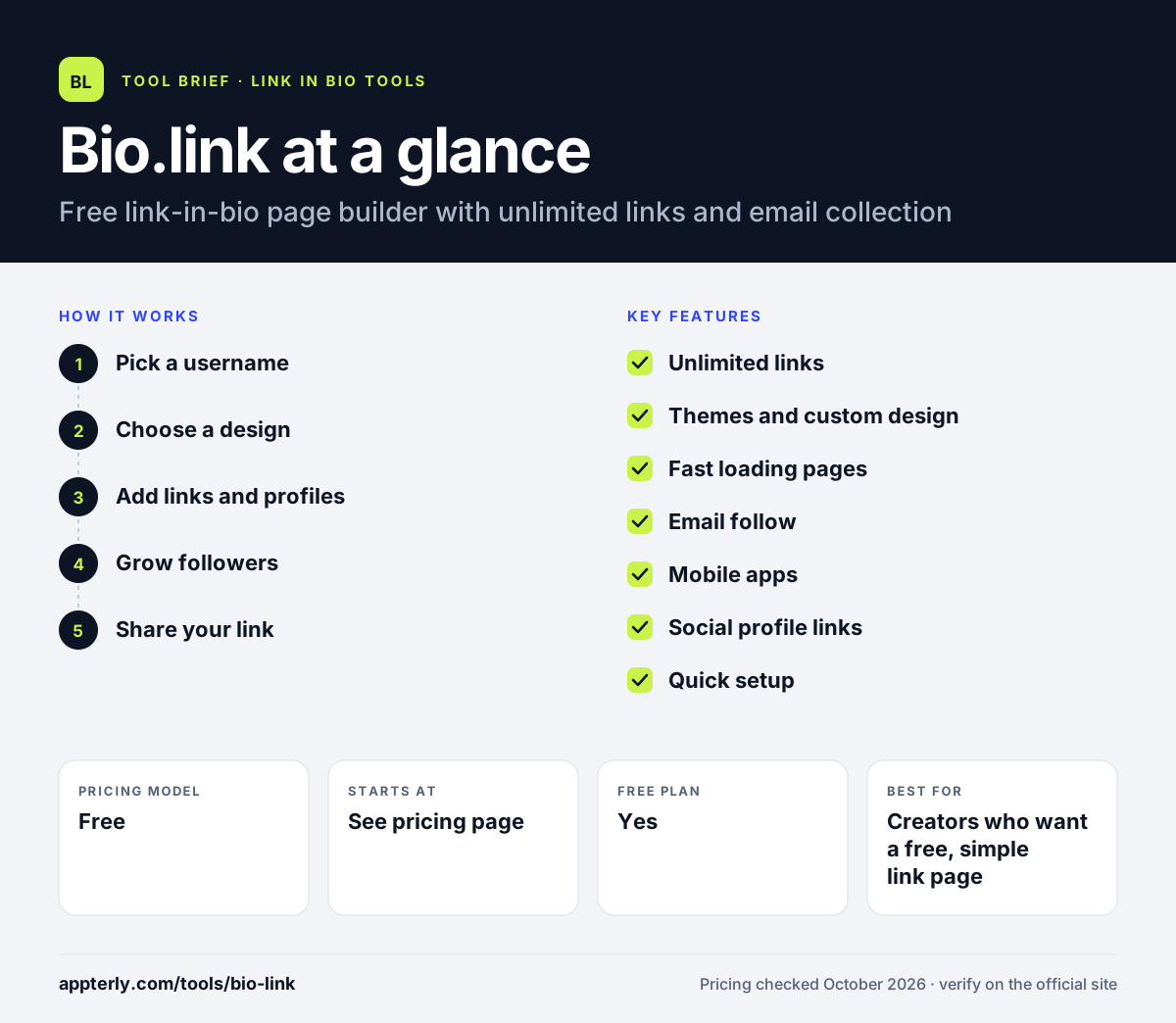
How does Bio.link work?
- Pick a username
Sign up and claim a bio.link address that will become your shareable page.
- Choose a design
Select a ready-made theme or customize the colors and layout yourself.
- Add links and profiles
Add unlimited links to content, shops and social accounts in the order you want.
- Grow followers
Turn on the optional follow feature so visitors can join your email list with one click and hear from you later.
- Share your link
Place the bio link in your Instagram, TikTok or X profile, your email signature and anywhere else your audience finds you.
Bio.link key features
Unlimited links
Add as many links and social profiles as you need without hitting a cap.
Themes and custom design
Start from a theme or adjust the page style to match your brand.
Fast loading pages
Pages are built to load very quickly, which matters for visitors on mobile data.
Email follow
Visitors can subscribe with one click, and you can email your followers later.
Mobile apps
Edit and manage your page from the iOS and Android apps.
Social profile links
Add icons for your social accounts so visitors can find you on every platform from one page.
Quick setup
Claiming a username, choosing a theme and adding links takes only a minute or two.
Why use Bio.link?
- It costs nothing to get a clean, working link-in-bio page.
- Unlimited links remove a common restriction found on other free plans.
- Setup is quick enough for people who are not technical.
- The built-in email follow helps creators own a direct line to their audience.
- Phone apps make updates easy between posts.
- Fast page loads help keep impatient mobile visitors from leaving.
Who is Bio.link best for?
A good fit for
- Creators who want a free, simple link page
- Musicians, writers and podcasters sharing several links
- Hobbyists and small brands starting out on social media
- YouTubers, gamers and developers who want one link for many profiles
Less suited to
- Creators who need a built-in store or product checkout
- Teams that want detailed analytics or third-party integrations documented on the official site
Bio.link pricing
| Pricing model | Free |
|---|---|
| Free plan | Yes |
| Free trial | Not confirmed |
| Starting price | See the official pricing page |
The official homepage presents Bio.link as free forever. Any paid upgrades are not described on the homepage, so check inside the app before relying on premium features.
Prices checked October 2026. Vendors change plans often, so confirm on the official website before you buy.
Bio.link pros and cons
Pros
- Free with unlimited links.
- Very quick setup and fast pages.
- Optional email list building.
- Native iOS and Android apps.
Cons
- Fewer selling and monetization tools than Beacons or Linktree.
- Little public detail on integrations, analytics or the company behind it.
- No documented custom domain or advanced design controls on the official homepage.
Bio.link integrations and platforms
Available on
Bio.link alternatives
See the full shortlist in Best Link in Bio Tools.
Bio.link FAQ
Is Bio.link free?
Yes. Bio.link describes its link-in-bio service as free forever. You can create a page, choose a theme and add unlimited links and social profiles without paying. The official homepage does not list paid tiers, so the free version covers the core features most creators need for a simple link page.
What is Bio.link used for?
Bio.link is used to share several links through a single address. Creators put their bio.link URL in social media profiles so followers can reach their videos, music, shop, newsletter or other accounts. It can also collect email followers who want updates from the page owner. Because it is free and unlimited, it works well for people with many projects.
Does Bio.link have an app?
Yes. Bio.link offers mobile apps on the Apple App Store for iOS and on Google Play for Android. The apps let you edit your page and links from your phone, which is useful when you want to update a link right after posting new content.
Bio.link vs Linktree: what's the difference?
Both create link-in-bio pages. Bio.link is free with unlimited links and keeps the product simple, with themes and an email follow option. Linktree offers a free plan plus paid tiers from $5 per month that add analytics, branding removal, selling tools, scheduling and integrations with apps like Shopify and Mailchimp.
Is Bio.link good for beginners?
Bio.link suits beginners well because it has very few settings to learn. Setup takes about a minute, you only need to choose a username and theme, and there is no cost to start. Beginners who later want to sell products or see detailed analytics may eventually look at platforms with more built-in tools.
Sources
This overview is based on Bio.link's official website and documentation, checked October 2026.