What is Sender?
Sender is an email and SMS marketing platform that helps small businesses and online stores send newsletters, automate follow-ups and grow their lists with forms and popups. It is offered at sender.net and is known for a free plan that covers up to 2,500 subscribers and 15,000 emails a month, which is large compared with many competitors. Paid tiers add higher send limits, team seats and priority support.
The platform includes a drag-and-drop email builder, more than 100 templates, segmentation, premade automation workflows, landing pages and transactional emails. Sender connects to Shopify, WooCommerce, WordPress and PrestaShop, and offers an API plus an MCP server for AI assistants. Paid Standard and Professional plans remove branding and raise send limits, with Professional adding advanced automation and dedicated IPs. The site lists GDPR compliance and ISO certification.
Sender at a glance
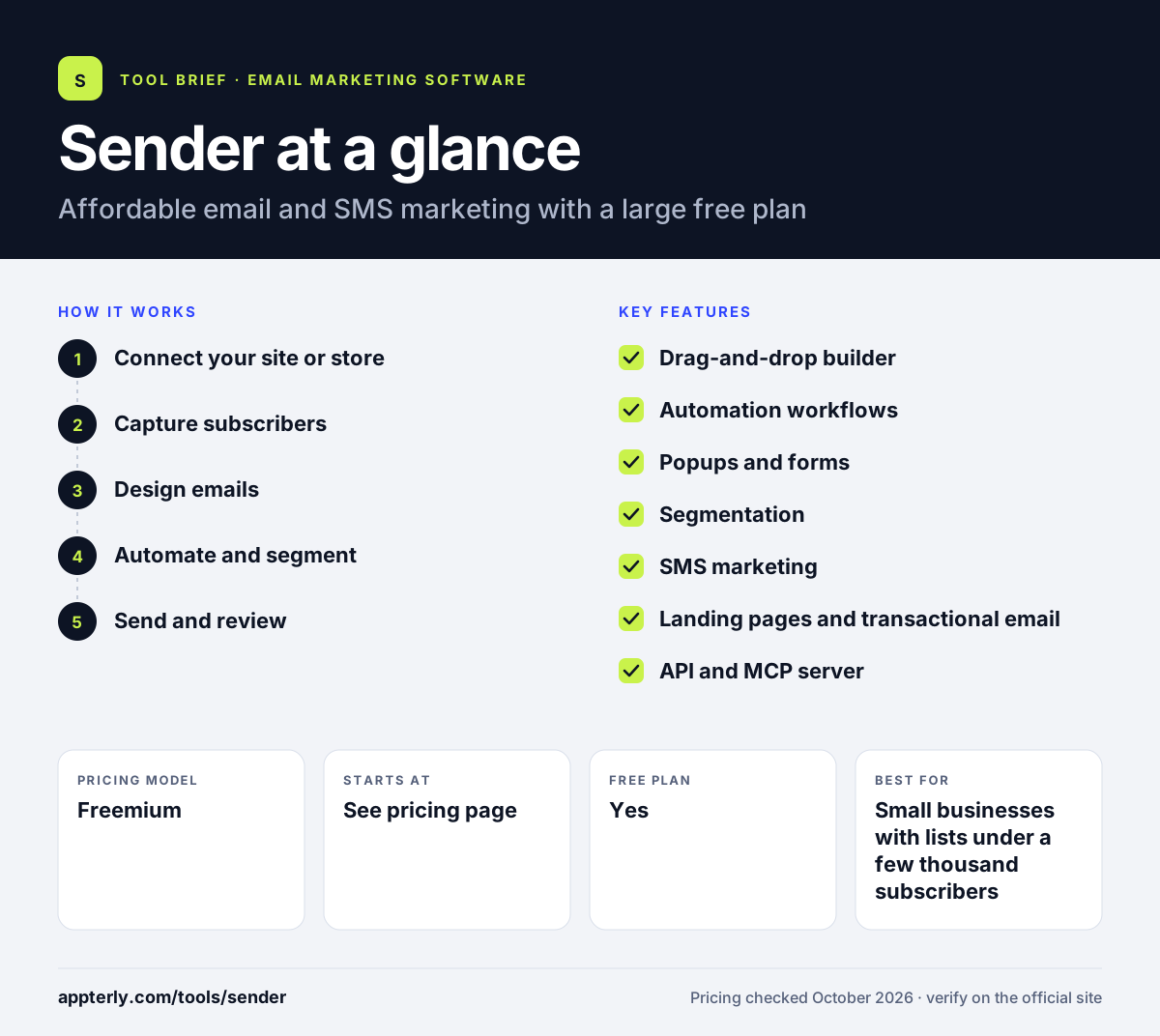
How does Sender work?
- Connect your site or store
Install the plugin or app for WordPress, WooCommerce, Shopify or PrestaShop, or import contacts directly.
- Capture subscribers
Add popups and embedded forms to collect emails and phone numbers.
- Design emails
Use the drag-and-drop builder and templates to create newsletters and promotions.
- Automate and segment
Start from premade workflows such as welcome or cart reminders, and target segments by behavior.
- Send and review
Send email or SMS campaigns and check results in reports.
Sender key features
Drag-and-drop builder
Create responsive emails visually with a library of 100+ templates.
Automation workflows
Premade sequences for common goals, with advanced automation on the Professional plan.
Popups and forms
Free signup tools to grow your list, available on every plan.
Segmentation
Group subscribers by activity and data to send more relevant messages.
SMS marketing
Send text messages using prepaid credits, priced by destination country.
Landing pages and transactional email
Build simple landing pages and send app or store notifications.
API and MCP server
Developers can build custom integrations, and AI assistants can connect through the MCP server.
Why use Sender?
- The free plan supports up to 2,500 subscribers and 15,000 emails a month.
- Automation and segmentation are available even on the free tier.
- Native integrations cover the most common store and site platforms.
- New accounts get 14 days of the Professional plan with no card.
- Professional accounts can request a dedicated IP at no extra cost.
Who is Sender best for?
A good fit for
- Small businesses with lists under a few thousand subscribers
- WooCommerce, Shopify and PrestaShop stores
- WordPress site owners who want email built in
- Budget-conscious startups testing email marketing
Less suited to
- Teams that need detailed public pricing before signing up, since paid prices sit behind the plan selector
- Enterprises that need a broad app ecosystem and advanced custom reporting
- Brands that want a website builder or digital product sales in the same tool
Sender pricing
| Pricing model | Freemium |
|---|---|
| Free plan | Yes |
| Free trial | 14 days of Professional, no credit card |
| Starting price | See the official pricing page |
Standard and Professional are priced by subscriber tier starting at 1,000 subscribers, with monthly sends of 12x and 24x your list size; annual billing is discounted. SMS is a prepaid add-on, and paid prices were not visible on the public pricing page.
Prices checked October 2026. Vendors change plans often, so confirm on the official Sender pricing page before you buy.
Sender pros and cons
Pros
- One of the larger free plans in email marketing
- Automation included on the free tier
- Email and SMS in one platform
- Free dedicated IP on request for Professional
Cons
- Sender branding appears on free plan emails, forms and popups
- Paid plan prices are not shown as fixed figures on the public pricing page
- Smaller integration list than larger rivals
Sender integrations and platforms
Works with
Available on
Sender alternatives
See the full shortlist in Best Email Marketing Software.
Sender FAQ
Is Sender free?
Yes. Sender has a Free Forever plan for up to 2,500 subscribers and 15,000 emails a month, with automation, segmentation, popups and forms included. Sender branding appears on emails and forms. New accounts also get a 14-day trial of the Professional plan without a credit card.
What is Sender used for?
Sender is used to send email newsletters and SMS campaigns, automate welcome and cart reminder emails, and grow subscriber lists with popups and forms. Online stores connect it to Shopify, WooCommerce or PrestaShop to sync customers and trigger messages from store activity. Developers can also send transactional emails through the API.
Is Sender good for beginners?
Sender suits beginners who want to start without paying. The drag-and-drop builder, ready-made templates and premade automation workflows make setup simple, and the free plan is large enough for many small lists. Users can upgrade to Standard or Professional later as needs grow. Support is advertised around the clock.
Sender vs MailerLite: what's the difference?
Both target small businesses with simple tools and free plans. Sender's free plan allows more subscribers and emails, and it offers SMS through prepaid credits. MailerLite adds a website builder, paid newsletters and digital product sales, and lists its paid starting prices publicly. Both include popups and automation.
Does Sender integrate with Shopify?
Yes. Sender lists Shopify as an integration, along with WooCommerce, WordPress, PrestaShop and Jumpseller. Connecting a store lets Sender sync customers and order activity, which you can use to segment contacts and run automated emails such as cart reminders. Zapier can link Sender to additional apps that lack a native connection.
Sources
This overview is based on Sender's official website and documentation, checked October 2026.