What is InVideo?
InVideo is an AI video creation and editing platform where AI agents handle much of the editing work from plain-language instructions while you keep full control on a multitrack timeline. It is used by creators, marketers, agencies and brand teams who need to turn ideas, scripts or raw footage into finished videos quickly. The product, also known as InVideo AI, runs in the browser and has mobile apps for iOS and Android.
InVideo's current workflow centers on Agent Two, which logs uploaded footage, applies edits across clips and builds cuts you can review and adjust. It also offers storyboarding, a script editor with an AI co-writer, voiceover and voice cloning tools, and access to third-party generation models such as Seedance, Veo, Sora and Kling. Teams can edit together in real time, and paid plans include premium stock footage.
InVideo at a glance
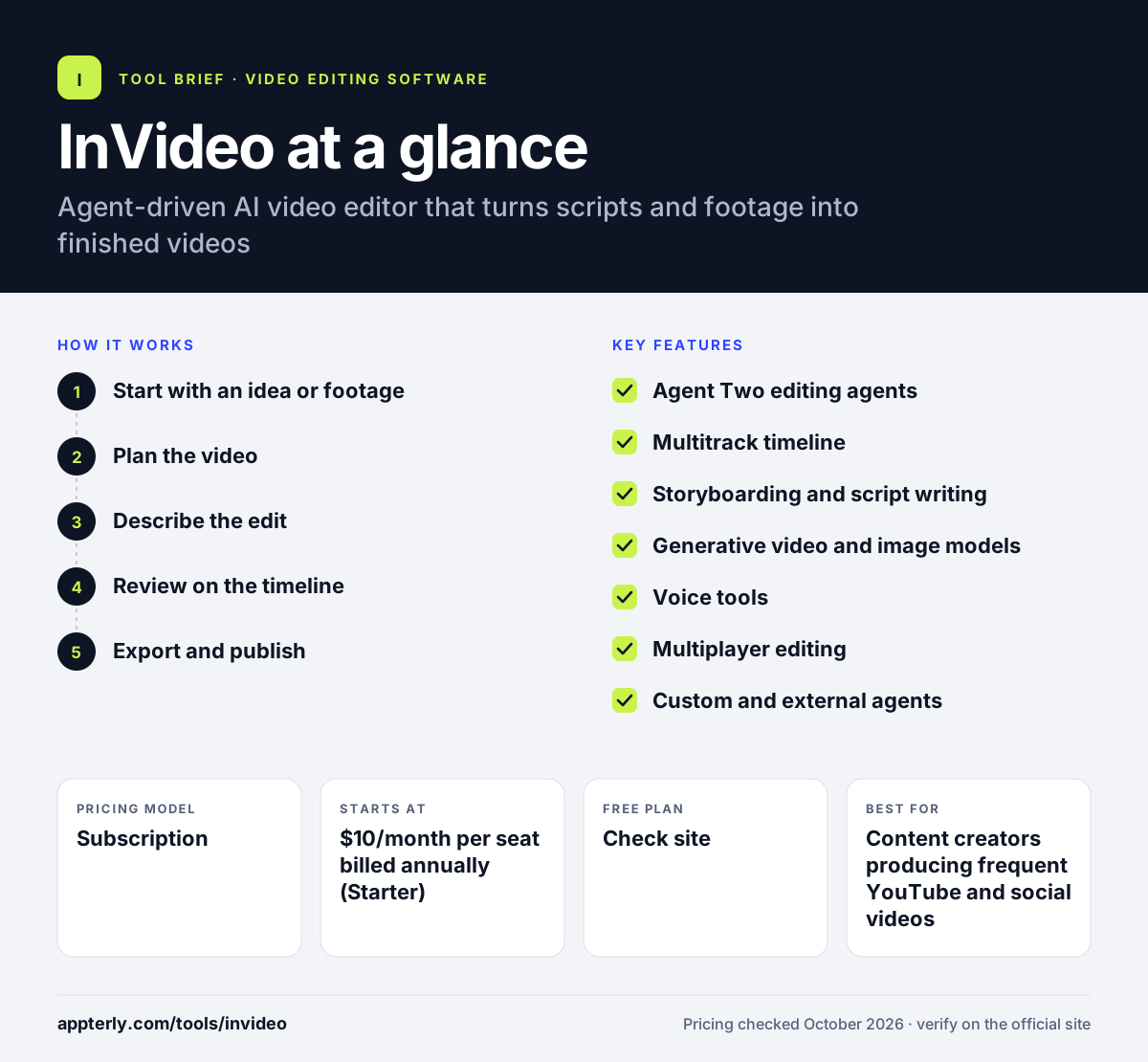
How does InVideo work?
- Start with an idea or footage
Upload your own clips or write a script, outline or prompt for the video you want.
- Plan the video
Use the storyboard tool to turn the script into a shot-by-shot plan you can adjust before generating anything.
- Describe the edit
Tell the AI agent what to do in plain language, such as cutting to the best moments or adding b-roll and music.
- Review on the timeline
Check the agent's cut, then take over the multitrack timeline to fix color, audio or timing by hand.
- Export and publish
Export the finished video and reuse the project for other formats or languages.
InVideo key features
Agent Two editing agents
AI agents that carry out edits from text instructions and can search uploaded footage by description.
Multitrack timeline
A full editor with color, audio and 3D tools for manual control at any frame.
Storyboarding and script writing
Turns a script into a shot list and includes a script editor with an optional AI co-writer.
Generative video and image models
Access to models such as Seedance, Google Veo, Sora, Kling and Nano Banana Pro, depending on plan.
Voice tools
AI voice generation, text-to-speech and voice cloning for narration.
Multiplayer editing
Real-time collaboration with live cursors so teams can edit the same project.
Custom and external agents
Set up agent roles like scriptwriter or sound designer, or connect outside AI agents to the editor.
Why use InVideo?
- Plain-language editing lets non-editors produce videos without learning complex software.
- Generative models and stock footage fill gaps when you do not have your own b-roll.
- One subscription gives access to several third-party video and image models.
- Real-time collaboration helps agencies and teams review and edit together.
- The manual timeline remains available when AI output needs precise fixes.
Who is InVideo best for?
A good fit for
- Content creators producing frequent YouTube and social videos
- Marketing teams making ads and explainers at volume
- Agencies that need collaborative editing with clients
- Founders and solo marketers without editing skills
Less suited to
- Users who want a free plan for regular use
- Editors who prefer offline desktop software
- Projects needing strict, predictable output from every generation
InVideo pricing
| Pricing model | Subscription |
|---|---|
| Free plan | Not confirmed |
| Free trial | Not confirmed |
| Starting price | $10/month per seat billed annually (Starter) |
Starter, Plus and Max differ by monthly credits, model access, stock footage, storage and seat limits; monthly billing costs about twice the annual rate.
Prices checked October 2026. Vendors change plans often, so confirm on the official InVideo pricing page before you buy.
InVideo pros and cons
Pros
- AI agents handle much of the editing from text instructions
- Access to many leading generation models in one place
- Real-time collaborative editing
- Manual timeline for fine control
Cons
- Credit-based usage can be hard to predict
- Top models and features are reserved for higher tiers
- Generated output still needs review and manual fixes
InVideo integrations and platforms
Works with
Available on
InVideo alternatives
See the full shortlist in Best Video Editing Software for Marketers.
InVideo FAQ
Is InVideo free?
InVideo's pricing page lists paid plans only, starting with Starter at $10 per seat per month on annual billing, or $20 billed monthly. Each plan includes a monthly credit allowance for AI generation and editing. Check the official pricing page before signing up, since promotions and plan details change often.
What is InVideo used for?
InVideo is used to create and edit videos with help from AI agents. People use it for YouTube videos, social media clips, ads, explainers and product videos. It can edit uploaded footage from text instructions, plan videos with storyboards, write scripts, add AI voiceovers and generate new footage with models like Veo and Seedance. Plans also include premium stock footage and cloud storage, which scale with the tier you choose.
Is InVideo good for beginners?
Yes, InVideo suits beginners because you can describe the edit you want in plain language and let the AI agent build a first cut. You can still open the timeline to make adjustments. Beginners should learn how credits work, since generating footage with premium models uses credits quickly. A short practice project is a good way to learn how much each edit costs in credits.
InVideo vs Pictory: what's the difference?
Both tools help create videos with AI, but they focus on different things. Pictory is known for turning scripts, articles and long videos into short clips with stock media. InVideo centers on agent-driven editing of your own footage, storyboarding and access to generative video models, with a full multitrack timeline and team collaboration.
Does InVideo have a mobile app?
Yes, InVideo links to apps on the Apple App Store and Google Play, so you can work on iOS and Android devices. The main editing experience runs in a web browser, which is where the full timeline, collaboration and agent features are available. Plan features and credits are shared across devices on the same account.
Sources
This overview is based on InVideo's official website and documentation, checked October 2026.