What is Clipchamp?
Clipchamp is a beginner-friendly video editor from Microsoft that runs in the browser and as a built-in Windows app. It helps people create social videos, presentations, promos and YouTube content using templates, a drag-and-drop timeline and AI tools, and its free version exports up to 1080p without a watermark.
Clipchamp includes an AI subtitle generator in over 80 languages, AI voiceovers, silence removal, a screen and webcam recorder, and a royalty-free stock library. Premium features such as 4K export, premium stock and a brand kit are included with Microsoft 365 Personal and Family plans. A separate work version is included in some Microsoft 365 business and education licenses.
Clipchamp at a glance
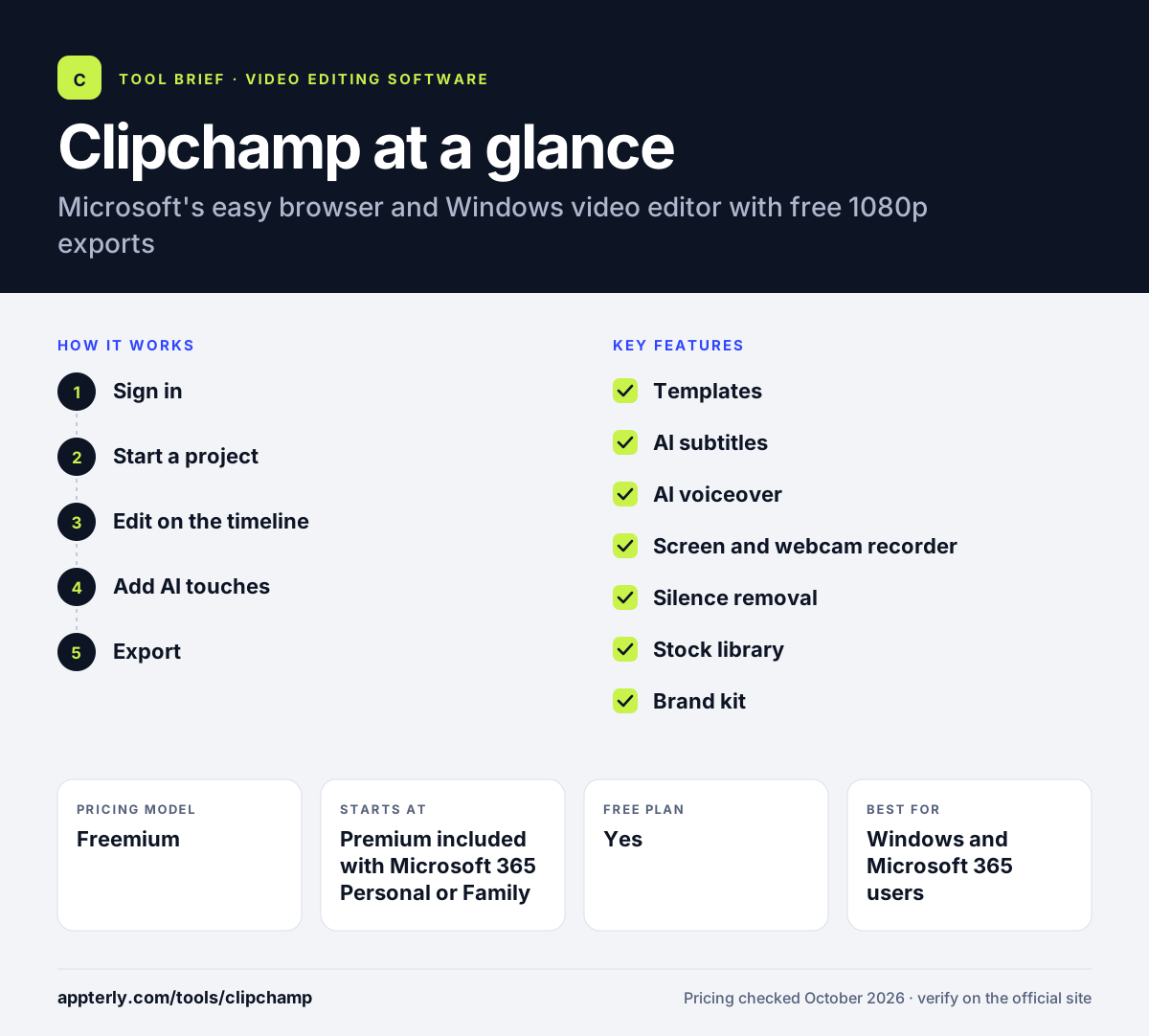
How does Clipchamp work?
- Sign in
Open Clipchamp in a browser or the Windows app and sign in with a Microsoft account. The Windows 11 app is already in the Start menu, and Windows 10 users can get it from the Microsoft Store.
- Start a project
Pick a template or import footage, or record your screen and webcam directly. Templates come with placeholder clips, text and music that you replace with your own content.
- Edit on the timeline
Trim, crop, add text, transitions, filters, stock media and music. Stock music and sound effects are royalty-free, so they are safe for social posts and client work.
- Add AI touches
Generate subtitles, add AI voiceover narration and remove silences automatically. Subtitles can be restyled to match your brand fonts and colors, and voiceovers support adjustable pitch and pace.
- Export
Export up to 1080p for free, or 4K with Microsoft 365, and back up to OneDrive. Finished videos can be downloaded or saved to OneDrive for sharing with others.
Clipchamp key features
Templates
Video and YouTube templates for slideshows, promos, demos and social posts.
AI subtitles
Generates captions in over 80 languages with editable fonts, styles and colors.
AI voiceover
Turns text into narration in many languages with adjustable pitch and pace.
Screen and webcam recorder
Records screen, camera and audio with unlimited retakes.
Silence removal
Detects and trims silent gaps to tighten talking-head videos.
Stock library
Royalty-free videos, images, music, stickers, GIFs and sound effects, with premium assets in Microsoft 365.
Brand kit
Premium users can save one brand's logos, fonts and colors.
OneDrive backup
Backs up project content to OneDrive so you can pick up work on another device.
Why use Clipchamp?
- Free exports up to 1080p have no watermark.
- It comes preinstalled on Windows 11, so there is nothing extra to buy.
- AI captions and voiceovers speed up social and training videos.
- Microsoft 365 subscribers get premium features at no extra cost.
- The browser version works without installing software.
Who is Clipchamp best for?
A good fit for
- Windows and Microsoft 365 users
- Beginners making social media and YouTube videos
- Teachers and students creating class projects
- Small businesses producing simple promos
Less suited to
- Mac users who want a native desktop app
- Professional editors needing advanced color or audio tools
- Teams managing several brands, since premium supports one brand kit
Clipchamp pricing
| Pricing model | Freemium |
|---|---|
| Free plan | Yes |
| Free trial | Not confirmed |
| Starting price | Premium included with Microsoft 365 Personal or Family |
The free plan includes 1080p export and AI tools. Microsoft 365 Personal and Family add 4K export, premium stock, filters and a brand kit, while work and education licenses include a standard business version.
Prices checked October 2026. Vendors change plans often, so confirm on the official Clipchamp pricing page before you buy.
Clipchamp pros and cons
Pros
- Watermark-free 1080p exports on the free plan
- Very easy for beginners
- Useful built-in AI captions and voiceovers
- Included with Microsoft 365
Cons
- 4K export and premium stock require Microsoft 365
- Fewer advanced controls than professional editors
- Desktop app is Windows only
Clipchamp integrations and platforms
Works with
Available on
Clipchamp alternatives
See the full shortlist in Best Video Editing Software for Marketers.
Clipchamp FAQ
Is Clipchamp free?
Yes. Clipchamp has a free plan that you use with a personal Microsoft account. It includes basic editing, AI subtitles, AI voiceovers, silence removal, free stock and exports up to 1080p with no watermark. Premium features such as 4K export and the brand kit come with Microsoft 365 Personal or Family. Free exports are watermark-free.
What is Clipchamp used for?
Clipchamp is used to make social media videos, YouTube content, slideshows, product promos, presentations and simple training videos. Its templates, screen recorder, AI captions and voiceovers make it popular with beginners, students, teachers and small businesses that want quick results. It also connects to OneDrive for content backup.
Is Clipchamp good for beginners?
Yes. Clipchamp is designed for beginners. The drag-and-drop timeline is simple, templates provide a starting point, and AI tools handle captions, narration and silence removal. Because it is built into Windows 11 and runs in a browser, getting started takes only a sign-in. Its screen and webcam recorder also helps with quick tutorials.
Clipchamp vs CapCut: what's the difference?
Both are beginner-friendly editors with free plans. Clipchamp is made by Microsoft, runs in the browser and on Windows, and bundles premium features with Microsoft 365. CapCut runs on mobile, desktop and web and offers more social templates and AI video generation. Both are good starting points for new video creators.
Is Clipchamp included with Microsoft 365?
Yes. Clipchamp premium features are included with Microsoft 365 Personal and Family plans, adding 4K export, premium stock, premium filters and effects and a brand kit. Some Microsoft 365 business and education licenses include the standard work version of Clipchamp. A Copilot license unlocks all premium features and AI video creation.
Sources
This overview is based on Clipchamp's official website and documentation, checked October 2026.