What is CapCut?
CapCut is a video editing app for mobile, desktop and the web that helps creators make short-form and social videos quickly using templates and AI tools. It became popular alongside TikTok and is now used for Reels, Shorts, ads and product videos, with a free tier that covers basic editing and many templates.
CapCut has grown into an AI creation suite. It offers auto captions, text to speech, custom voices, background removal, video enhancement and an AI video generator that works from text, images or keyframes. Related products include Dreamina for AI images and video, Pippit as a creative agent for commerce content, and Hypic for photo editing.
CapCut at a glance
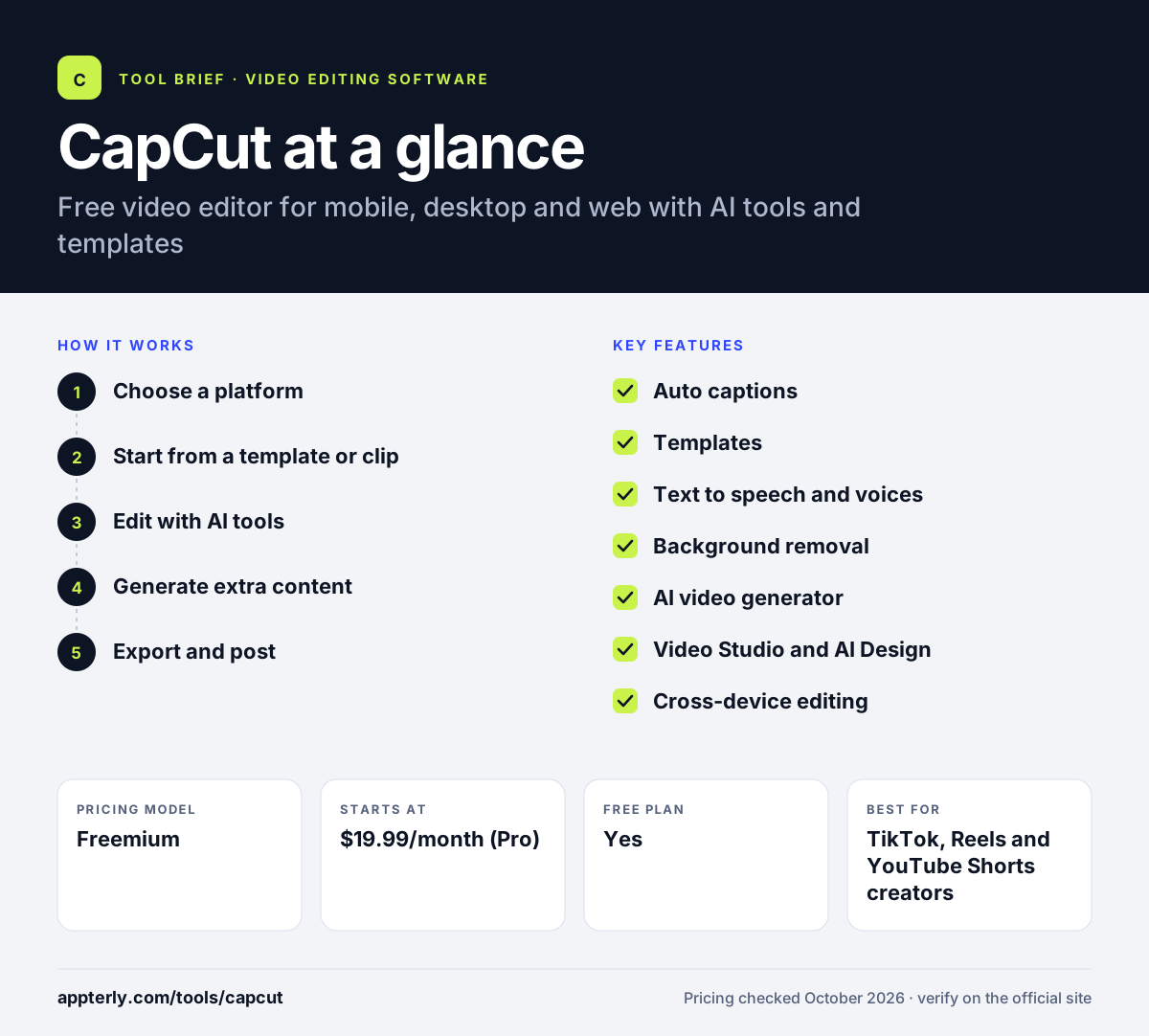
How does CapCut work?
- Choose a platform
Open CapCut on your phone, download the desktop app, or edit in a browser with CapCut Online. The desktop app offers the fullest timeline, while mobile is best for quick edits on the go.
- Start from a template or clip
Pick a social, business or holiday template, or import your own footage. Templates come with preset timing, transitions and effects, so you only swap in clips.
- Edit with AI tools
Add auto captions, text to speech, effects and background removal, and trim on the timeline. Caption templates let you match trending text styles in a few taps.
- Generate extra content
Use the AI video and image generators to create b-roll, scenes or visuals from prompts. Pro and Ultra plans include monthly AI credits for these generation tools.
- Export and post
Export in the right format and publish to social platforms. Paid plans also include 1TB of cloud storage for projects and assets.
CapCut key features
Auto captions
Generates subtitles from speech, with caption templates for styled text.
Templates
A large library of social, business, holiday and recap templates for quick edits.
Text to speech and voices
Turns text into narration and supports custom voices, voice enhancement and noise reduction.
Background removal
Removes backgrounds from images and videos without a green screen.
AI video generator
Creates video from text, images or keyframes using models such as Seedance.
Video Studio and AI Design
Builds videos from a chat prompt and generates layouts for social posts and covers.
Cross-device editing
Works on desktop, mobile, tablet and web, with 1TB of cloud storage on paid plans.
Image editing tools
Includes an online photo editor, image enhancer, AI object removal, inpainting and resizing for thumbnails and posts.
Why use CapCut?
- The free tier is enough for many basic social edits.
- Templates and auto captions make short-form videos fast to produce.
- AI generation adds b-roll and visuals without stock subscriptions.
- Projects can move between phone, desktop and browser.
- Teams plans add brand kits and shared Pro features.
Who is CapCut best for?
A good fit for
- TikTok, Reels and YouTube Shorts creators
- Small businesses making social ads
- Ecommerce sellers producing product videos
- Beginners who want an easy, free editor
Less suited to
- Professional editors who need advanced color and audio post
- Organizations with strict data residency or app-approval policies
- Long-form film projects with complex workflows
CapCut pricing
| Pricing model | Freemium |
|---|---|
| Free plan | Yes |
| Free trial | Not confirmed |
| Starting price | $19.99/month (Pro) |
Pro includes 1,200 monthly AI credits and premium templates, Ultra ($79/month) adds more credits and exclusive AI features, and Teams costs $12.49 per seat per month. CapCut says final prices appear after sign-in.
Prices checked October 2026. Vendors change plans often, so confirm on the official CapCut pricing page before you buy.
CapCut pros and cons
Pros
- Capable free version
- Fast templates and auto captions
- Runs on mobile, desktop and web
- Built-in AI video and image generation
Cons
- Many AI features require credits on paid plans
- Displayed prices can change after sign-in
- Less depth than professional desktop editors
CapCut integrations and platforms
Works with
Available on
CapCut alternatives
See the full shortlist in Best Video Editing Software for Marketers.
CapCut FAQ
Is CapCut free?
Yes. CapCut has a free plan with basic editing tools and free templates on mobile, desktop and web. Paid plans unlock premium templates, AI credits and more storage. Pro is listed at $19.99 per month, Ultra at $79 per month and Teams at $12.49 per seat. Annual billing can lower the effective monthly price.
What is CapCut used for?
CapCut is used to edit short-form videos for TikTok, Instagram Reels and YouTube Shorts, plus social ads, product videos and simple YouTube content. Creators rely on its templates, auto captions, text to speech, background removal and AI video generation to publish quickly. It also offers background removal and voice enhancement for quick fixes.
Is CapCut good for beginners?
Yes. CapCut is one of the easier editors to learn. Templates let you swap in your own clips, and tools like auto captions and background removal take one tap. As skills grow, the desktop version adds a fuller timeline with keyframes and effects. Its mobile app is a common starting point for new creators.
CapCut vs Clipchamp: what's the difference?
Clipchamp is Microsoft's browser and Windows editor, with free 1080p export and premium features in Microsoft 365. CapCut runs on phones, desktop and web, with more social templates and AI generation tools. CapCut suits mobile-first creators, while Clipchamp suits Windows and Microsoft 365 users. Both offer free plans, so you can test them side by side.
Who owns CapCut?
CapCut is part of the ByteDance group of products. In the United States, its terms of service name TikTok USDS Joint Venture LLC as the provider, with BD TikTok USA LLC providing premium services. Users elsewhere may contract with a different entity depending on their region. Check the terms for your country to see which entity applies to you.
Sources
This overview is based on CapCut's official website and documentation, checked October 2026.