What is GetResponse?
GetResponse is an email marketing and automation platform that bundles newsletters, automated journeys, landing pages and sales tools in one account. Businesses use it to send promotional and triggered emails, recover abandoned carts, capture leads with forms and pop-ups, and build simple sales funnels. It also adds SMS and web push notifications, and AI features power product recommendations.
Beyond email, GetResponse includes tools that many competitors sell separately: a website builder, webinars, an AI course creator and premium paid newsletters. That makes it a fit for entrepreneurs, online stores and creators who want to market and sell from a single place. A free plan covers up to 500 contacts, paid plans start with a Starter tier, and an Enterprise tier serves larger brands.
GetResponse at a glance
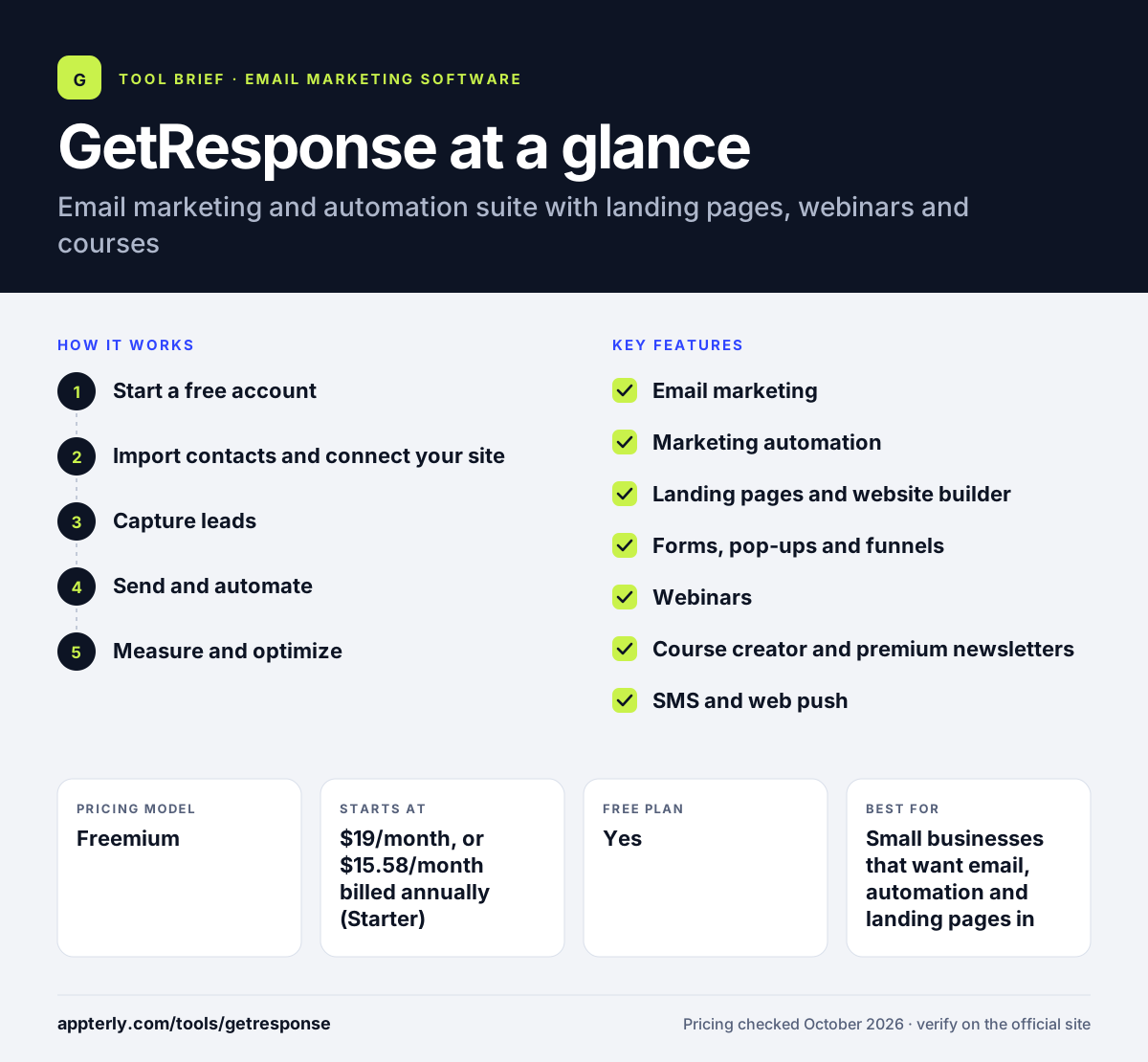
How does GetResponse work?
- Start a free account
Sign up for the free plan or a 14-day trial of premium features, with no credit card required.
- Import contacts and connect your site
Upload your list and link WordPress or a store platform such as Shopify or WooCommerce to sync data.
- Capture leads
Publish sign-up forms, pop-ups and landing pages, or build a funnel that guides visitors from sign-up to sale.
- Send and automate
Design emails in the drag-and-drop builder, then set up automated journeys such as welcome series, cart recovery and win-back campaigns.
- Measure and optimize
Use campaign and automation reports to see what converts and adjust your messages.
GetResponse key features
Email marketing
Newsletters, autoresponders and triggered lifecycle emails built with a drag-and-drop editor.
Marketing automation
Visual workflows for welcome sequences, abandoned carts, win-back and other journeys.
Landing pages and website builder
Create pages for launches, sales and lead capture without a separate site tool.
Forms, pop-ups and funnels
Collect sign-ups and guide visitors through conversion funnels with promo codes.
Webinars
Host live and on-demand webinars inside the same account on the Creator plan.
Course creator and premium newsletters
Build and sell online courses and paid newsletter subscriptions.
SMS and web push
Reach contacts beyond the inbox with text messages and browser notifications.
Ecommerce tools
AI product recommendations and store integrations for online sellers.
Why use GetResponse?
- It combines email, automation, landing pages, webinars and courses, which can replace several separate subscriptions.
- A free plan and a 14-day premium trial let you test the platform before paying.
- Paying annually lowers the monthly cost by about 18% compared with monthly billing.
- Built-in funnels and cart recovery give online sellers ready paths to more sales.
- Mobile apps for iOS and Android let you check campaigns on the go.
Who is GetResponse best for?
A good fit for
- Small businesses that want email, automation and landing pages in one tool
- Coaches and creators who sell courses or run webinars
- Online stores on Shopify, WooCommerce, Magento or PrestaShop
- Marketers building lead-generation funnels
Less suited to
- Users who need advanced automation on the cheapest plan, since Starter allows only one custom workflow
- Very large lists on a tight budget, as costs rise with plan level
- Teams that only want a simple newsletter tool without extra features
GetResponse pricing
| Pricing model | Freemium |
|---|---|
| Free plan | Yes |
| Free trial | 14 days |
| Starting price | $19/month, or $15.58/month billed annually (Starter) |
Starter includes one custom automation workflow, Marketer ($59/month) adds unlimited workflows and cart recovery, and Creator ($69/month) adds webinars, a website builder and courses. Enterprise is custom-priced and adds SMS, SSO and a dedicated IP.
Prices checked October 2026. Vendors change plans often, so confirm on the official GetResponse pricing page before you buy.
GetResponse pros and cons
Pros
- Broad all-in-one toolset, including webinars and a course creator
- Free plan plus a 14-day trial of premium features
- Solid automation options on Marketer and higher plans
- Mobile apps for iOS and Android
Cons
- The Starter plan limits you to one custom automation workflow
- The free plan caps your list at 500 contacts
- The wide feature set can feel like more than a basic sender needs
GetResponse integrations and platforms
Works with
Available on
GetResponse alternatives
See the full shortlist in Best Email Marketing Software.
GetResponse FAQ
Is GetResponse free?
Yes. GetResponse has a free plan for up to 500 contacts, with 2,500 newsletters per month, a drag-and-drop email builder, a landing page and sign-up forms. New accounts also get 14 days of premium features. After that, you keep the free plan or upgrade to a paid tier starting with Starter.
What is GetResponse used for?
GetResponse is used for email marketing and automation. Businesses send newsletters and triggered emails, recover abandoned carts, collect leads with forms and landing pages and build sales funnels. Higher plans add webinars, a website builder and a course creator, so creators and coaches can also sell knowledge products from the same account.
Does GetResponse integrate with Shopify?
Yes. GetResponse integrates with Shopify, along with WooCommerce, Magento, PrestaShop and WordPress, and lists more than 150 integrations in total. Connecting a store lets you use purchase and cart data for automated emails, abandoned cart recovery and AI product recommendations.
GetResponse vs Mailchimp: what's the difference?
Both GetResponse and Mailchimp cover email marketing, automation and landing pages. GetResponse stands out by including webinars, a course creator and premium newsletters in its plans, which suits creators and coaches. Mailchimp is often chosen for its large integration library. The better pick depends on whether you need those built-in selling tools.
Is GetResponse good for beginners?
GetResponse works well for beginners who want room to grow. The drag-and-drop editor, templates and prebuilt automation journeys make setup simple, and the free plan lets you learn without paying. The large number of features can take some time to explore, so starting with email and forms first is sensible.
Sources
This overview is based on GetResponse's official website and documentation, checked October 2026.