What is Adobe Firefly?
Adobe Firefly is Adobe's generative AI platform for creating and editing images, video, audio and vector graphics from text prompts. It runs on the web and on iOS and Android, and it connects to Photoshop, Premiere, Illustrator, Adobe Express and other Adobe apps. Adobe describes its own Firefly models as trained on licensed Adobe Stock and public domain content.
Besides Adobe's models, Firefly gives access to partner models from Google, OpenAI, Black Forest Labs, Runway, Kling, Luma AI, ElevenLabs and others through a single login. Firefly Boards adds a shared canvas for mood boards and storyboards, and the Firefly AI Assistant picks the right tool from a plain-language request. Generated content carries Content Credentials that show AI was involved.
Adobe Firefly at a glance
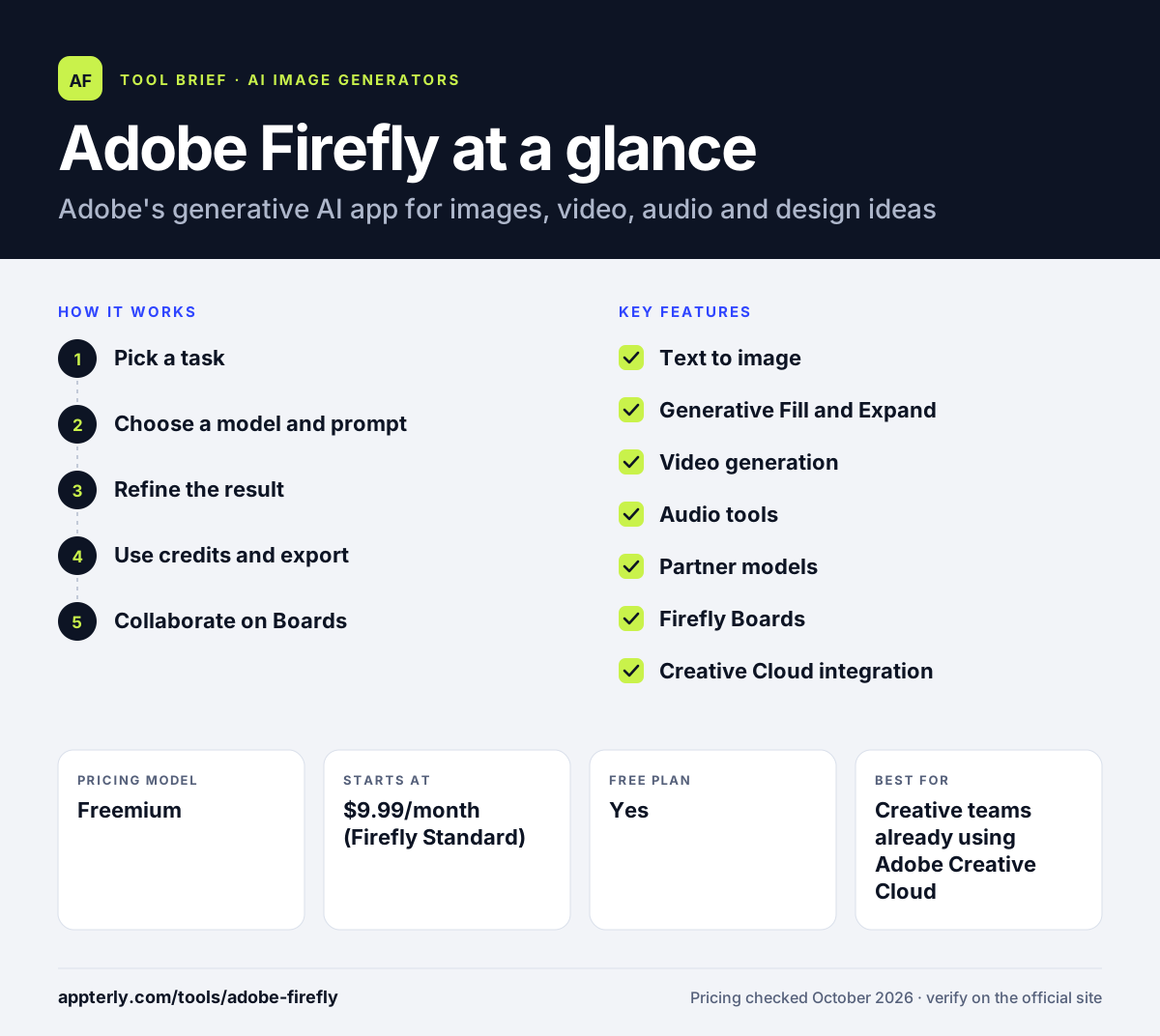
How does Adobe Firefly work?
- Pick a task
Choose image, video, audio or an editing tool, or describe your goal to the AI Assistant.
- Choose a model and prompt
Select an Adobe or partner model and describe what you want, optionally adding reference images.
- Refine the result
Use Generative Fill, Expand, upscaling or prompt-based edits, or move the asset into Photoshop or Premiere.
- Use credits and export
Premium generations use generative credits from your plan; download or send the result to other Adobe apps.
- Collaborate on Boards
Gather generated images, references and ideas on a Firefly Board, invite teammates and iterate on concepts together before final production.
Adobe Firefly key features
Text to image
Generate images from prompts, sketches or reference images with style controls.
Generative Fill and Expand
Add, remove or replace parts of a photo and extend it beyond its frame.
Video generation
Create short clips from text or images, edit video with prompts and translate video.
Audio tools
Generate speech, music and sound effects, and translate or dub audio.
Partner models
Use models such as Gemini, GPT Image, FLUX, Runway and Kling alongside Adobe's own.
Firefly Boards
A collaborative infinite canvas for mood boards and storyboards.
Creative Cloud integration
Send assets to Photoshop, Premiere, Illustrator, Lightroom and Adobe Express.
Firefly AI Assistant
Describe a goal in everyday language and the assistant selects the right Firefly tool for the job.
Why use Adobe Firefly?
- Adobe positions its own models as safe for commercial use.
- Many leading third-party models in one subscription.
- Direct handoff into Photoshop, Premiere and Express.
- Covers image, video and audio in one place.
- Free daily generations let you try it before paying.
- Paid plans include unlimited standard image features such as Generative Fill, so credits are only used for premium generations.
Who is Adobe Firefly best for?
A good fit for
- Creative teams already using Adobe Creative Cloud
- Marketers producing campaign images and short videos
- Brands concerned about commercial safety of AI content
- Freelance designers and video editors
- Video creators who need sound effects, music and translation
Less suited to
- Users who want unlimited high-volume generation on a small budget
- People who prefer fully open-source or self-hosted models
- Users who want a template-first design editor without AI generation
Adobe Firefly pricing
| Pricing model | Freemium |
|---|---|
| Free plan | Yes |
| Free trial | Not confirmed |
| Starting price | $9.99/month (Firefly Standard) |
Firefly Pro is $19.99/month, Pro Plus $49.99/month and Premium $199.99/month, with monthly generative credits from 2,000 to 50,000. Pro and above add Adobe Express Premium and Photoshop on web and mobile; team plans are also available.
Prices checked October 2026. Vendors change plans often, so confirm on the official Adobe Firefly pricing page before you buy.
Adobe Firefly pros and cons
Pros
- Strong focus on commercially safe output
- Access to many partner models
- Tight integration with Adobe apps
- Image, video and audio in one tool
Cons
- Credit limits apply to premium features
- Higher tiers are expensive
- Many plan options can be confusing
Adobe Firefly integrations and platforms
Works with
Available on
Adobe Firefly alternatives
See the full shortlist in Best AI Image Generators.
Adobe Firefly FAQ
Is Adobe Firefly free?
Adobe Firefly offers free daily generations across image, video and audio without a subscription, with limits that reset each day. Paid plans add monthly generative credits and more features. Firefly Standard starts at $9.99 a month, and Pro, Pro Plus and Premium plans offer larger credit allowances.
What is Adobe Firefly used for?
Adobe Firefly is used to generate and edit images, create short videos, produce voiceovers, music and sound effects, and build mood boards. Designers and marketers use Adobe Firefly to create campaign visuals and then finish them in Photoshop, Premiere or Adobe Express.
Is Adobe Firefly safe for commercial use?
Adobe says its own Firefly models are trained on licensed Adobe Stock content and public domain material, which is why it promotes them as commercially safe. Outputs include Content Credentials. Partner models are made by other companies, so check their terms for commercial projects.
Adobe Firefly vs Midjourney: what's the difference?
Midjourney is a standalone image and video generator known for its artistic style. Adobe Firefly combines Adobe's own models with partner models and connects directly to Photoshop and other Adobe apps. Firefly also covers audio and offers Adobe's commercial-safety positioning, which matters to brands.
Does Adobe Firefly work in Photoshop?
Yes. Firefly powers generative features such as Generative Fill inside Photoshop, and assets made in the Firefly app can be opened in Photoshop for further editing. Firefly Pro and higher plans also include Photoshop on web and mobile.
Sources
This overview is based on Adobe Firefly's official website and documentation, checked October 2026.