What is Vizard?
Vizard is an AI video editing and clipping tool that turns long-form videos such as podcasts, webinars and livestreams into short, captioned clips for TikTok, Instagram and YouTube Shorts. It is aimed at creators, marketing teams and agencies who want to repurpose one recording into many social posts without spending hours in a timeline editor.
Vizard finds highlight moments, cuts them, and reframes them to a vertical format with the speaker kept in view. It then adds captions, emoji and suggested b-roll, and writes post captions and hashtags. Editing happens through the transcript or a timeline, and captions can be translated into more than 100 languages. Paid plans add scheduling, direct publishing, team workspaces, brand templates and API access, and a newer AI agent and studio handle more editing tasks.
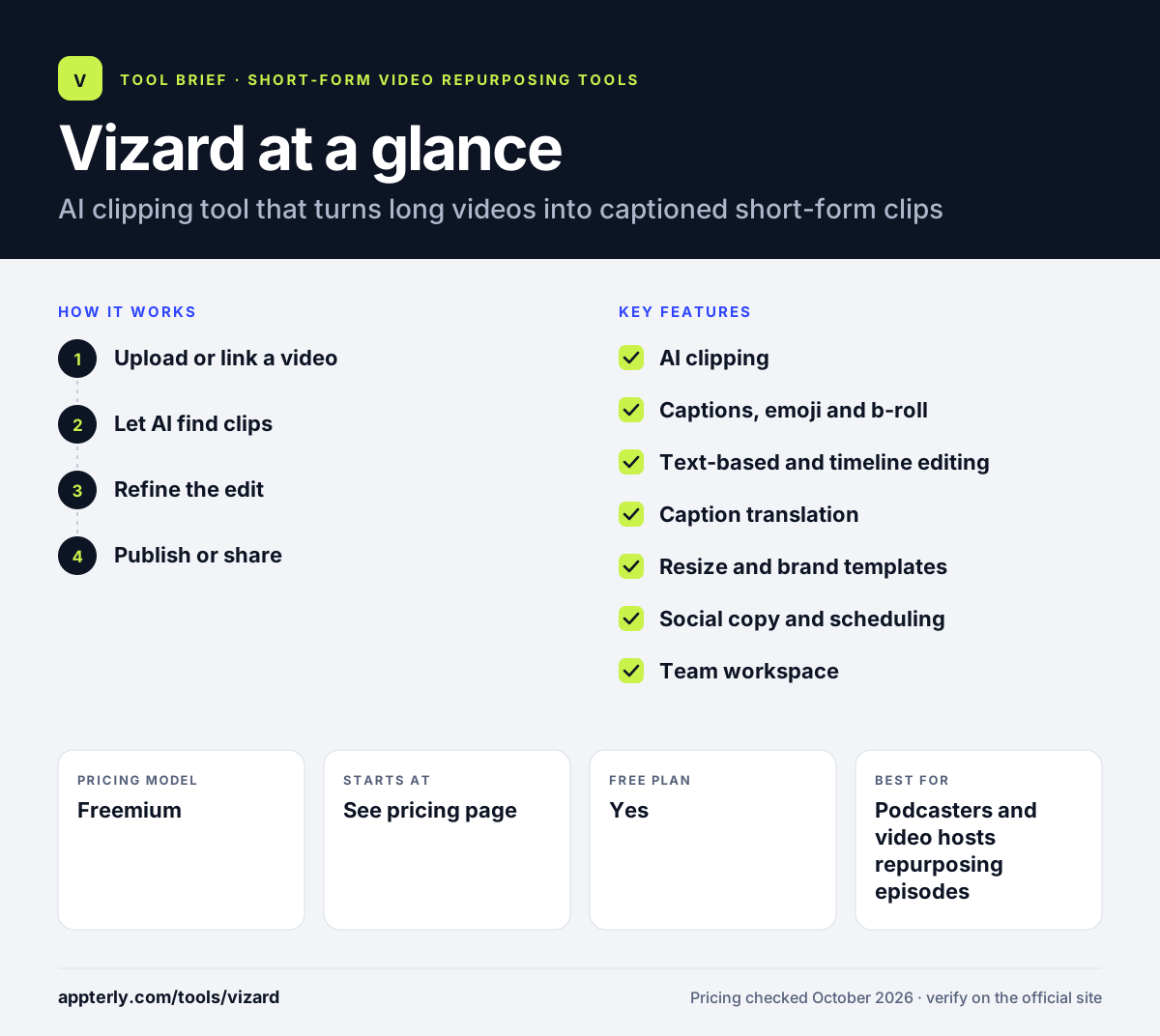
Vizard at a glance
How does Vizard work?
- Upload or link a video
Add a long recording to the web app or mobile app, such as a podcast episode, webinar or interview. Supported uploads can run up to 600 minutes and 10 GB on paid plans.
- Let AI find clips
Vizard picks highlight moments, cuts them into shorts and reframes them for vertical or square formats.
- Refine the edit
Adjust clips by deleting transcript text, fine-tune on the timeline, and change captions, emoji, b-roll and templates.
- Publish or share
Download clips, share them as review links, or schedule and publish them to connected social accounts.
Vizard key features
AI clipping
Detects engaging moments in long videos and turns them into short clips, keeping the main subject centered.
Captions, emoji and b-roll
Adds styled captions automatically and suggests emoji and b-roll to make clips more watchable.
Text-based and timeline editing
Trim by editing the transcript or make precise cuts on a timeline.
Caption translation
Translates captions into more than 100 languages for international audiences.
Resize and brand templates
Changes aspect ratio in one click and applies saved brand templates, fonts and outros.
Social copy and scheduling
Writes post captions and hashtags and lets you schedule or publish to connected social accounts.
Team workspace
Shared workspaces and preview links help teams and agencies collaborate and get client approval.
API
Automates clipping, captioning and publishing through an API included with Creator and Business plans.
Why use Vizard?
- One long recording becomes a batch of ready-to-post shorts.
- Automatic reframing saves time when converting horizontal footage to vertical.
- A free plan lets you test the output before paying.
- Shared workspaces and review links suit agencies that need client sign-off.
- API access is included on paid plans, so teams can automate high-volume clipping.
Who is Vizard best for?
A good fit for
- Podcasters and video hosts repurposing episodes
- Marketing teams turning webinars into social clips
- Agencies producing short-form video for several clients
- Developers building automated clipping workflows
Less suited to
- Editors who need detailed color, audio and multi-track control
- Creators who only shoot native short-form clips and rarely have long footage
- Buyers who need prices clearly listed before signing up
Vizard pricing
| Pricing model | Freemium |
|---|---|
| Free plan | Yes |
| Free trial | Not confirmed |
| Starting price | See the official pricing page |
The free plan gives 60 credits a month (one credit equals one minute of video) with exports up to 720p and 10 minutes long. Creator and Business plans start from 600 credits a month, add 4K export and API access, and Business adds team seats and brand kits. Yearly billing is advertised at 50% off, but prices did not display on the pricing page when checked.
Prices checked October 2026. Vendors change plans often, so confirm on the official Vizard pricing page before you buy.
Vizard pros and cons
Pros
- Useful free plan for testing
- Strong automatic clipping and reframing
- Captions translate into more than 100 languages
- API included on paid plans
Cons
- Free plan exports are limited to 720p and short storage
- Credit limits can run out quickly with long recordings
- Exact plan prices were not visible on the pricing page
Vizard integrations and platforms
Works with
Available on
Vizard alternatives
See the full shortlist in Best AI Video Clipping Tools.
Vizard FAQ
Is Vizard free?
Yes. Vizard has a free plan with 60 credits per month, where one credit equals one minute of uploaded video. Free exports are limited to 720p and videos are stored for three days. Paid Creator and Business plans raise the credit limit, unlock 4K export and add scheduling, API access and team features. Business plans also include unlimited storage while you stay subscribed.
What is Vizard used for?
Vizard is used to repurpose long videos into short clips. Creators and marketers upload podcasts, webinars, interviews or livestreams, and Vizard finds highlights, reframes them vertically, adds captions and writes social post copy. The clips can then be downloaded, shared for review or published to TikTok, Instagram and YouTube.
Vizard vs OpusClip: what's the difference?
Both tools use AI to cut long videos into shorts with captions. Vizard offers a usable free plan, caption translation into more than 100 languages, team workspaces and an API included with paid plans. OpusClip is also focused on automatic clipping and virality scoring. The better fit depends on your volume, budget and team needs.
Does Vizard have an API?
Yes. The Vizard API is included with the Creator and Business plans at no extra subscription cost. API jobs use the same upload minutes as the web app. It can find highlights, add captions, apply brand templates and publish to connected platforms, and Vizard provides an n8n workflow template.
Does Vizard have a mobile app?
Yes. Vizard offers an iOS app on the Apple App Store in addition to the web app. The mobile app lets you create AI clips on the go, while the web app remains the main place for detailed editing, team workspaces and scheduling.
Sources
This overview is based on Vizard's official website and documentation, checked October 2026.