What is Captions?
Captions is an AI video editing and generation app that turns raw talking-head footage, or newly generated footage, into finished videos with styled captions, cuts and b-roll. It is built for creators, marketers and brands that publish short-form video to TikTok, Instagram Reels and YouTube Shorts. The app is made by Mirage, the company formerly known as Captions, and runs on iOS, Android and the web.
Captions began as an automatic captioning app and now covers much more. AI Edit applies a chosen style to a whole video, a chat-style editor lets you request changes in plain language, and AI avatars or a digital twin of yourself can present scripts. It also offers translated subtitles in 100+ languages, eye contact correction, noise removal, filler word trimming and generated music, which makes it useful for video repurposing.
Captions at a glance
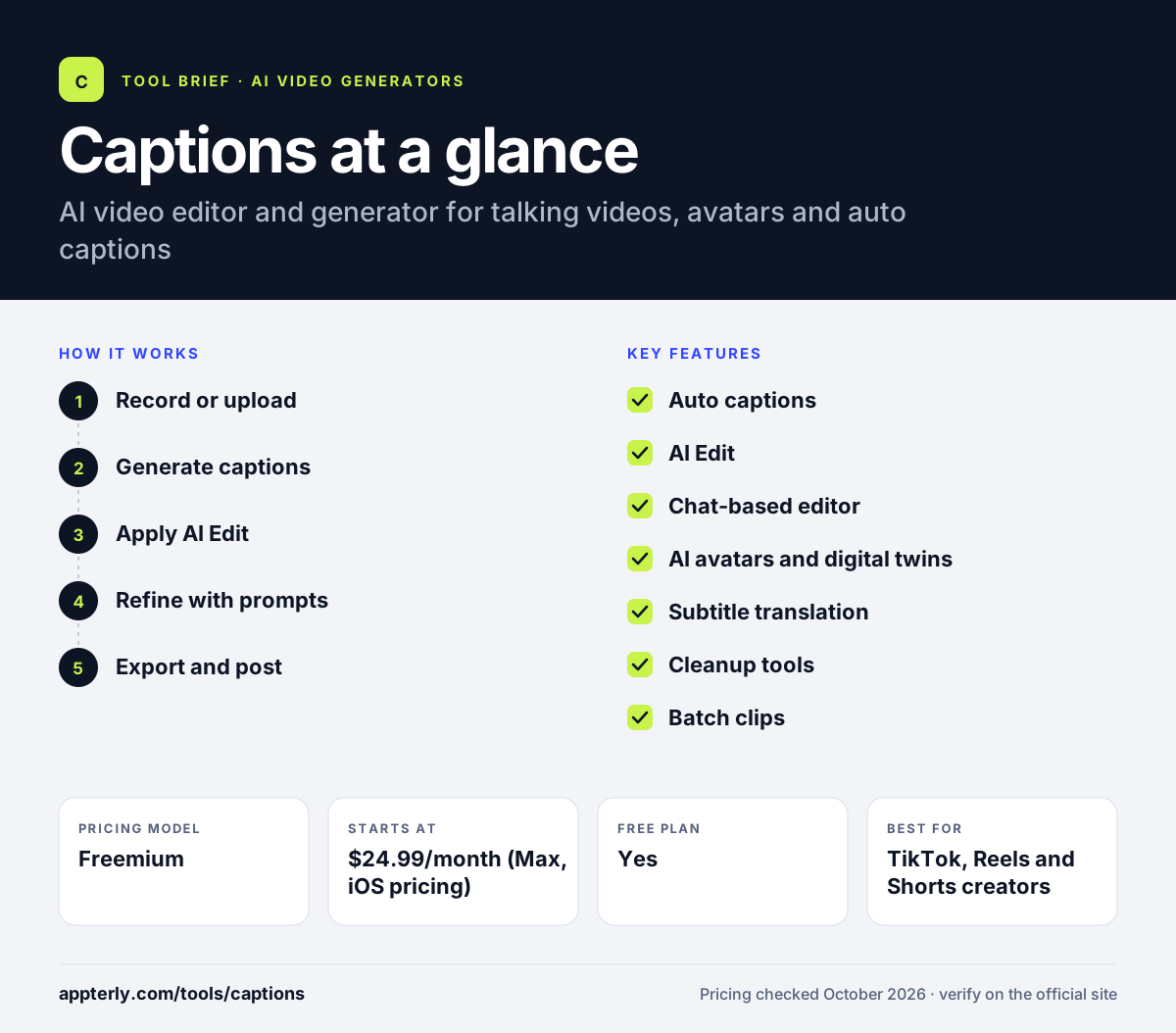
How does Captions work?
- Record or upload
Film yourself in the app, upload existing footage or generate a video with an avatar or digital twin.
- Generate captions
Captions transcribes speech and adds stylized, animated captions automatically. You can edit any word and pick from many caption styles.
- Apply AI Edit
Pick a style and let AI add scene cuts, zooms, b-roll and music across the whole video.
- Refine with prompts
Use the chat-based editor to ask for changes, trim pauses and fix eye contact or audio.
- Export and post
Export vertical videos for social platforms, with translated subtitles if needed. Paid plans unlock the full set of AI tools and higher credit allowances.
Captions key features
Auto captions
Generates animated, stylized captions from speech with editable text and styles.
AI Edit
Applies a full editing style, including cuts and b-roll overlays, in one step.
Chat-based editor
Lets you edit by typing instructions instead of working on a timeline.
AI avatars and digital twins
Create a digital version of yourself or use generated avatars, with prompt-based outfit and background changes.
Subtitle translation
Translates subtitles into more than 100 languages for global audiences.
Cleanup tools
Eye contact correction, background noise removal and automatic trimming of pauses and filler words.
Batch clips
Creates multiple short clips at once on paid plans.
Why use Captions?
- Short-form videos can be captioned and edited directly on a phone in minutes.
- AI Edit gives videos a polished, consistent look without manual editing skills.
- Digital twins let you produce talking videos without filming every time.
- Translated subtitles make it easier to reach audiences in other languages.
- Unused credits roll over, up to three times the monthly allowance.
Who is Captions best for?
A good fit for
- TikTok, Reels and Shorts creators
- Founders and personal brands making talking-head content
- Social media marketers producing UGC-style ads
- Creators repurposing longer videos into clips
Less suited to
- Long-form or multi-camera productions
- Editors who want precise timeline control
- Users who need full features without a paid plan
Captions pricing
| Pricing model | Freemium |
|---|---|
| Free plan | Yes |
| Free trial | Not confirmed |
| Starting price | $24.99/month (Max, iOS pricing) |
Max includes 500 AI credits a month; Frontier tiers at $69.99, $139.99 and $279.99 add more credits and the newest models, and Enterprise is custom. Annual plans are billed upfront at a discount.
Prices checked October 2026. Vendors change plans often, so confirm on the official Captions pricing page before you buy.
Captions pros and cons
Pros
- Fast, mobile-first workflow for short-form video
- High-quality animated captions
- AI avatars and digital twins included on paid plans
- Credits roll over
Cons
- Free plan covers only basic tools
- Generative features depend on credits
- Less suited to long or complex edits
Captions integrations and platforms
Available on
Captions alternatives
See the full shortlist in Best AI Video Generators.
Captions FAQ
Is Captions free?
Captions is free to download and sign up for, and some basic tools such as trimming and transitions work without a subscription. Full AI features, including AI Edit, digital twins and the chat-based editor, require a paid plan. The Max plan is listed at $24.99 per month on iOS, with higher Frontier tiers for more credits.
What is Captions used for?
Captions is used to create and edit short-form talking videos for TikTok, Instagram Reels and YouTube Shorts. It adds automatic animated captions, applies AI editing styles, removes filler words and pauses, corrects eye contact and translates subtitles. Creators also use AI avatars or digital twins to produce videos without filming. Batch clip tools also help turn longer recordings into several short posts.
Is Captions the same as Mirage?
Mirage is the company behind the Captions app. The company was formerly called Captions and rebranded as Mirage in 2025. It continues to build the Captions app along with its Mirage foundation models and API, and its earlier Mirage Studio product has been merged into Captions. Its phone-first workflow suits people who already film on their mobile devices.
Captions vs CapCut: what's the difference?
Both apps help creators edit short-form video on mobile. CapCut is a general-purpose editor with a manual timeline, templates and effects. Captions focuses on AI-driven editing of talking videos, with automatic captions, one-step AI Edit styles, a chat-based editor and digital twin avatars. Captions requires a paid plan for most AI features. CapCut may be the better pick for manual, effect-heavy edits.
Does Captions work on Android and desktop?
Yes, Captions is available on Android through Google Play and on iOS through the App Store. You can also sign up and use it in a web browser on a computer. The company's site does not list a separate downloadable desktop app. Your projects and avatars are available across devices when you sign in with the same account.
Sources
This overview is based on Captions's official website and documentation, checked October 2026.