What is Google Veo?
Google Veo is Google DeepMind's AI video generation model that creates short, realistic video clips with native sound from text prompts, images or reference material. The current version, Veo 3.1, generates dialogue, sound effects and ambient audio together with the picture, at up to 1080p or 4K. Filmmakers, ad creatives, social media marketers and developers use it to prototype scenes, produce b-roll and create short promotional clips.
Veo goes beyond plain text-to-video. Ingredients to video lets you supply reference images of characters, objects or scenes to keep them consistent, first and last frame control generates a transition between two images, and scene extension lengthens clips. Other controls cover camera moves, outpainting, object insertion and removal and style matching. Google is now moving consumer video generation in Gemini and Flow to its newer Gemini Omni model.
Google Veo at a glance
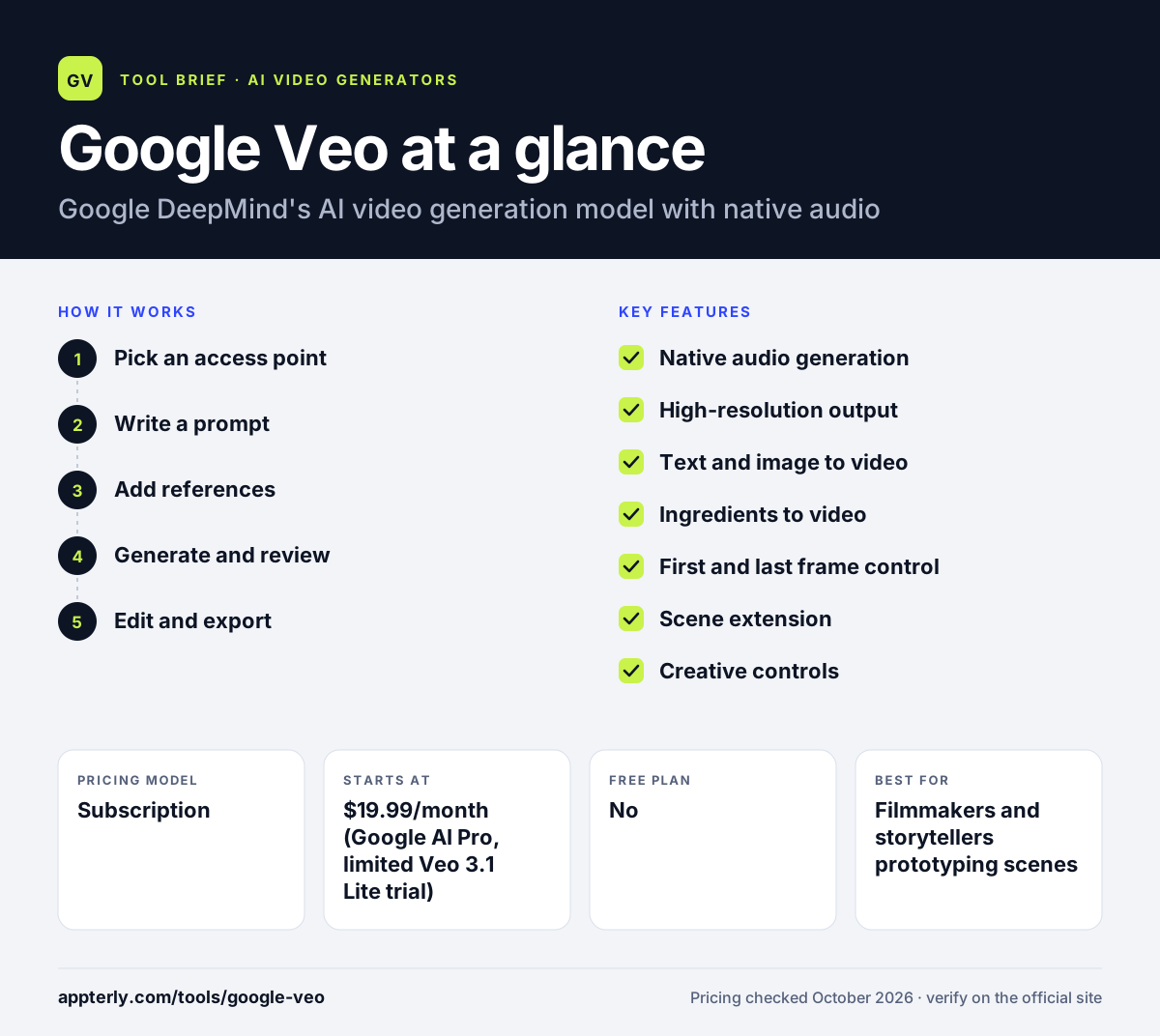
How does Google Veo work?
- Pick an access point
Use Veo through a Google AI subscription in the Gemini app or Flow, or through Google's enterprise AI platform for business use.
- Write a prompt
Describe the scene, subject, camera movement, style and any dialogue or sounds you want. Clear, specific prompts tend to give more predictable results.
- Add references
Optionally upload images as ingredients, or set a first and last frame to guide the result.
- Generate and review
Veo renders a short clip with synchronized audio, which you can regenerate or extend. Gemini app generations include an invisible SynthID watermark.
- Edit and export
Refine clips with scene extension or editing controls, then download them for use in your editor.
Google Veo key features
Native audio generation
Creates dialogue, sound effects and ambient sound in sync with the video.
High-resolution output
Generates clips at 1080p or 4K.
Text and image to video
Turns written prompts or still images into moving footage.
Ingredients to video
Uses reference images, and now audio, to keep characters, objects and scenes consistent.
First and last frame control
Creates a smooth transition between a starting image and an ending image.
Scene extension
Lengthens a generated clip to build longer sequences.
Creative controls
Camera controls, outpainting, object insertion and removal, motion control and style matching.
Why use Google Veo?
- Native audio removes the need to add basic sound effects or dialogue separately.
- Reference images help keep characters and products consistent across shots.
- High-resolution output makes clips usable in ads and social campaigns.
- Access is bundled with Google AI subscriptions many users already have.
- Enterprise access suits companies that need Google Cloud governance.
Who is Google Veo best for?
A good fit for
- Filmmakers and storytellers prototyping scenes
- Ad creatives producing short product and brand clips
- Social media marketers creating eye-catching b-roll
- Developers and enterprises building on Google's AI platform
Less suited to
- Long-form videos, since generations are short clips
- Users who need a full editing timeline inside the tool
- Developers relying on the retired Veo 3.1 preview endpoints in the Gemini API
Google Veo pricing
| Pricing model | Subscription |
|---|---|
| Free plan | No |
| Free trial | Not confirmed |
| Starting price | $19.99/month (Google AI Pro, limited Veo 3.1 Lite trial) |
Google AI Ultra, from $99.99 per month, includes Veo 3.1 in the Gemini app, while lower plans now center on Gemini Omni; enterprise access is billed through Google's cloud AI platform.
Prices checked October 2026. Vendors change plans often, so confirm on the official Google Veo pricing page before you buy.
Google Veo pros and cons
Pros
- Realistic video with synchronized native audio
- Strong control through references and frame guidance
- Up to 4K output
- Backed by Google DeepMind research
Cons
- Clips are short
- Consumer access is shifting to Gemini Omni
- Best access requires the expensive Ultra plan
Google Veo integrations and platforms
Works with
Available on
Google Veo alternatives
See the full shortlist in Best AI Video Generators.
Google Veo FAQ
Is Google Veo free?
Google Veo is not offered as a free standalone tool. It is accessed through Google AI subscriptions, where Google AI Pro at $19.99 per month includes a limited trial of Veo 3.1 Lite and Google AI Ultra includes Veo 3.1 in the Gemini app. Businesses can also use Veo through Google's enterprise AI platform. Availability and limits vary by plan and region.
What is Google Veo used for?
Google Veo is used to generate short video clips from text prompts, images or reference material. Creators use it for cinematic scenes, product shots, ad concepts, social media b-roll and storyboarding. Because it generates sound together with the picture, it can also produce clips with dialogue and sound effects. Developers and enterprises can also generate clips programmatically through Google's AI platform.
Is Google Veo being replaced?
Google says Gemini Omni will replace Veo in the Gemini app, and Flow now runs on Gemini Omni Flash. The Veo 3.1 preview models in the Gemini API were shut down on October 22, 2026, with Gemini Omni Flash or GA Veo models on Google's enterprise platform as replacements.
Google Veo vs Sora: what's the difference?
Google Veo comes from Google DeepMind and is available through Gemini, Flow and Google's enterprise AI platform. Sora is OpenAI's video model, available through OpenAI's own apps. Both generate realistic clips with audio from text and images. Veo stands out for reference ingredients, first and last frame control and Google ecosystem access. Output quality varies by prompt, so many creators test both.
Do Google Veo videos have a watermark?
Videos generated in the Gemini app include SynthID, Google's invisible watermark for identifying content made with Google AI. It does not change how the video looks, but it can be detected by tools. You can upload a file to Gemini and ask whether it was generated with Google AI. SynthID is designed to stay detectable even after common edits.
Sources
This overview is based on Google Veo's official website and documentation, checked October 2026.