What is Squarespace?
Squarespace is an all-in-one website builder known for polished templates that help creatives and small businesses publish professional sites without code. It started in 2003 in a University of Maryland dorm room and now covers hosting, domains, an online store, invoicing and marketing tools in one subscription. Its editor uses structured sections, which keeps layouts tidy even for people with no design training.
Beyond basic sites, Squarespace supports selling physical products, digital downloads, services and memberships. Higher plans remove online store transaction fees, add automated tax and shipping tools and lower card processing rates. Developers can add custom CSS, JavaScript and code injection from the Core plan upward, so designers can fine-tune a site when the built-in controls are not enough.
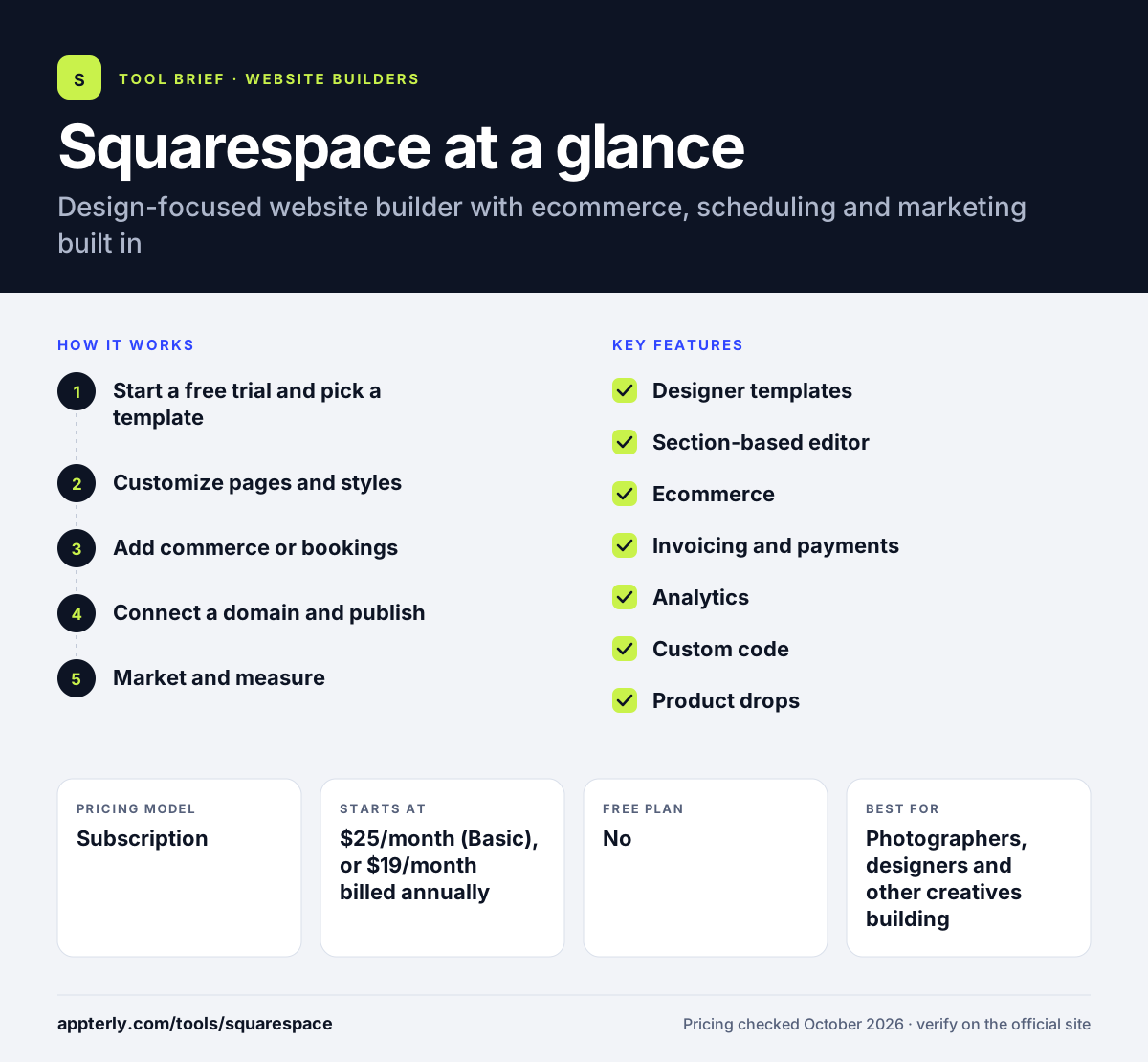
Squarespace at a glance
How does Squarespace work?
- Start a free trial and pick a template
Choose a template or answer a few questions to generate a starting site, with no credit card needed for the 14-day trial.
- Customize pages and styles
Edit sections, swap images and set fonts and colors across the whole site from one style panel.
- Add commerce or bookings
Set up products, services or digital content and connect payment processing.
- Connect a domain and publish
Register or connect a custom domain, choose a plan and publish the site.
- Market and measure
Use built-in SEO settings, email campaigns and analytics to grow traffic and sales.
Squarespace key features
Designer templates
A curated library of responsive templates that suit portfolios, restaurants, shops and service businesses. Templates can be restyled heavily without code.
Section-based editor
Drag-and-drop sections and blocks keep layouts aligned while allowing a lot of visual control. Site-wide style settings keep fonts and colors consistent.
Ecommerce
Sell physical products, digital content and services, with automated tax, shipping labels and carrier rates on Core and above. Digital content fees drop on higher plans.
Invoicing and payments
Send invoices and take payments, with card rates that drop on higher plans. Invoices link to the same customer records as store orders.
Analytics
Core and higher plans add advanced analytics and sales funnel reports. Reports show traffic sources and purchase steps.
Custom code
CSS, JavaScript and code injection are available from Core, which helps developers extend designs. It is useful for adding tracking scripts and custom styling.
Product drops
Plus and Advanced add reserved carts and countdown timers for limited product releases. These tools help brands run limited-time launches.
Why use Squarespace?
- Squarespace templates look professional with little effort, which helps brands that care about visual quality.
- Hosting, security and updates are managed, so there is nothing to install or maintain.
- Selling, invoicing and analytics are built in instead of relying on many third-party apps.
- Core and higher plans charge no Squarespace transaction fee on online store sales.
- The 14-day free trial requires no credit card.
Who is Squarespace best for?
A good fit for
- Photographers, designers and other creatives building portfolios
- Restaurants, salons and service businesses that want a polished site
- Small stores with a focused product catalog
- Consultants selling services, bookings or digital content
Less suited to
- Large stores that need extensive apps, B2B features or complex inventory
- Anyone who needs a permanent free plan
- Developers who want full control over hosting and code
Squarespace pricing
| Pricing model | Subscription |
|---|---|
| Free plan | No |
| Free trial | 14 days |
| Starting price | $25/month (Basic), or $19/month billed annually |
Plans are Basic, Core, Plus and Advanced. Basic charges a 2% online store fee, while Core and above remove it and add tax, shipping and code tools, with card and digital content fees falling on higher tiers.
Prices checked October 2026. Vendors change plans often, so confirm on the official Squarespace pricing page before you buy.
Squarespace pros and cons
Pros
- Polished, consistent templates
- All-in-one hosting, commerce and marketing
- No credit card needed for the trial
- Lower fees on higher plans
Cons
- No free plan
- Basic plan adds a transaction fee and lacks custom code
- Smaller app ecosystem than Shopify or WordPress
Squarespace integrations and platforms
Works with
Available on
Squarespace alternatives
See the full shortlist in Best Website Builders.
Squarespace FAQ
Is Squarespace free?
No. Squarespace does not have a free plan. Every site starts with a 14-day free trial that does not require a credit card. To publish beyond the trial, you choose Basic, Core, Plus or Advanced. Annual billing lowers the monthly cost, with Basic at $19 per month when paid yearly.
What is Squarespace used for?
Squarespace is used to build websites for portfolios, small businesses, restaurants, service providers and online stores. Many users also sell digital content, services or memberships and send invoices. It combines hosting, design templates and selling tools, so a business can run its main website from one account. Its built-in tools reduce the need for separate apps.
Is Squarespace good for beginners?
Yes. Squarespace is beginner friendly because its templates already look professional and the section-based editor keeps layouts tidy. You do not need to manage hosting or updates. Beginners may still need some time to learn store settings, but basic sites can be built in an afternoon.
Squarespace vs Wix: what's the difference?
Both are hosted website builders. Squarespace focuses on polished, structured templates that keep designs consistent, while Wix offers more free-form layout control, a free plan and a larger app market. Design-minded creatives often prefer Squarespace, while users who want flexibility or a free starting point often prefer Wix.
Does Squarespace charge transaction fees?
It depends on the plan. Basic charges a 2% online store fee on sales. Core, Plus and Advanced charge no online store fee. Card processing fees still apply on every plan, starting at 2.9% plus 30 cents and dropping on Plus and Advanced. Digital content has its own separate fee. Higher plans also reduce card processing rates.
Sources
This overview is based on Squarespace's official website and documentation, checked October 2026.