What is Opteo?
Opteo is a Google Ads management tool that scans your accounts and suggests specific improvements you can apply with a click. It looks for things such as wasteful search terms, keywords that need bid changes, weak ad copy, tracking errors and Shopping issues, then explains each change before you push it to Google Ads. The goal is to save PPC managers time on routine checks so they can spend more time on strategy.
Opteo is built by Opteo Ltd, a company based in London, and focuses only on Google Ads. Alongside its improvement queue, it offers performance monitoring, segment analysis, budget management, branded reports, a scorecard for account health, and alerts that can go to Slack. Plans are priced by the number of accounts and the monthly ad spend you manage, which makes it popular with freelancers, in-house teams and small to mid-size agencies.
Opteo at a glance
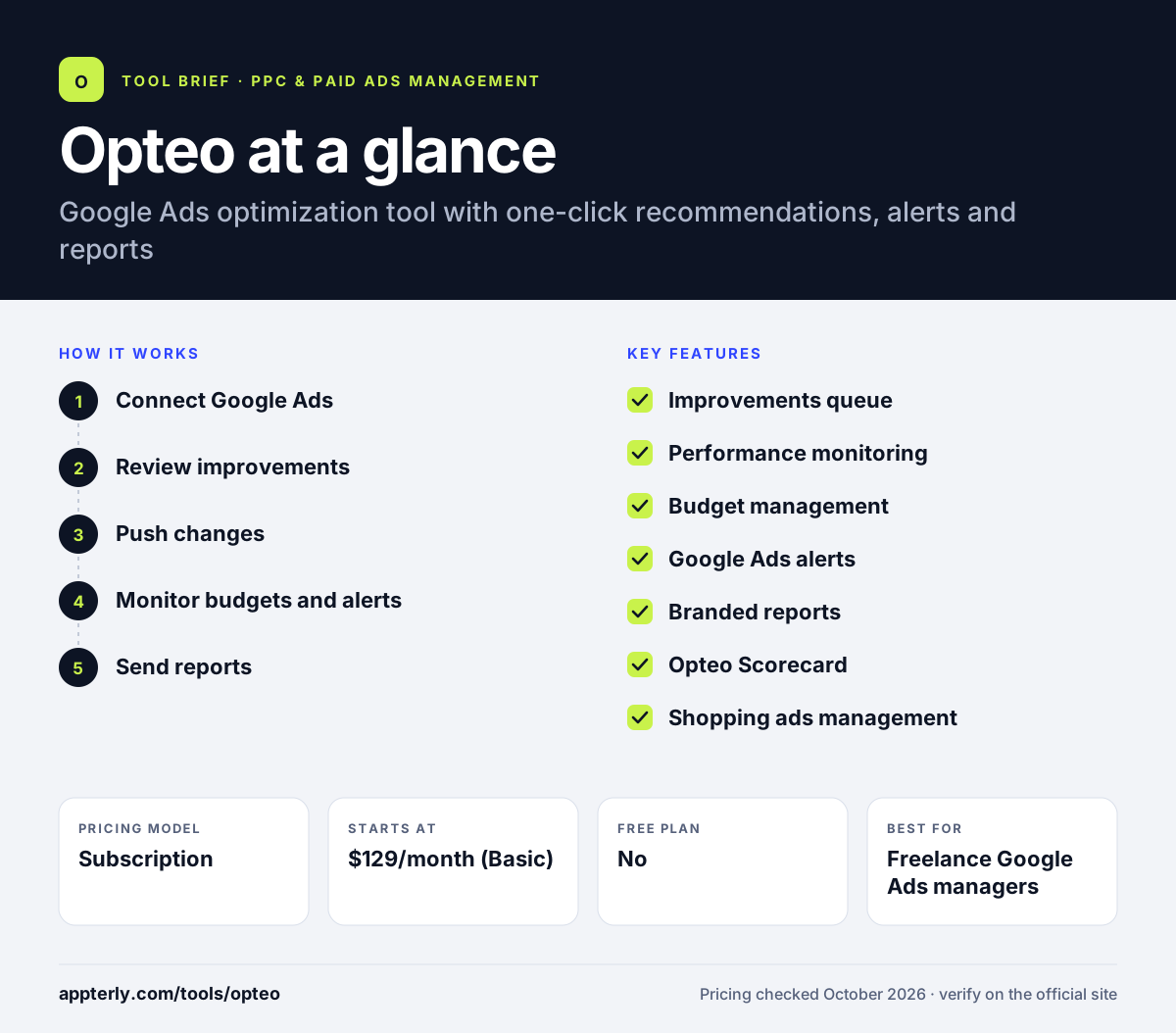
How does Opteo work?
- Connect Google Ads
Start a 14-day free trial and link your Google Ads accounts, up to the limit of your plan.
- Review improvements
Opteo analyzes each account and lists suggested improvements, such as adding negative keywords, adjusting bids or fixing broken links.
- Push changes
Read the reasoning behind each suggestion, adjust it if needed, and apply it to Google Ads in one click or dismiss it.
- Monitor budgets and alerts
Track spend against budget and receive alerts by email or in Slack when performance changes.
- Send reports
Create branded Google Ads reports and a scorecard to share progress with clients or managers.
Opteo key features
Improvements queue
Recommendations for managing keywords, improving ad creative, optimizing bids, excluding bad traffic, detecting errors and managing Shopping ads.
Performance monitoring
Charts and segment views that show trends by device, location, time and other dimensions.
Budget management
Budget tracking and pacing so accounts stay on target through the month.
Google Ads alerts
Notifications about sudden changes or problems, with a Slack integration for team channels.
Branded reports
Custom Google Ads reports with your own branding for clients and stakeholders.
Opteo Scorecard
An account health score that shows how well an account follows best practices and where it can improve.
Shopping ads management
Suggestions specific to Google Shopping campaigns, such as product-level bid and structure changes, aimed at ecommerce advertisers.
Why use Opteo?
- Routine optimization tasks take minutes instead of hours.
- Each suggestion explains its reasoning, which helps you learn and stay in control.
- Alerts catch problems such as broken links or overspend quickly.
- Branded reports and the scorecard make client updates easier.
- Clear tiers by account count and spend make costs predictable.
Who is Opteo best for?
A good fit for
- Freelance Google Ads managers
- Small and mid-size PPC agencies
- In-house marketers running Google Ads
- Ecommerce stores using Google Shopping
Less suited to
- Advertisers who need Microsoft Ads, Meta or LinkedIn support
- Teams wanting complex custom scripts and rule engines
- Very large accounts above $250,000 monthly spend that need a custom Enterprise quote
Opteo pricing
| Pricing model | Subscription |
|---|---|
| Free plan | No |
| Free trial | 14 days |
| Starting price | $129/month (Basic) |
Basic covers 10 accounts and $25,000 monthly spend. Professional ($249/month) covers 25 accounts and $100,000, Agency ($499/month) 75 accounts and $250,000, and Enterprise is custom; yearly billing gives two months free.
Prices checked October 2026. Vendors change plans often, so confirm on the official Opteo pricing page before you buy.
Opteo pros and cons
Pros
- Clear, explained one-click recommendations
- Fast to learn for Google Ads users
- Useful alerts and branded reports
- Refund offered on the latest invoice if unhappy
Cons
- Supports Google Ads only
- Annual prices are not listed publicly
- Less flexible automation than rule-engine tools
Opteo integrations and platforms
Works with
Available on
Opteo alternatives
See the full shortlist in Best PPC Management Software.
Opteo FAQ
Is Opteo free?
No. Opteo does not have a free plan, but it offers a 14-day free trial. Paid plans start with Basic at $129 per month for up to 10 accounts and $25,000 in monthly ad spend. Yearly billing gives a two-month discount, and Google Ad Grants accounts may qualify for discounts through support.
What is Opteo used for?
Opteo is used to optimize Google Ads accounts faster. It finds improvements such as negative keywords, bid adjustments, ad copy tests, error fixes and Shopping changes, and lets you apply them in one click. PPC managers also use Opteo for budget tracking, performance alerts in Slack and branded client reports.
Does Opteo support Microsoft Ads?
No. Opteo focuses only on Google Ads, and its pricing and features do not mention Microsoft Advertising, Meta or other platforms. If you also manage Microsoft Ads, tools such as Adalysis or Optmyzr support more than one ad platform and may be a better fit.
Opteo vs Optmyzr: what's the difference?
Opteo is simpler and centers on an explained queue of one-click Google Ads improvements, plus alerts and reports. Optmyzr is broader, with a rule engine, scripts, Shopping and Performance Max tools and support for social platforms. Opteo suits people who want speed and clarity, while Optmyzr suits teams wanting deep automation.
Is Opteo good for agencies?
Yes. Opteo's Agency plan covers up to 75 accounts and $250,000 in monthly ad spend, and every plan includes branded reports, a scorecard and Slack alerts. The improvement queue helps agency staff handle routine work across many client accounts quickly, while larger agencies can request custom Enterprise terms.
Sources
This overview is based on Opteo's official website and documentation, checked October 2026.