What is Rytr?
Rytr is an AI writing assistant that drafts short-form content such as emails, social posts, ads, blog sections and product copy from simple prompts. It offers around 40 use cases, 22 tones plus your own voice, and dozens of languages, and it can expand, shorten, reword or continue text. Its low prices and free plan made it a popular starting point for freelancers and small businesses. Each draft can come in up to three variants, which makes A/B testing short copy easier.
Rytr has since widened its focus to relationship intelligence. The writing side is now called Create, and a newer product, Engage, prepares daily briefs, meeting prep and follow-up drafts based on your email, calendar and chat history. A browser extension brings Rytr into Gmail, Slack, LinkedIn and other text boxes, and integrations include Outlook, Google Calendar, Google Meet and Granola. Briefs can also arrive by text message.
Rytr at a glance
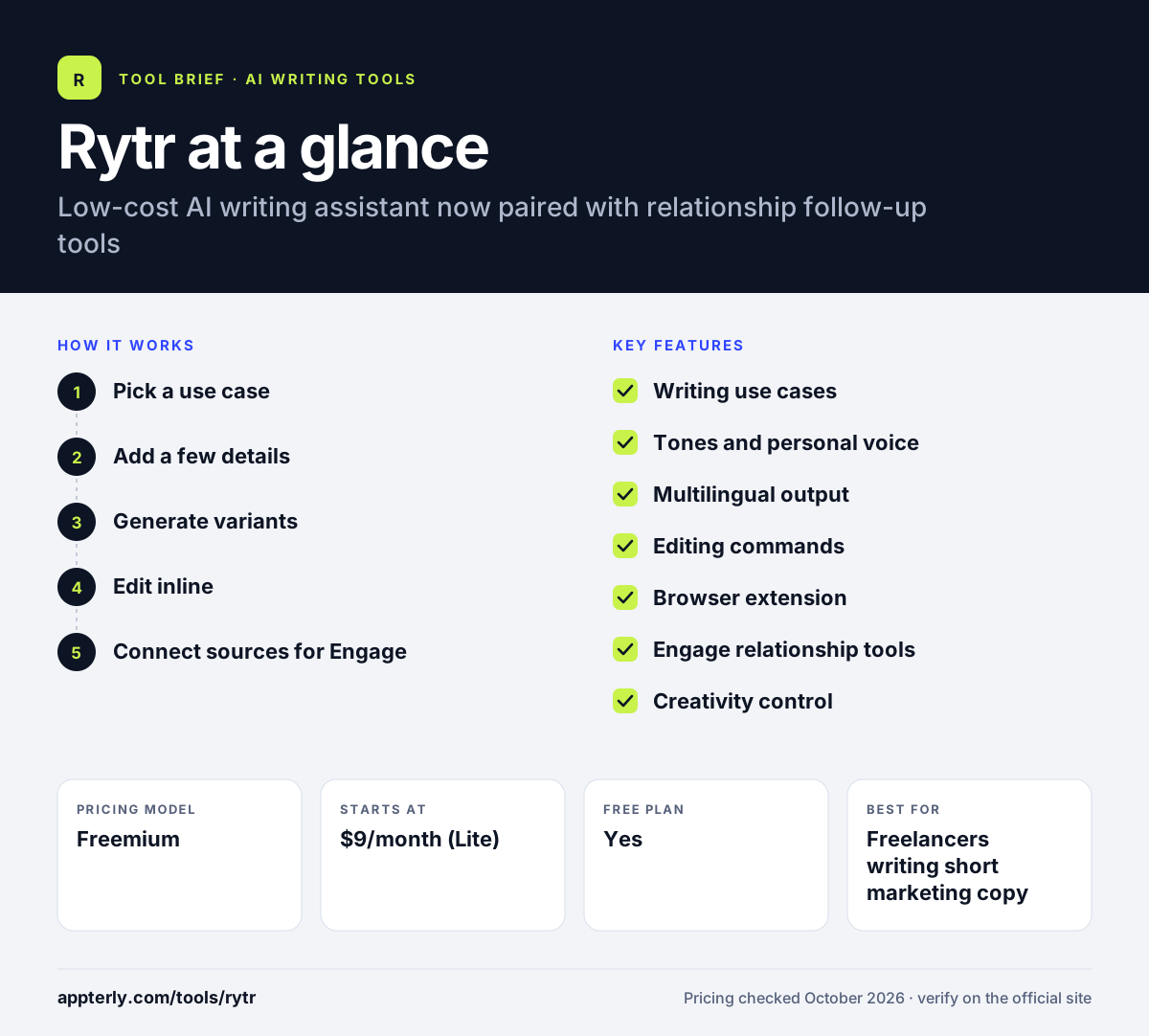
How does Rytr work?
- Pick a use case
Choose a format such as email, social post or ad, then set the language and tone.
- Add a few details
Enter the topic or key points and choose how creative the output should be. Short, specific inputs usually give the most useful drafts.
- Generate variants
Rytr produces up to three versions at once for you to compare.
- Edit inline
Expand, shorten, reword or improve selected text in the editor or through the browser extension.
- Connect sources for Engage
Link Gmail, Outlook, Slack or your calendar to get briefs and follow-up drafts.
Rytr key features
Writing use cases
Around 40 templates for emails, posts, ads, blog sections and product descriptions.
Tones and personal voice
22 preset tones plus a custom voice based on your own writing.
Multilingual output
Writes in more than 30 languages.
Editing commands
Continue, expand, shorten, reword or improve any selected passage.
Browser extension
Brings Rytr into Gmail, Slack, LinkedIn and any web text box.
Engage relationship tools
Daily briefs, meeting prep, follow-up drafts and alerts when contacts go quiet. Follow-up drafts wait for your approval before anything is sent.
Creativity control
A setting that lets you choose between safer, predictable wording and more varied, creative output.
Why use Rytr?
- The free plan includes 10,000 characters a month with no card required.
- Paid plans start low compared with most AI writers.
- Many tones and languages make it easy to adapt short copy.
- The browser extension works where you already write.
- Engage helps freelancers and sales-minded marketers stay on top of follow-ups.
- Engage keeps a memory of each relationship, so you can ask questions and get source-backed answers before a meeting.
Who is Rytr best for?
A good fit for
- Freelancers writing short marketing copy
- Small business owners on a tight budget
- Non-native writers who need quick drafts in several languages
- Consultants who want help with follow-up emails
Less suited to
- Teams needing long-form SEO content workflows
- Companies that require brand governance and admin controls
Rytr pricing
| Pricing model | Freemium |
|---|---|
| Free plan | Yes |
| Free trial | Not confirmed |
| Starting price | $9/month (Lite) |
Lite removes the character limit, while Personal at $19/month and Pro at $49/month add more connected sources and Engage capacity. Yearly billing saves 20%. You can upgrade, downgrade or cancel at any time and keep access until the period ends.
Prices checked October 2026. Vendors change plans often, so confirm on the official Rytr pricing page before you buy.
Rytr pros and cons
Pros
- Free plan with no credit card
- Cheap paid plans
- Many tones and languages
- Works in email and chat through the extension
Cons
- Best suited to short-form copy
- The shift toward relationship tools may not matter to pure writers
- No public details on team admin features
Rytr integrations and platforms
Works with
Available on
Rytr alternatives
See the full shortlist in Best AI Writing Tools.
Rytr FAQ
Is Rytr free?
Yes. Rytr has a free forever plan with 10,000 characters per month, more than 40 writing use cases and 30-plus languages, and no credit card is needed. Paid plans start at $9 per month for Lite, which removes the character limit.
What is Rytr used for?
Rytr is used to write short marketing content such as emails, social posts, ads, blog sections and product descriptions. Its newer Engage product also helps professionals keep up with contacts through daily briefs, meeting prep and drafted follow-ups based on email and calendar data.
Is Rytr good for beginners?
Yes. Rytr is simple to use: pick a use case, choose a tone and language, add a few details and generate. The editor's expand, shorten and reword commands make it easy to adjust results. The free plan lets beginners try it without paying. Paid plans can be canceled at any time.
Rytr vs Jasper: what's the difference?
Rytr is a low-cost writing assistant aimed at individuals and small businesses, with a free plan and paid plans from $9 per month. Jasper is a marketing platform for larger teams, with brand knowledge controls, agents and content pipelines, and it starts at $59 per seat per month.
Does Rytr have a Chrome extension?
Rytr offers a browser extension that works on any web page and brings its writing and relationship features into Gmail, Slack, LinkedIn and other text boxes. You can improve selected text, add contacts and see relationship context without leaving the page.
Sources
This overview is based on Rytr's official website and documentation, checked October 2026.