What is QuillBot?
QuillBot is an AI writing toolkit best known for its paraphraser, which rewrites sentences in different styles while keeping the meaning. It also includes a grammar checker, summarizer, translator, humanizer, AI detector, plagiarism checker and citation generator. QuillBot is a Learneo, Inc. business, and its tools are popular with students, writers and marketers who need to rework text quickly.
Over time QuillBot has added AI chat, an image generator, a presentation creator and a set of PDF and file conversion tools. It runs on the web and through extensions for Chrome, Edge and Safari, a Word add-in, Windows and macOS apps, and mobile apps for Android and iOS. Premium unlocks unlimited paraphrasing, more modes, longer summaries and plagiarism checks. Team plans add a user dashboard, central billing and usage metrics.
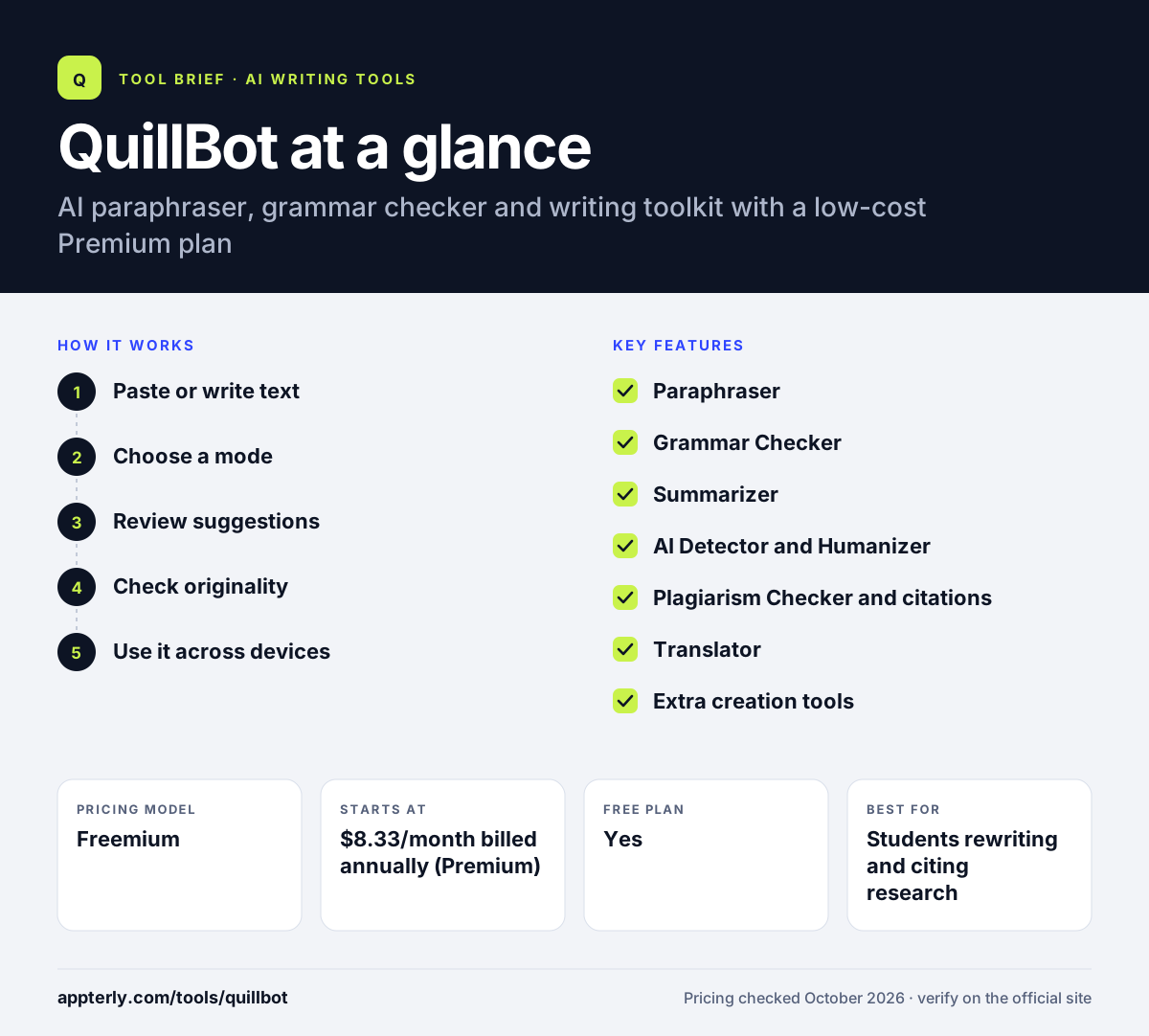
QuillBot at a glance
How does QuillBot work?
- Paste or write text
Open a tool on the web, or use the browser extension or Word add-in where you already write.
- Choose a mode
Pick a paraphrasing mode such as formal or simple, and adjust how many synonyms change.
- Review suggestions
Accept rewrites, grammar fixes and tone insights line by line. Premium also shows tone insights and lets you compare paraphrasing modes side by side.
- Check originality
Run the AI Detector or Plagiarism Checker, and add citations where needed.
- Use it across devices
Premium works on up to 10 devices at once, so the same account covers your laptop, desktop and phone.
QuillBot key features
Paraphraser
Rewrites text in 9 built-in modes plus custom modes on Premium, with 2 modes and 125 words on Free. A history panel and mode comparison let you review earlier versions.
Grammar Checker
Fixes grammar, spelling and punctuation, with advanced suggestions in several languages on Premium.
Summarizer
Condenses long text into key points, up to 1,200 words on Free and 6,000 on Premium.
AI Detector and Humanizer
Flags likely AI-written text and rewrites it to sound more natural.
Plagiarism Checker and citations
Checks up to 25,000 words a month on Premium and generates citations.
Translator
Translates text into more than 40 languages.
Extra creation tools
AI chat, image generator, presentation creator and PDF tools.
Browser and Office add-ons
Extensions for Chrome, Edge and Safari and a Word add-in bring paraphrasing and grammar checks into the places you already write.
Why use QuillBot?
- The free plan covers basic paraphrasing, grammar and summaries.
- Premium is cheaper than most AI writing subscriptions.
- Many writing tools sit under one account.
- It works inside browsers, Word and on mobile.
- Paraphrasing modes help adapt one message to different audiences.
- Premium can be paused when you do not need it, so you are not billed for idle months.
Who is QuillBot best for?
A good fit for
- Students rewriting and citing research
- Freelance writers refreshing existing content
- Marketers adapting copy for different channels
- Non-native English speakers polishing their writing
- Bloggers repurposing older posts into fresh versions
Less suited to
- Teams needing brand voice controls and collaboration features
- Writers who need long-form content generated from scratch
QuillBot pricing
| Pricing model | Freemium |
|---|---|
| Free plan | Yes |
| Free trial | Not confirmed |
| Starting price | $8.33/month billed annually (Premium) |
Premium unlocks unlimited paraphrasing, AI detection and humanizing, longer summaries and plagiarism checks, with a 3-day money-back guarantee. Team pricing is available on request.
Prices checked October 2026. Vendors change plans often, so confirm on the official QuillBot pricing page before you buy.
QuillBot pros and cons
Pros
- Low-cost Premium plan
- Strong paraphrasing with several modes
- Many writing and PDF tools in one place
- Available across browsers, desktop and mobile
Cons
- Free plan limits paraphrasing to 125 words
- Few team collaboration or brand voice controls compared with marketing platforms
- Paraphrased output still needs review for accuracy
QuillBot integrations and platforms
Works with
Available on
QuillBot alternatives
See the full shortlist in Best AI Writing Tools.
QuillBot FAQ
Is QuillBot free?
Yes. QuillBot's free plan includes paraphrasing up to 125 words in two modes, basic grammar fixes, summaries up to 1,200 words and limited AI detection, with no credit card required. Premium costs $8.33 per month billed annually and removes most of these limits.
What is QuillBot used for?
QuillBot is used to paraphrase text, fix grammar, summarize long articles, translate content, detect AI writing and check plagiarism. Students use it for essays and citations, while marketers and writers use it to rework existing copy for new channels or audiences.
QuillBot vs Grammarly: what's the difference?
QuillBot is strongest at paraphrasing and summarizing, and its Premium plan costs less. Grammarly focuses on real-time grammar, tone and clarity feedback across apps, with team style guides. Many writers use QuillBot to rephrase and Grammarly to proofread.
Does QuillBot work in Microsoft Word?
Yes. QuillBot offers a Word add-in, plus extensions for Chrome, Edge and Safari and apps for Windows, macOS, Android and iOS. The iOS app includes an AI writing keyboard, so you can use QuillBot in most places you type.
Does QuillBot have an AI detector?
Yes. QuillBot includes an AI Detector that estimates whether text was written by AI, plus an AI Image Detector. Free users get limited access, while Premium unlocks unlimited AI detection. QuillBot also offers a Humanizer that rewrites stiff AI-sounding text, with an Advanced mode reserved for Premium.
Sources
This overview is based on QuillBot's official website and documentation, checked October 2026.