What is ProWritingAid?
ProWritingAid is a writing toolkit that combines a grammar checker with in-depth style reports and story feedback for long-form writers. It covers planning, drafting, line editing and manuscript critique, and it focuses on improving your own writing rather than producing text for you. Its core audience is novelists and independent authors, though bloggers and content writers also use it.
Line editing tools include grammar checks, more than 25 writing analysis reports, a rephraser and Sparks. Story tools add Chapter Critique, plot and character analysis, a virtual beta reader and marketability analysis. ProWritingAid works in Microsoft Word, Google Docs, Scrivener and browser extensions, plus a desktop editor. It is made by Orpheus Technology.
ProWritingAid at a glance
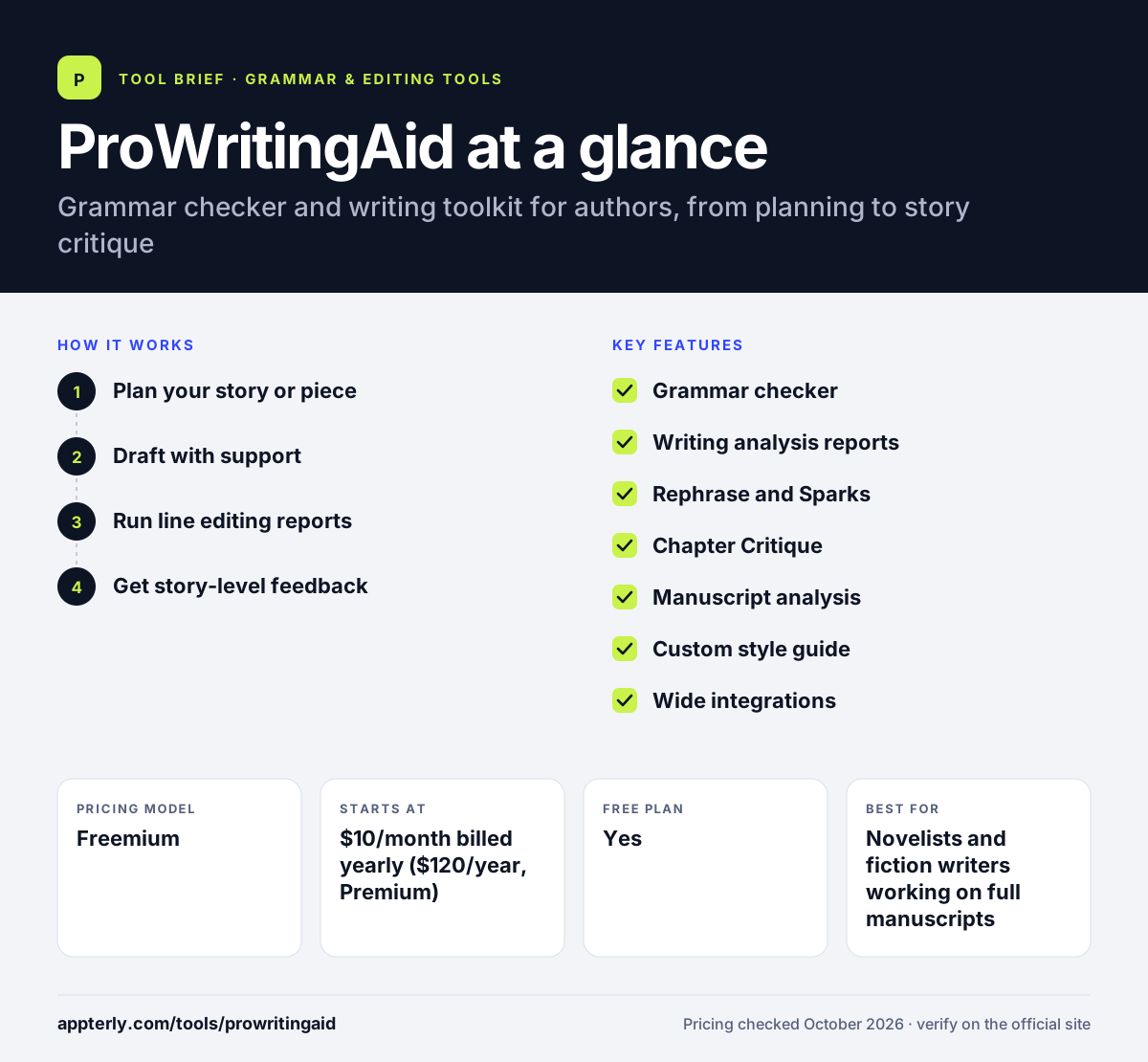
How does ProWritingAid work?
- Plan your story or piece
Use Story Canvas and the Outline Crafter to shape ideas before drafting.
- Draft with support
Writing sessions, sprints and creative nudges help keep a steady writing habit.
- Run line editing reports
Check grammar, style, overused words, pacing and more, then accept or ignore suggestions.
- Get story-level feedback
Run Chapter Critiques or manuscript analysis for notes on plot, characters and marketability.
ProWritingAid key features
Grammar checker
Catches grammar, spelling and punctuation errors with explanations. Explanations help writers learn the rules behind each correction.
Writing analysis reports
More than 25 reports on style, readability, repetition, pacing and sentence structure on Premium. Reports highlight issues like sticky sentences, overused words and slow pacing.
Rephrase and Sparks
AI tools that suggest alternative wordings and fresh ideas for a passage. These tools suggest options while leaving the final choice to the writer.
Chapter Critique
Story-level feedback on a chapter, with daily limits that vary by plan. It points out issues with pacing, tension and clarity across a chapter.
Manuscript analysis
Plot, character and marketability analysis plus a virtual beta reader, paid with Story Credits. Authors can use these insights before sending a draft to editors or agents.
Custom style guide
Lets you set your own rules and a custom dictionary on Premium. This lets authors protect deliberate stylistic choices and names.
Wide integrations
Works in Word, Google Docs, Scrivener, Apple Pages, Notion and browser extensions. Writers can keep using the editor they already prefer.
Why use ProWritingAid?
- Its reports go deeper on style than most grammar checkers.
- Story critique tools give feedback on structure, not just sentences.
- A lifetime license option avoids ongoing subscriptions.
- Scrivener and Word support fit common author workflows.
- It aims to improve your writing rather than write for you.
Who is ProWritingAid best for?
A good fit for
- Novelists and fiction writers working on full manuscripts
- Independent and self-publishing authors preparing books for release
- Long-form bloggers and content writers who want detailed style feedback
- Students working on long essays, theses or dissertations
Less suited to
- Marketers who need fast AI copy generation for ads and emails
- Users who only want quick grammar fixes in short messages
- Writers who prefer a minimal interface with few reports
ProWritingAid pricing
| Pricing model | Freemium |
|---|---|
| Free plan | Yes |
| Free trial | Not confirmed |
| Starting price | $10/month billed yearly ($120/year, Premium) |
Premium is $30 billed monthly or $399 lifetime, and Premium Pro is $12/month yearly, $36 monthly or $699 lifetime with more critiques and live workshops. Manuscript analysis uses separately purchased Story Credits.
Prices checked October 2026. Vendors change plans often, so confirm on the official ProWritingAid pricing page before you buy.
ProWritingAid pros and cons
Pros
- Very detailed style, readability and structure reports
- Fiction-specific critique tools such as Chapter Critique and a virtual beta reader
- Lifetime licenses are available for both paid tiers
- Strong integration with Scrivener, Word and Google Docs
Cons
- Monthly billing costs far more than yearly billing
- The free plan only checks 500 words at a time
- The number of reports can feel overwhelming to new users
ProWritingAid integrations and platforms
Works with
Available on
ProWritingAid alternatives
See the full shortlist in Best Grammar Checkers.
ProWritingAid FAQ
Is ProWritingAid free?
Yes. ProWritingAid has a free plan with grammar, spelling and punctuation checks, a thesaurus, 10 rephrases per day and suggestions for 500 words at a time. Premium starts at $10 per month billed yearly and removes most limits, adding more than 25 writing reports and a custom style guide.
What is ProWritingAid used for?
ProWritingAid is used to edit and improve long-form writing, especially novels. It checks grammar, runs detailed style reports on pacing, repetition and readability, and gives story-level feedback through Chapter Critiques and manuscript analysis. It also includes planning and drafting tools for authors.
Does ProWritingAid offer a lifetime plan?
Yes. ProWritingAid sells lifetime licenses for $399 for Premium and $699 for Premium Pro. Yearly and lifetime purchases come with a 3-day money-back guarantee, while monthly plans are not refundable. Story Credits for manuscript analysis are bought separately.
ProWritingAid vs Grammarly: what's the difference?
Grammarly focuses on correctness, clarity and tone for everyday business writing across many apps. ProWritingAid offers deeper style reports and story critique tools aimed at fiction and long-form writers, plus Scrivener support and a lifetime license. Authors tend to prefer ProWritingAid, while business users often prefer Grammarly.
Does ProWritingAid work with Google Docs and Word?
Yes. ProWritingAid integrates with Microsoft Word and Google Docs through add-ons, and also works with Scrivener, Apple Pages, Notion and browser extensions for Chrome, Firefox and Edge. A desktop editor is available for Windows and Mac users.
Sources
This overview is based on ProWritingAid's official website and documentation, checked October 2026.