What is Linguix?
Linguix is a grammar checker and AI writing assistant that corrects spelling, grammar, punctuation and style in seven languages. It runs mainly as a browser extension, so it checks text in Gmail, Google Docs, Canva and most other websites. It is built for freelancers, professionals and teams who write a lot of short-form text online.
Alongside corrections, Linguix offers a rewriter that shortens or expands sentences, a Content Score that rates readability, and text shortcuts that expand short commands into full templates. Business teams can set style guides and view writing reports. The product is made by Textly Inc., which also offers a Grammar Check API and a Figma plugin.
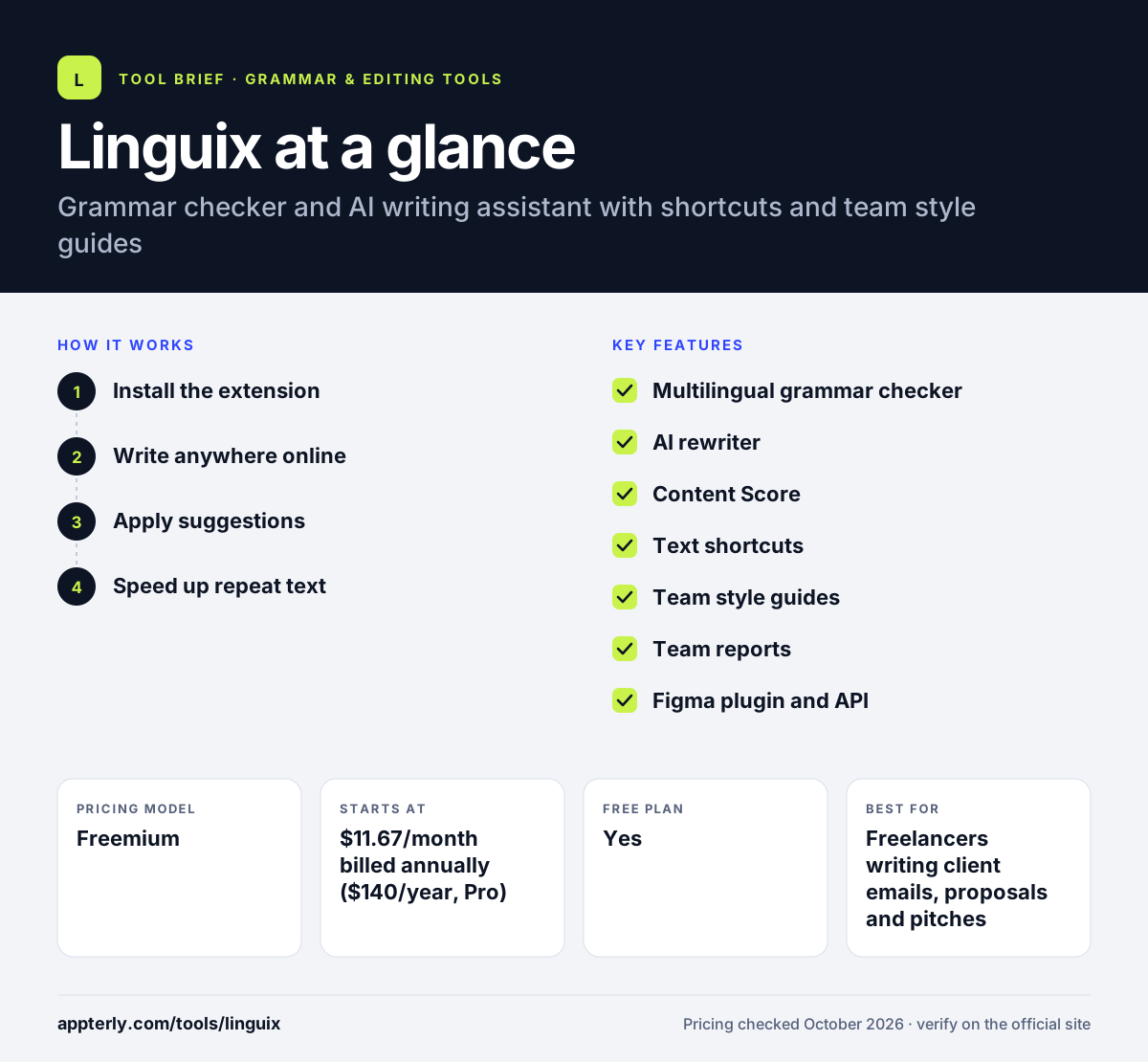
Linguix at a glance
How does Linguix work?
- Install the extension
Add Linguix to Chrome, Edge or Opera, or open the web editor if you prefer to write in one place.
- Write anywhere online
Linguix checks text in email, documents, social sites and web forms as you type, with issues underlined in place.
- Apply suggestions
Accept grammar, punctuation and style fixes with a click, or use the AI rewriter to shorten or expand a sentence.
- Speed up repeat text
Create shortcuts that expand into saved templates, which helps with common replies and standard messages.
Linguix key features
Multilingual grammar checker
Checks English, French, German, Spanish, Portuguese, Italian and Polish. Language detection lets you switch between languages without changing settings.
AI rewriter
Shortens, expands or rephrases sentences to improve clarity. This helps tighten copy for emails, ads and social posts.
Content Score
Rates text on factors such as sentence length and passive voice. It gives a quick signal of how easy a piece of text is to read.
Text shortcuts
Expands short commands into longer saved templates. Support and sales teams use this to answer common questions faster.
Team style guides
Keeps company terms and tone consistent across writers. This is useful for brands that care about consistent voice.
Team reports
Gives managers writing performance stats for their team. Managers can spot common mistakes and coach writers.
Figma plugin and API
Checks text in Figma designs and lets developers add grammar checks to apps. Designers can fix typos before handing files to developers.
Why use Linguix?
- It works in most websites through one browser extension.
- Shortcuts save time on repeated emails and support replies.
- Annual Pro pricing is lower than many larger grammar tools.
- Style guides and reports support small teams.
- The free plan covers everyday grammar and spelling checks.
Who is Linguix best for?
A good fit for
- Freelancers writing client emails, proposals and pitches
- Customer support teams that reuse common replies through shortcuts
- Designers who need to check interface and marketing copy in Figma
- Small teams that want shared style rules and simple writing reports
Less suited to
- Writers who need a native desktop or mobile app rather than a browser extension
- Long-form authors who need in-depth manuscript or story reports
- Buyers who want transparent monthly and team pricing upfront
Linguix pricing
| Pricing model | Freemium |
|---|---|
| Free plan | Yes |
| Free trial | Not confirmed |
| Starting price | $11.67/month billed annually ($140/year, Pro) |
The free plan includes grammar checks, basic AI suggestions and limited paraphrasing. Pro unlocks fuller AI features, and Linguix Business pricing for teams is available on request. New purchases have a 10-day money-back window.
Prices checked October 2026. Vendors change plans often, so confirm on the official Linguix pricing page before you buy.
Linguix pros and cons
Pros
- A useful free plan with grammar checks and basic AI help
- Text shortcuts are built in, so no separate expander is needed
- Checks seven languages, not only English
- Team features cover style guides and performance reports
Cons
- No native desktop or mobile apps are listed
- Monthly Pro and team prices are not shown publicly
- Fewer integrations and a smaller ecosystem than market leaders
Linguix integrations and platforms
Works with
Available on
Linguix alternatives
See the full shortlist in Best Grammar Checkers.
Linguix FAQ
Is Linguix free?
Yes. Linguix has a free plan that includes grammar and spelling checks, basic AI suggestions, limited paraphrasing, basic shortcuts and the browser extension. The Pro plan costs $140 per year, which works out to $11.67 per month, and adds fuller AI writing features.
What is Linguix used for?
Linguix is used to fix grammar, spelling and style mistakes while writing online. People also use it to rewrite sentences, measure readability with a Content Score, and insert saved templates through text shortcuts. Teams use its style guides and reports to keep writing consistent.
Is Linguix good for beginners?
Yes. Linguix installs as a browser extension and underlines issues as you type, so there is little to learn. Beginners can start on the free plan and accept suggestions with a click. The Content Score also gives a simple signal of how readable a piece of text is.
Linguix vs Grammarly: what's the difference?
Both tools check grammar through browser extensions. Grammarly offers more apps, including desktop and mobile, plus richer tone and generative AI features. Linguix is cheaper on annual billing, supports seven languages, and includes text shortcuts and a Figma plugin, which suits support teams and designers.
Does Linguix work in Google Docs?
Yes. The Linguix browser extension checks text in Google Docs, Gmail, Canva and many other websites. It is available for Chrome, Edge and Opera. There is also a web editor and a Figma plugin for checking design copy.
Sources
This overview is based on Linguix's official website and documentation, checked October 2026.