What is Zoho Social?
Zoho Social is a social media management tool from Zoho that lets businesses schedule posts, monitor conversations, analyze results and turn social interactions into CRM leads. It includes a visual publishing calendar, SmartQ for predicting the best times to post, listening columns for keywords and hashtags, and pre-built and custom reports. A free plan covers one brand.
Zoho Social supports Facebook, Instagram, X, LinkedIn, YouTube, Pinterest, TikTok, Threads, Bluesky, Mastodon, Google Business Profile and, on Premium, WhatsApp Business and Telegram. Its main advantage is the link to Zoho CRM and Zoho Desk, which turns comments into leads or support tickets. Agency plans add client portals and agency-branded reports, and mobile apps are available for iOS and Android.
Zoho Social at a glance
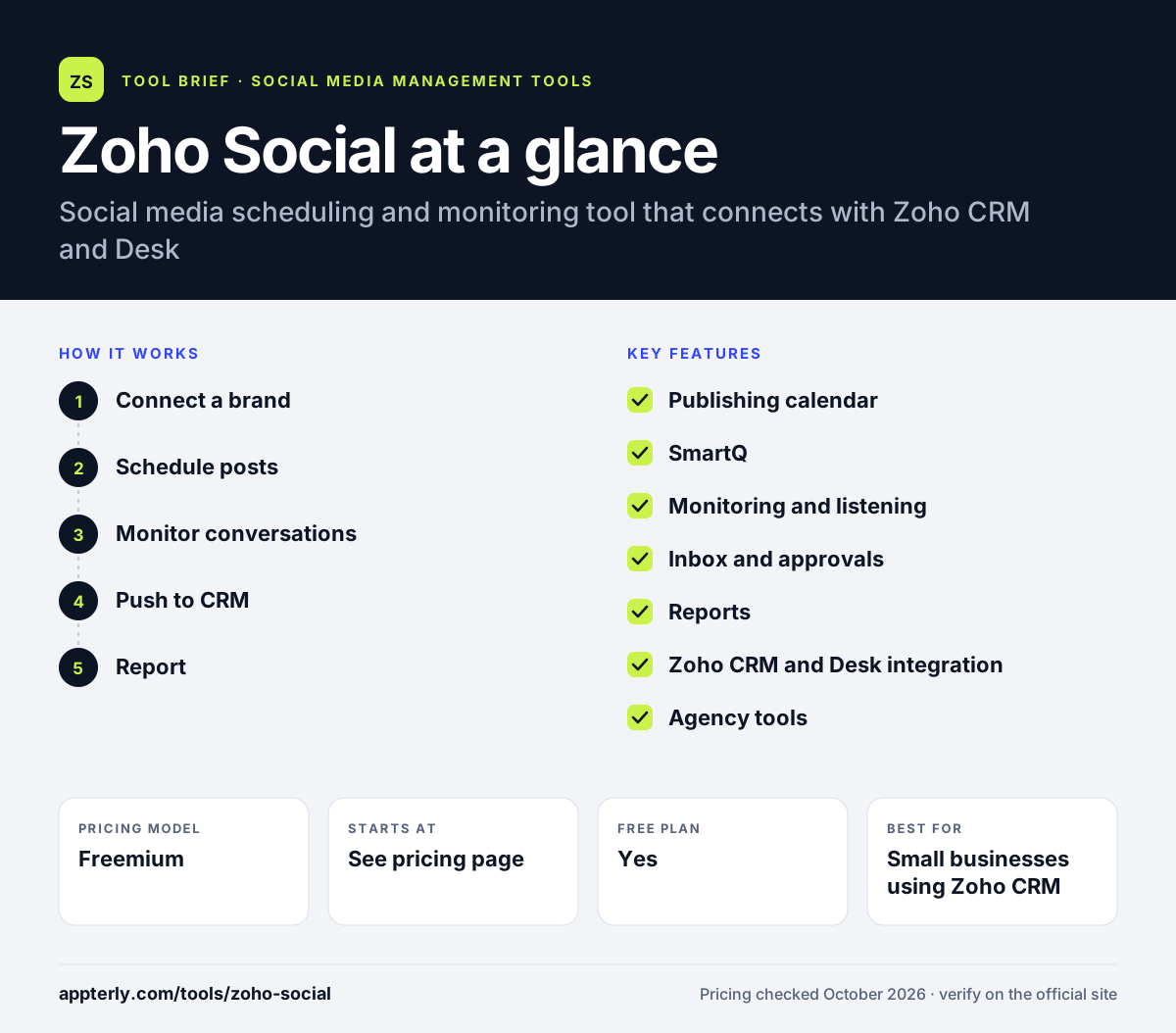
How does Zoho Social work?
- Connect a brand
Add a brand and link its social channels. Free plans support Facebook, X, Instagram, LinkedIn and Google Business Profile.
- Schedule posts
Plan posts on the calendar and use SmartQ or your own schedule to publish at the right time. Bulk scheduling arrives on Professional.
- Monitor conversations
Set up listening columns for keywords, hashtags and mentions, and reply in real time. Columns can be grouped by brand or topic.
- Push to CRM
Convert promising comments into Zoho CRM leads or Zoho Desk tickets on Premium plans. This links social engagement to your pipeline.
- Report
Use pre-built reports or build custom ones on engagement, audience and clicks. UTM parameters on Premium help track traffic from posts.
Zoho Social key features
Publishing calendar
A visual calendar for planning and rescheduling posts across channels. A media library stores reusable assets.
SmartQ
Predicts when each audience is most active and suggests posting times. You can still set your own custom schedule.
Monitoring and listening
Track keywords, brand hashtags and mentions in multiple columns. It also helps uncover potential leads.
Inbox and approvals
Premium adds an inbox, approval workflows and custom roles. Custom roles control what each member can do.
Reports
Pre-built and custom reports on engagement, audience, traffic and clicks. Reports can be shared with clients.
Zoho CRM and Desk integration
Turn social conversations into leads or support tickets.
Agency tools
Client invites, portal customization and agency-branded reports for 10 or 20 clients. Client logins are free on agency plans.
zShare extension
A browser extension that lets you share web pages to social channels from any site, available on all plans.
Why use Zoho Social?
- The free plan lets small brands start without paying. It is enough for one brand to test the workflow.
- CRM and helpdesk links connect social activity to sales and support. Leads from social go straight into the sales pipeline.
- SmartQ removes guesswork about posting times.
- Yearly billing saves 33%.
- It fits naturally for teams already using other Zoho apps.
Who is Zoho Social best for?
A good fit for
- Small businesses using Zoho CRM
- Sales-led teams that want social leads
- Digital marketing agencies with up to 20 clients
- Brands needing WhatsApp and Telegram publishing
Less suited to
- Teams that need an inbox or approvals on lower plans
- Agencies managing far more than 20 clients
- Teams outside the Zoho ecosystem wanting deep third-party integrations
Zoho Social pricing
| Pricing model | Freemium |
|---|---|
| Free plan | Yes |
| Free trial | 15 days |
| Starting price | See the official pricing page |
Plans run from Free to Standard, Professional and Premium, with Agency and Agency Plus for client work. Prices adjust by region and were not displayed on the official page when checked. Yearly billing saves 33%.
Prices checked October 2026. Vendors change plans often, so confirm on the official Zoho Social pricing page before you buy.
Zoho Social pros and cons
Pros
- Free plan available
- Native Zoho CRM and Desk integration
- SmartQ posting suggestions
- Supports WhatsApp and Telegram on Premium
Cons
- Inbox and approvals only on Premium and above
- Agency plans cap at 20 clients
- Region-based pricing makes costs harder to compare
Zoho Social integrations and platforms
Works with
Available on
Zoho Social alternatives
See the full shortlist in Best Social Media Management Tools.
Zoho Social FAQ
Is Zoho Social free?
Yes. Zoho Social has a forever-free plan for one brand with up to six channels, one team member and a small number of AI credits. There is also a 15-day free trial of paid features with no credit card, after which the account moves to the free plan.
What is Zoho Social used for?
Zoho Social is used to schedule social media posts, monitor mentions and keywords, track performance and pass social leads into Zoho CRM. Small businesses use it for everyday publishing, and agencies use its agency plans to manage up to 20 clients. Zoho Social also supports Mastodon, Bluesky and Threads.
Does Zoho Social integrate with Zoho CRM?
Yes. On Premium and agency plans, Zoho Social connects to Zoho CRM so you can turn comments and conversations into leads, and to Zoho Desk so you can convert posts into support tickets. This is one of its main differences from other schedulers.
Zoho Social vs Hootsuite: what's the difference?
Zoho Social is cheaper, has a free plan and integrates tightly with Zoho CRM and Desk. Hootsuite is a larger suite with more third-party apps, advanced listening and enterprise features. Zoho Social suits small teams already using Zoho, while Hootsuite suits larger brands.
Is Zoho Social good for agencies?
Zoho Social offers Agency and Agency Plus plans for 10 or 20 clients, with five team members, client portals, free client logins and agency-branded reports. It works well for small agencies, but larger agencies may outgrow the client limits.
Sources
This overview is based on Zoho Social's official website and documentation, checked October 2026.