What is Publer?
Publer is a social media scheduling tool that lets you plan, bulk schedule, recycle and analyze posts across many networks from one calendar. It started as a side project in 2012 and now supports Facebook, Instagram, TikTok, X, Threads, LinkedIn, Pinterest, YouTube, Google Business Profile, Mastodon, Bluesky, Telegram and WordPress. Pricing is built per social account and per member, so small users pay little.
Beyond the calendar, Publer includes AI Assist for writing posts, RSS automations, a browser extension for sharing pages, and Linkie, a free link-in-bio page. Higher plans add analytics, best times to post, competitor analysis, hashtag analytics and spintax-based recycling that varies the wording of repeat posts. Publer runs on the web and on iOS and Android, and its team works across Albania, Kosovo and the Philippines.
Publer at a glance
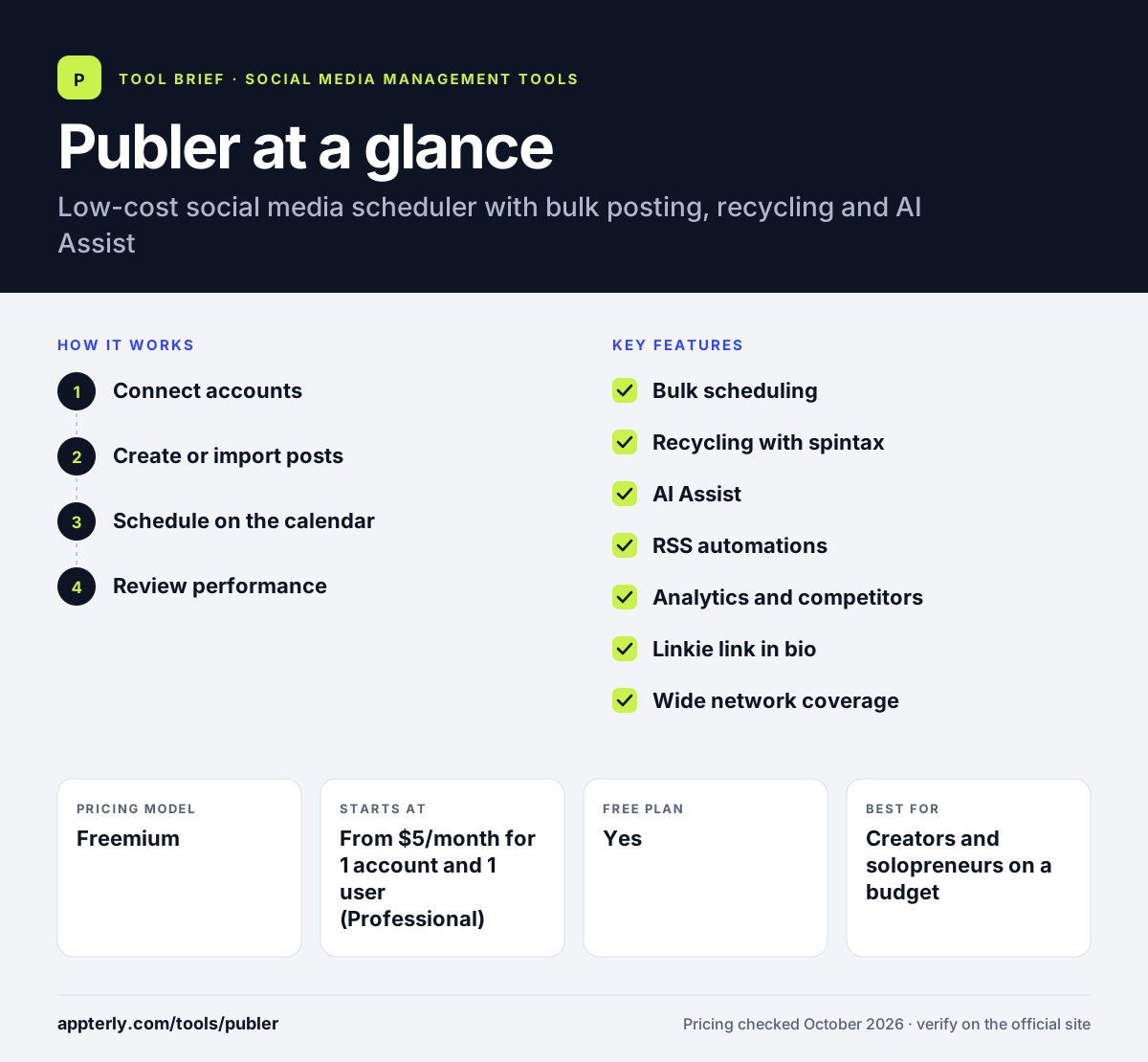
How does Publer work?
- Connect accounts
Add social accounts and WordPress sites to one or more workspaces. Facebook groups, LinkedIn profiles and Telegram channels are all supported.
- Create or import posts
Write posts with AI Assist, import them by CSV, or pull them in from RSS feeds. CSV import is useful for loading a month of content at once.
- Schedule on the calendar
Drag posts onto the calendar, use auto-scheduling or set them to recycle. First comments and X threads can be added on paid plans.
- Review performance
On Business and above, check analytics, best posting times and competitor data. Hashtag suggestions and analytics help refine future posts.
Publer key features
Bulk scheduling
Schedule many posts at once, including through CSV uploads. Posts can be auto-scheduled at suggested times.
Recycling with spintax
Reuse top posts automatically, with spintax to vary the text each time on Business plans.
AI Assist
Generates captions and ideas, with unlimited prompts on the Business plan. It can also help rewrite posts for each network.
RSS automations
Turns new items from RSS feeds into scheduled posts, unlimited on paid plans. This is handy for blogs and news sites.
Analytics and competitors
Shows insights, reports, best times to post and competitor and hashtag analysis on Business.
Linkie link in bio
A free link-in-bio page included even on the free plan. It is a simple way to send Instagram traffic to several links.
Wide network coverage
Publishes to 13 platforms, including Mastodon, Telegram and WordPress. Pinterest on the free plan needs 100 followers or a claimed website.
Browser extension
Share any web page to your social accounts in one click and add it to the calendar.
Why use Publer?
- Paid plans start at just a few dollars per account each month. Solo users can stay on a very small monthly bill.
- It covers niche networks like Mastodon, Telegram and WordPress.
- Bulk upload and RSS automations save time on high-volume posting. Spintax keeps recycled posts from looking identical.
- Every tenth account or member is free, which helps growing teams.
- A free plan and money-back guarantee lower the risk of trying it.
Who is Publer best for?
A good fit for
- Creators and solopreneurs on a budget
- Small businesses posting to many networks
- Agencies that recycle evergreen content
- Publishers sharing blog posts through RSS
Less suited to
- Teams needing a full social inbox
- Enterprises needing advanced listening
- Free users who need X, which requires a paid plan
Publer pricing
| Pricing model | Freemium |
|---|---|
| Free plan | Yes |
| Free trial | 7 days (Professional) or 14 days (Business) |
| Starting price | From $5/month for 1 account and 1 user (Professional) |
Business starts at $10/month for 1 account and adds analytics, unlimited AI prompts, competitor analysis and API access. Cost rises per account and member, yearly billing saves about two months, and Enterprise is quoted.
Prices checked October 2026. Vendors change plans often, so confirm on the official Publer pricing page before you buy.
Publer pros and cons
Pros
- Very low starting price
- Broad network support
- Strong bulk and recycling tools
- Useful free plan
Cons
- Analytics only on Business and above
- No X on the free plan
- Per-account pricing can add up for large teams
Publer integrations and platforms
Works with
Available on
Publer alternatives
See the full shortlist in Best Social Media Management Tools.
Publer FAQ
Is Publer free?
Yes. Publer's free-forever plan includes 1 user, 1 workspace and 3 social accounts (not X), with up to 10 scheduled posts per account and 25 saved drafts. Paid plans start at $5 per month for one account on Professional.
What is Publer used for?
Publer is used to schedule, bulk upload and recycle social media posts across networks such as Facebook, Instagram, TikTok, LinkedIn and Pinterest. Creators and small businesses also use it for RSS automations, AI-written captions and a free link-in-bio page. Agencies also use workspaces and client approvals to manage several brands.
How much does Publer cost?
Publer prices by social account and team member. Professional starts at $5 per month and Business at $10 per month for one account and one user, and costs rise as you add more. Yearly billing saves about two months, and Enterprise uses custom quotes.
Publer vs Buffer: what's the difference?
Both are affordable schedulers with free plans. Publer offers more automation, including bulk CSV uploads, RSS feeds and spintax recycling, and supports networks like Telegram and WordPress. Buffer keeps a simpler interface focused on publishing and basic analytics.
Does Publer integrate with Canva?
Yes. Publer connects to Canva and VistaCreate for design, Google Drive, Dropbox and OneDrive for media, Unsplash for stock images, and Bitly and Rebrandly for link shortening. AI Assist is powered through OpenAI, and the Business plan adds API and MCP access.
Sources
This overview is based on Publer's official website and documentation, checked October 2026.