What is Dashword?
Dashword is a content optimization tool that researches the pages ranking for a keyphrase, turns that research into a brief and scores drafts until they are ready to publish. It is built for content marketers and small teams, and it now also positions itself as a tool that AI agents can use directly. Draft scoring is free and unlimited, while reports that research a new keyword use credits.
Briefs bring together competitor outlines, keywords and common questions, and an interactive builder lets you edit the brief before sharing it with a writer. After publishing, Dashword can monitor traffic and rankings, flag pages that underperform and send weekly keyword reports. It offers a Google Docs add-on, a public API and an MCP server so assistants such as Claude, Codex and Cursor can work with its data.
Dashword at a glance
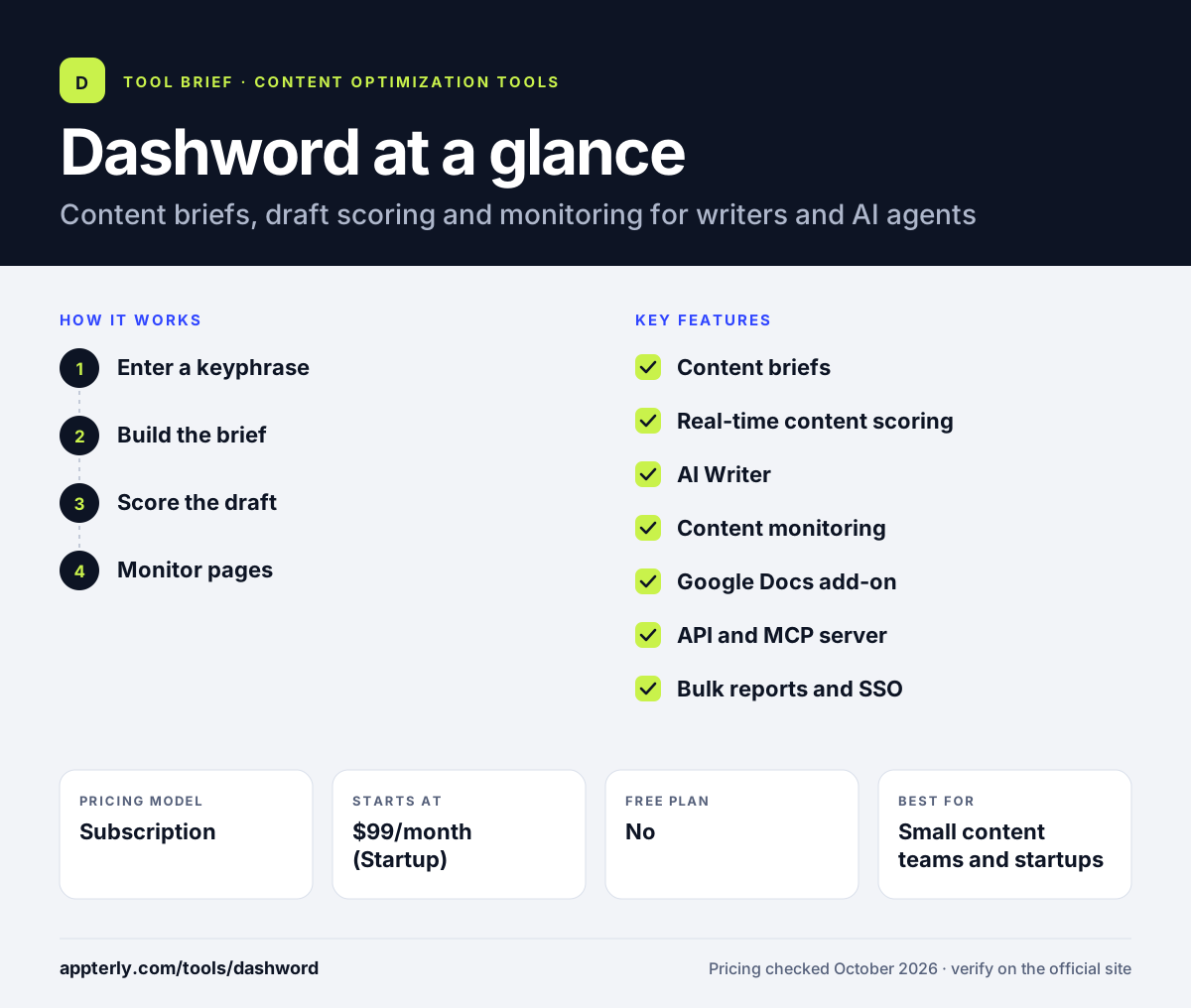
How does Dashword work?
- Enter a keyphrase
Dashword researches the top results and builds a report with terms, outlines and questions.
- Build the brief
Edit the generated brief and share it with a writer or pass it to an AI agent.
- Score the draft
Paste or connect the draft and improve it until the score shows it is ready.
- Monitor pages
Import published pages and get alerts when rankings or traffic decline.
Dashword key features
Content briefs
Compiles competitor outlines, keywords and FAQs into a shareable brief.
Real-time content scoring
Scores drafts as you edit, with unlimited free scoring.
AI Writer
Generates content inside the editor, with a word allowance on the Startup plan.
Content monitoring
Tracks rankings and traffic, flags underperforming pages and sends weekly reports.
Google Docs add-on
Brings Dashword scoring into Google Docs.
API and MCP server
Lets developers and AI assistants call Dashword programmatically.
Bulk reports and SSO
Business-tier features for larger teams.
Why use Dashword?
- Unlimited free draft scoring keeps costs tied only to new research.
- Briefs and scoring live in one simple editor.
- API and MCP access make it easy to plug into AI agent workflows.
- Post-publish monitoring helps teams know when to refresh content.
- There is no minimum contract and you can cancel anytime.
Who is Dashword best for?
A good fit for
- Small content teams and startups
- Marketers using AI agents to draft content
- Freelance writers who want a simple scoring tool
- Teams that refresh existing content regularly
Less suited to
- Budget users who need only a few briefs a month, since paid plans start at $99
- Large enterprises that need deep topical planning or audits
- Teams that want a WordPress plugin
Dashword pricing
| Pricing model | Subscription |
|---|---|
| Free plan | No |
| Free trial | First report free, no credit card |
| Starting price | $99/month (Startup) |
Startup includes 30 content reports and 5 seats, while Business starts at $349 per month with 100 reports, 10 seats, bulk reports and SSO. Annual billing gives a 20% discount through the sales team.
Prices checked October 2026. Vendors change plans often, so confirm on the official Dashword pricing page before you buy.
Dashword pros and cons
Pros
- Clean, simple interface for briefs and scoring
- Free unlimited content scoring
- API and MCP on all paid plans
- Content monitoring included
Cons
- Limited native integrations beyond Google Docs
- Report credits cap new keyword research
- No permanent free plan for full reports
Dashword integrations and platforms
Works with
Available on
Dashword alternatives
See the full shortlist in Best SEO Content Optimization Tools.
Dashword FAQ
Is Dashword free?
Dashword is not fully free, but draft scoring is free and unlimited, and your first report is free with no credit card. Paid plans start at $99 per month for the Startup plan with 30 reports and five seats. API access is available to any account with a verified email, including free accounts.
What is Dashword used for?
Dashword is used to create SEO content briefs, score drafts against ranking pages and monitor published content. Writers enter a keyphrase, get a brief with outlines, keywords and questions, and improve their draft until the score is high enough. Teams also use it to spot pages that lose rankings.
Is Dashword good for beginners?
Yes, Dashword is fairly beginner friendly. The interface is simple, the brief builder explains what to cover, and the score shows clearly when a draft is ready. Beginners can test it with the free first report and free scoring before paying. More advanced users can connect it to AI agents through the API.
Dashword vs Surfer: what's the difference?
Both tools score drafts against top-ranking pages. Dashword keeps things simple, offers free unlimited scoring and focuses on briefs, monitoring and AI agent access. Surfer has a larger feature set, including a content audit, topical map, AI visibility tracker and WordPress plugin, with more pricing tiers.
Does Dashword integrate with Google Docs?
Yes. Dashword offers a Google Docs add-on so writers can see scoring guidance while drafting in Docs. It also provides a public API and an MCP server that let tools such as Claude, Codex, Cursor and OpenCode use Dashword research and scoring inside other workflows.
Sources
This overview is based on Dashword's official website and documentation, checked October 2026.