What is Circle?
Circle is an all-in-one community platform that lets creators, coaches, educators and brands host discussions, courses, live events and paid memberships in one branded space. Members join through the web, desktop or mobile apps, and the owner controls access, pricing and layout from a single admin area instead of juggling separate tools.
The product is built around spaces, which are sections of the community for posts, chat, events or course lessons. Circle also includes payments, a simple website builder, gamification, reporting and AI tools, plus an optional Email Hub add-on for newsletters. It is sold on monthly subscriptions with a 14-day trial, and fees on member payments drop as you move up tiers.
Circle at a glance
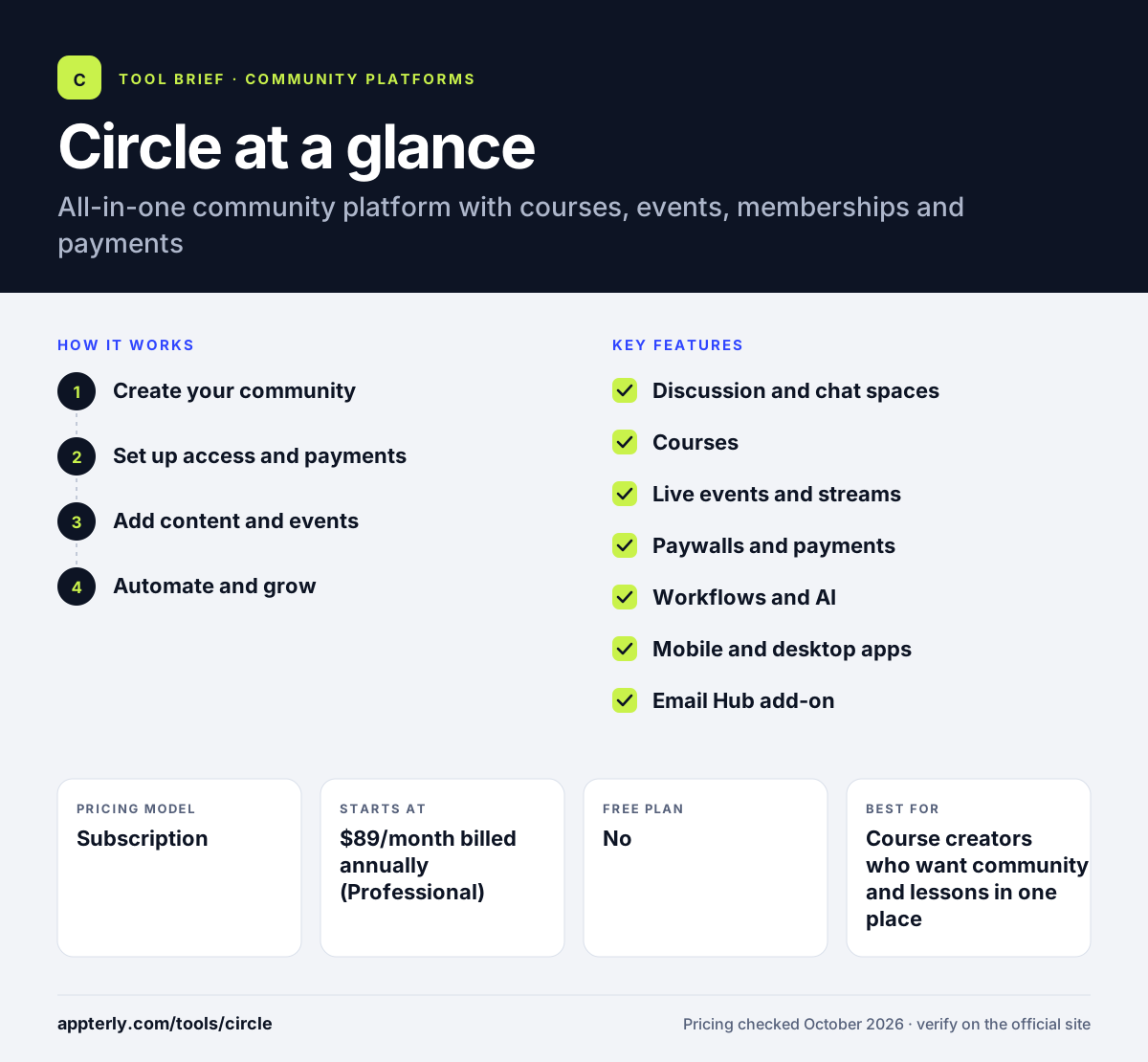
How does Circle work?
- Create your community
Start a 14-day trial with no credit card, set a custom domain and add spaces for discussions, chat, events or courses.
- Set up access and payments
Decide which spaces are free or paid, create membership plans and connect payments to charge members.
- Add content and events
Publish course lessons, schedule live events and streams, and seed discussions to get members talking.
- Automate and grow
On Business and above, use workflows, AI agents and the API to automate onboarding and engagement, then review reports.
Circle key features
Discussion and chat spaces
Organize the community into topic spaces with posts, threaded comments, direct messages and group chat.
Courses
Build structured courses with lessons and lock them to specific paid tiers.
Live events and streams
Host and schedule events, live sessions and workshops inside the community.
Paywalls and payments
Sell subscriptions, one-time access and bundles; transaction fees fall from 2% on Professional to 0.5% on Circle Plus.
Workflows and AI
Business adds automation workflows, while Scale adds AI agents, AI workflows and unlimited automations.
Mobile and desktop apps
Members get iOS, Android and desktop apps on every plan; fully branded apps come with Circle Plus.
Email Hub add-on
Send newsletters and broadcasts to members and contacts for an extra monthly fee.
Why use Circle?
- It replaces a mix of forum, course host, event tool and payment system with one product.
- Members get a modern experience on web, desktop and mobile apps.
- Built-in paywalls make it straightforward to run a paid membership.
- Automation and AI features cut manual admin work as the community grows.
- A no-credit-card trial and money-back guarantee lower the risk of trying it.
Who is Circle best for?
A good fit for
- Course creators who want community and lessons in one place
- Coaches running paid group programs or masterminds
- Creators building paid membership communities
- Brands launching a branded community with its own apps
Less suited to
- Groups that want a completely free community tool
- Enterprises needing deep CRM and help desk integrations out of the box
- Very small budgets, since branding removal requires the Business tier
Circle pricing
| Pricing model | Subscription |
|---|---|
| Free plan | No |
| Free trial | 14 days |
| Starting price | $89/month billed annually (Professional) |
Business is $199/month and Scale is $419/month on annual billing, with more admins, storage, automations and lower transaction fees; Circle Plus has custom pricing and branded apps. Email Hub costs $99/month extra.
Prices checked October 2026. Vendors change plans often, so confirm on the official Circle pricing page before you buy.
Circle pros and cons
Pros
- Combines community, courses, events and payments
- Polished member apps on every plan
- Strong automation and AI features on upper tiers
- Transaction fees decrease as you upgrade
Cons
- No free plan
- Removing Circle branding and API access require the $199/month Business plan
- Transaction fees apply on top of the subscription
Circle integrations and platforms
Works with
Available on
Circle alternatives
See the full shortlist in Best Online Community Platforms.
Circle FAQ
Is Circle free?
No. Circle does not have a free plan, but it offers a 14-day free trial on its Professional, Business and Scale plans with no credit card required, plus a 30-day money-back guarantee. Paid plans start at $89 per month for Professional when billed annually.
What is Circle used for?
Circle is used to run online communities, especially paid ones. Creators, coaches and brands use it to host member discussions, sell memberships, deliver courses, run live events and send updates, all in a branded space that members can reach through a browser or mobile and desktop apps.
Circle vs Skool: what's the difference?
Both combine community and courses. Skool keeps things very simple with one flat price and a fixed layout built around gamification. Circle offers more customization, multiple space types, live streaming, automation workflows, AI agents and an API, with tiered pricing. Circle suits those who want flexibility; Skool suits those wanting simplicity.
Does Circle charge transaction fees?
Yes. Circle charges a transaction fee on member payments on top of your plan price. The fee is 2% on Professional, 1% on Business and Scale, and 0.5% on Circle Plus. Standard payment processor fees also apply, so higher tiers can make sense for communities with large sales.
Does Circle have a mobile app?
Yes. Circle provides iOS, Android and desktop apps for members on every plan, so people can read posts, chat and join events on the go. Communities on the custom-priced Circle Plus plan can also launch their own fully branded iOS and Android apps.
Sources
This overview is based on Circle's official website and documentation, checked October 2026.